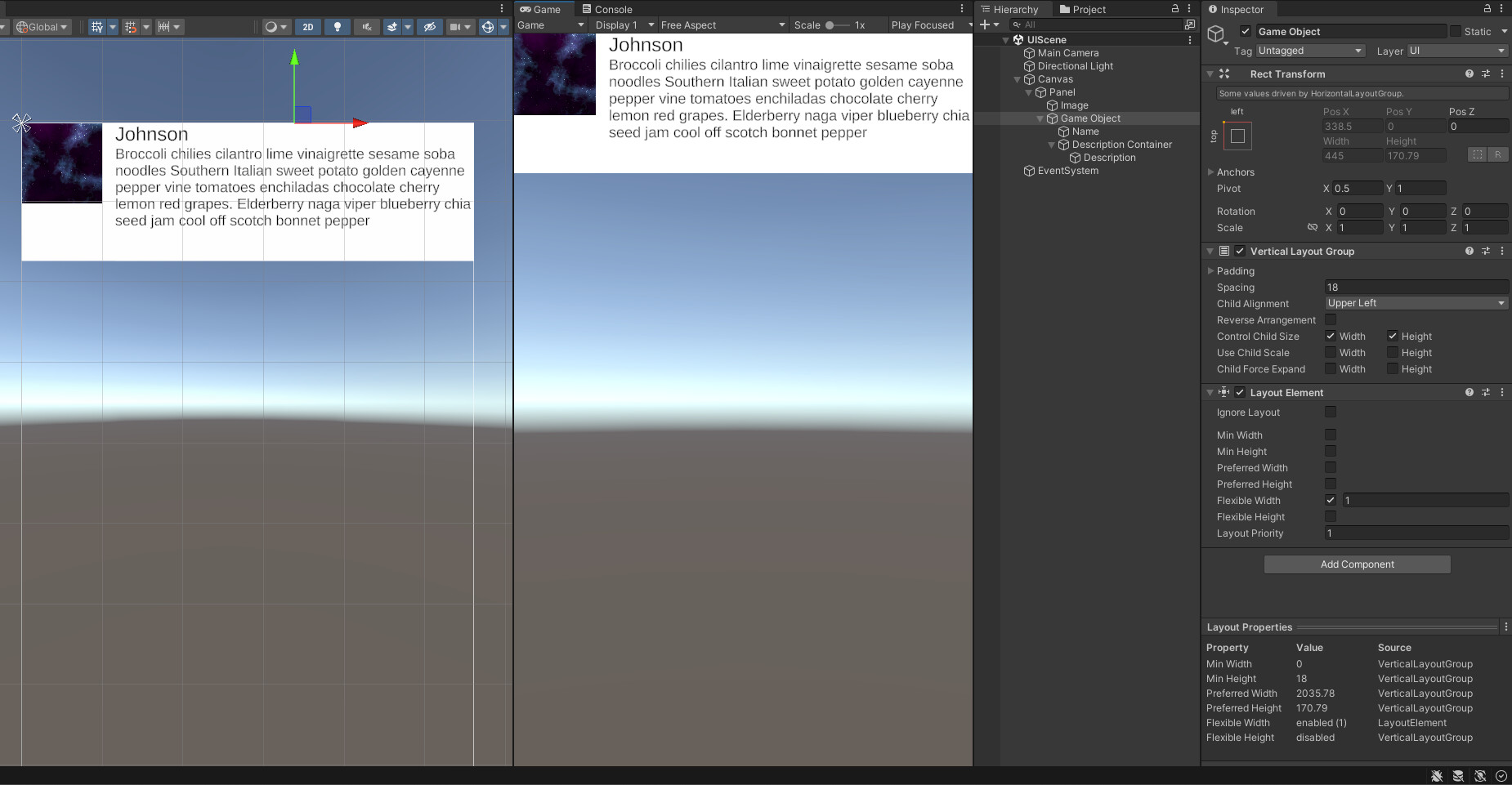
The UI system is driving me nuts… I am trying to horizontally stretch items under a panel (Vertical Layout Group), but each click on “Stretch”, causes the item width to go more and more negative.
This is a test UI scene to demonstrate my issue. I want have a Panel (Vertical Layout Group) with no control child sizes, because I want to set
Image to be anchored top left with fixed size
Name TMP text to be stretched horizontally, but no wrapping
Description TMP text to be stretched horizontally, with wrapping and auto height sizing.
However, whenever I click on Stretch in the Rect Transform, the width of the item become negative and the text is squished to the left as seen in screenshot below.
Appreciate any help in achieving the above 3 points. Thanks!
Play with Control Child size. I almost always check both Width/Height.
Additionally, if you want to constrain a certain child’s width and/or height, add a LayoutElement on it and set its Preferred Width and/or Height. Additionally, if you want it to fill the available space, set its Flexible Width and/or Height accordingly (the default value of 1 should do it in most cases).
If the Panel itself shouldn’t change its size automatically, then no more changes needed. But if it should, then add a content size fitter on it with match height and/or width enabled. But if the parent’s parent is a LayoutGroup, the CSF is not needed. So CSF, if needed, should only be added to the outermost XXXLayoutGroup.
@thefallengamesstudio – thanks for your help. After taking stepping away from the computer and taking some food, I managed to figure it out smoothly.
As you suggested, the key trick is to use LayoutElement and additional empty game objects to nest the text elements. Use LayoutElement > Flexible Width to fill any empty spaces.