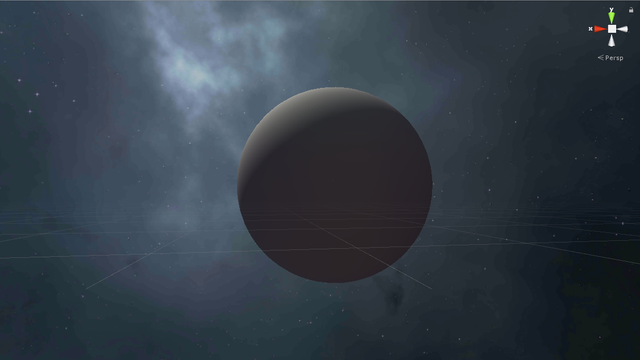
Hi all, I downloaded a Earth model from here https://free3d.com/3d-model/realistic-earth-93942.html, but when I import it into unity I had the sphere without textures and I don’t know what I have to do to link the texturen into the .obj object.
Does it include a texture in a separate file? If so you can import that texture in to Unity and create a material from it.
If the material is embedded, than look at the model import settings at the materials tab:
According to that website,though, the model is not UV mapped (may or may not be true). Unity’s shaders generally require a UV mapping in order to apply a texture to a model.
Ok, well like I said, just drag the textures into the Unity project panel, and make a material for them. Then you can assign those materials to the object.
Try uncheck “import materials” and click apply. Then try assigning the “earth material” that you created manually to the object instead. Also try applying the same material to unity’s built-in sphere primitive.
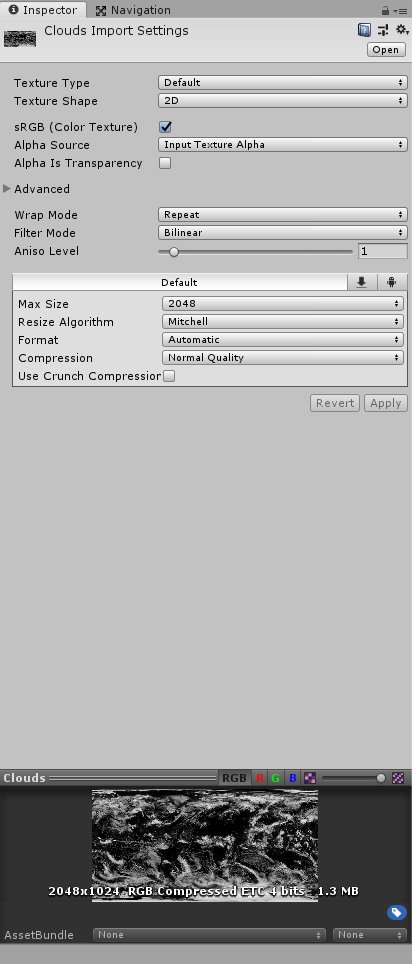
Edit: also that normal map in your earth material is giving you an error warning but it’s easy to fix. if you want the Bump map to work as a normal map, In the import settings, all you need to do is switch the texture type from “default” to “normal map” and then click “create from grayscale” and Unity will automatically convert it to a normal map that you can use on a Standard Shader material
Ok, I tried to uncheck "import material and to assign the material to the object but it doesn’t work. The object “earth” doesn’t haveany component to assign a material and I can’t just drag and drop. It’s children called “default” has the material components but it has the same result as my last post.
Earth object:
“default” object inside earth one:
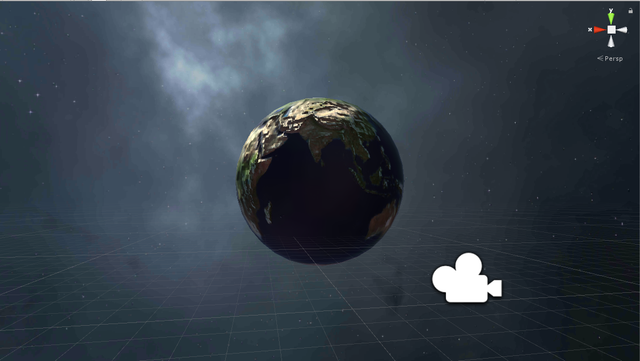
Then I tried to change my bump texture to normal map qith grey scale and I tried to assign the material to an sphere primitive and this is working althoung with a bad quality: