I want to make a minimap like in gta. The tutorials show the real world as a minimap using the camera, but that’s not what I want. Render my 3d world and output it as a 2d visual, I can edit it with photoshop in any style I want… so how can I extract the 2d png minimap of my 3d world?
The magic you seek is the RenderTexture. You attach it to a camera and save the resulting image. Look around for tutorials and example code, then you can use that to generate your stylized minimap graphic.
Alternately, just pause the game, look down on the world and take a screenshot manually.
1 Like
@Kurt-Dekker I’d be interested in hearing general approaches to syncing world position with a point on the texture. My guess would be getting the bounding box of the world and normalizing the values to the scale of 0-to-TEXTURE_SIZE and offsetting the texture’s position accordingly, but I can’t picture that math easily. I wonder if drift might become an issue, too, if your values don’t line up exactly… and if so, is this the reason why many game worlds are kept to even power-of-two values in size?
It’s pretty straightforward ratios. I usually keep it powers of 2 and square, just to be even simpler.
For my Jetpack Kurt game, this is most of the code:
TakeLevelSnapshot has three modes of operation; drop in scene, call iteratively, or call entirely.
I hard-wired a one-second delay into it to make sure all the downstream features spawned and found places before snapshotting them.
This is a massive level, like 1400m each direction:
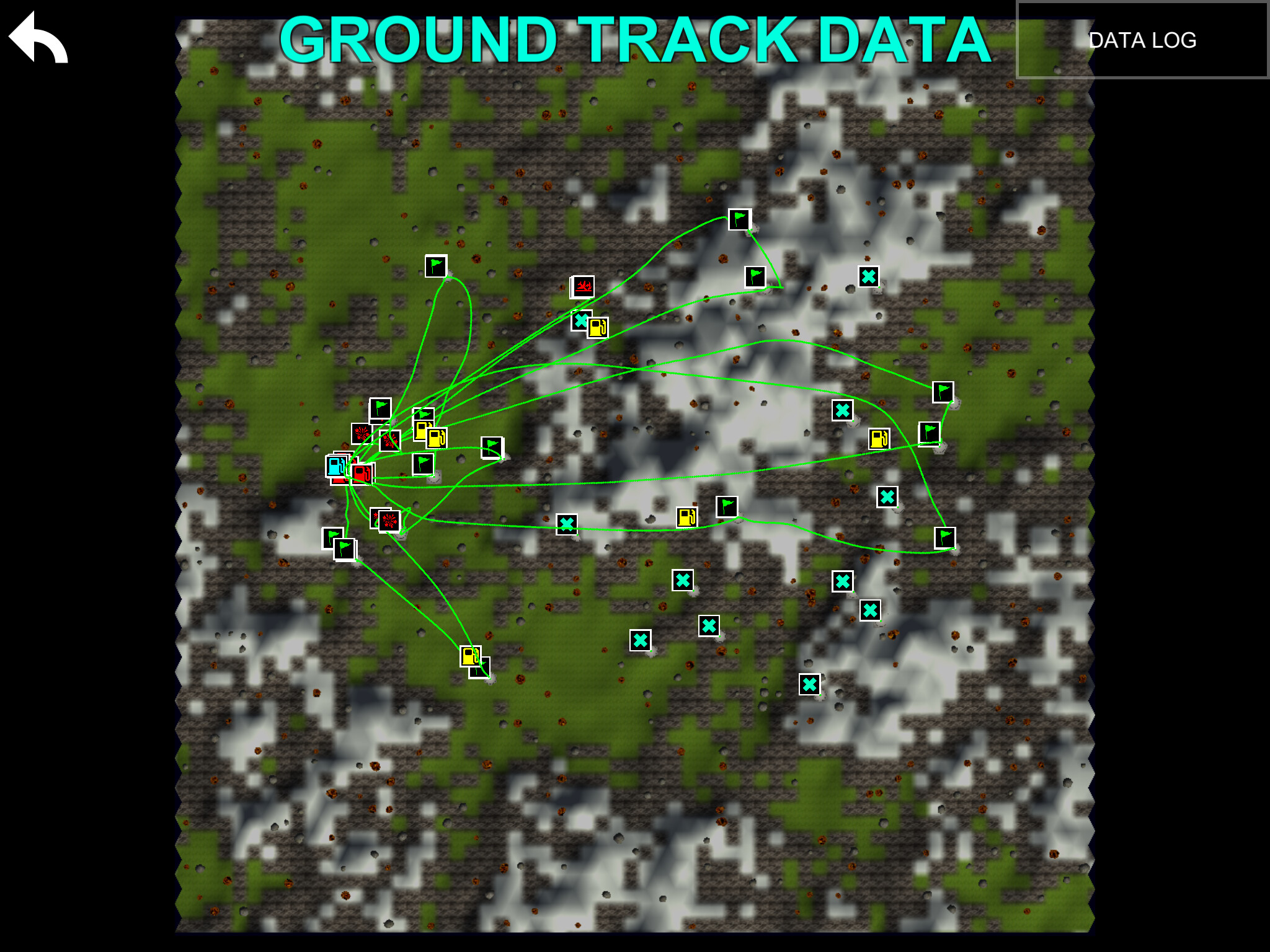
And this is a tiny level, no more than 100m on a side:
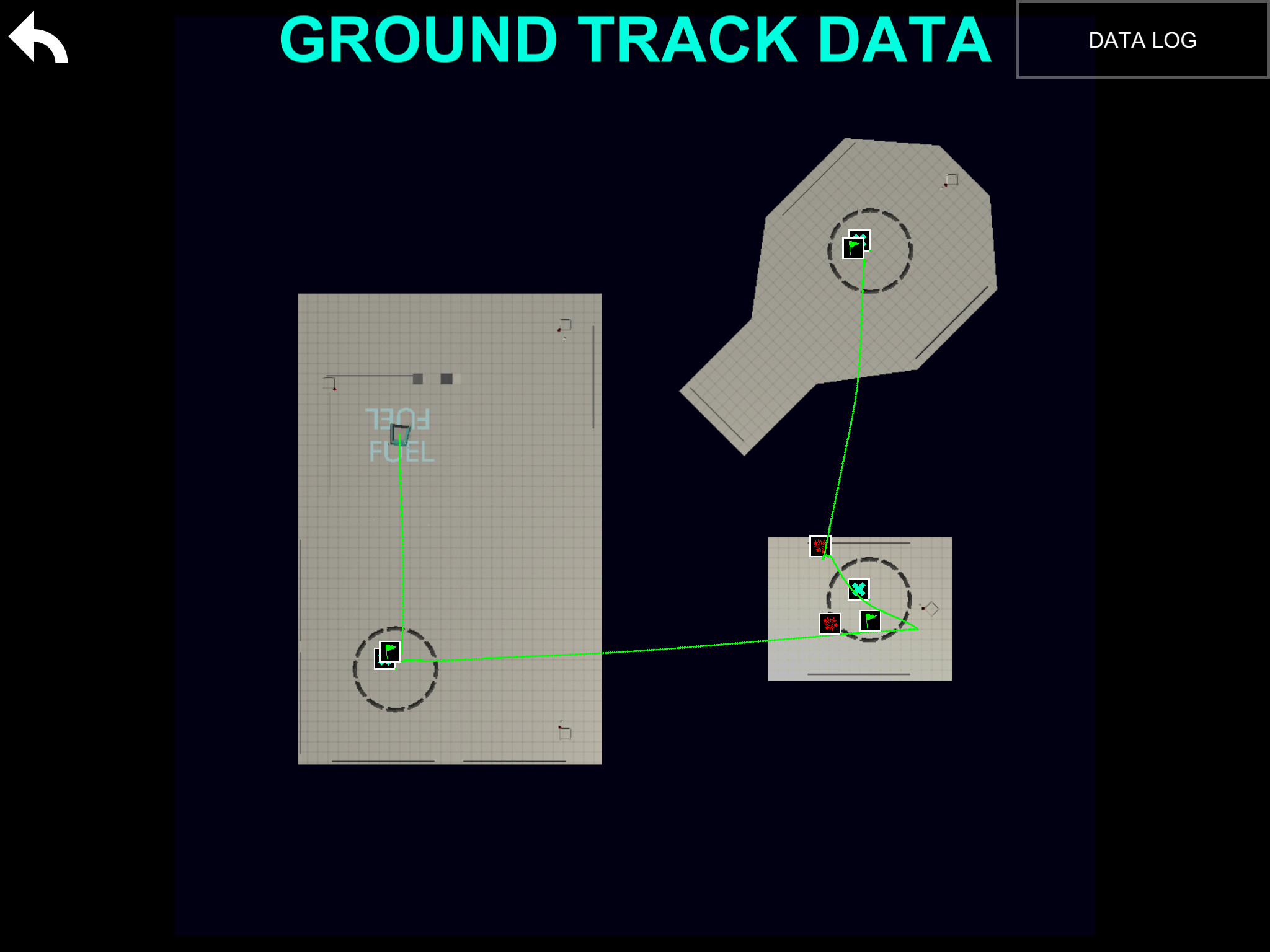
All the flight track is just instantiate-d dots on the UI put up afterwards by this script:
Jetpack Kurt can be gotten free here:
Appstore: https://itunes.apple.com/us/app/jetpack-kurt/id1033348911
GooglePlay: https://play.google.com/store/apps/details?id=com.plbm.jetpack
Android TV: https://play.google.com/store/apps/details?id=com.plbm.jetpacktv
Newest builds always in:
External TestFlight link: https://testflight.apple.com/join/wt0HTUba
Youtube playlist: https://www.youtube.com/playlist?list=PLTzufax_A179M51bQgMFDJ7y9Gjp9kOVR
1 Like
Way more than I could have hoped for in a response! Thanks for sharing what’s in that head of yours as always, Kurt!
1 Like