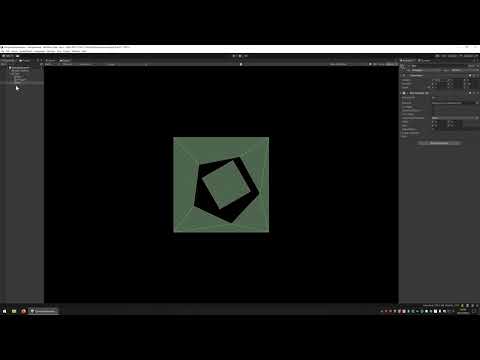
Hello, ı am making 2d platformer and there is head shot mechanic therfore everyone has 2 collider body and head like in picture.
The problem is that while projectiles work normal because they hit only one target already, melee attacks can hit multiple target that is why they also hit same target twice.
I actually solved problem by adding if(collider is capsuleCollider2D) filtrer but than when if melee attack hit target’s head, they dont deal dmg. I want to triggrer collider only once per target no matter how much collider they have.
the Other solvation ı make is making a list on targets so that dont count same target twice but it is not perfect. At first some attack deal dmg more than once to same target like quick double attack.
Other problem I think having list for every attack cause performance issue so is there any way to make multiple 2d Colliders behave as one collider and trigger colliders once ?
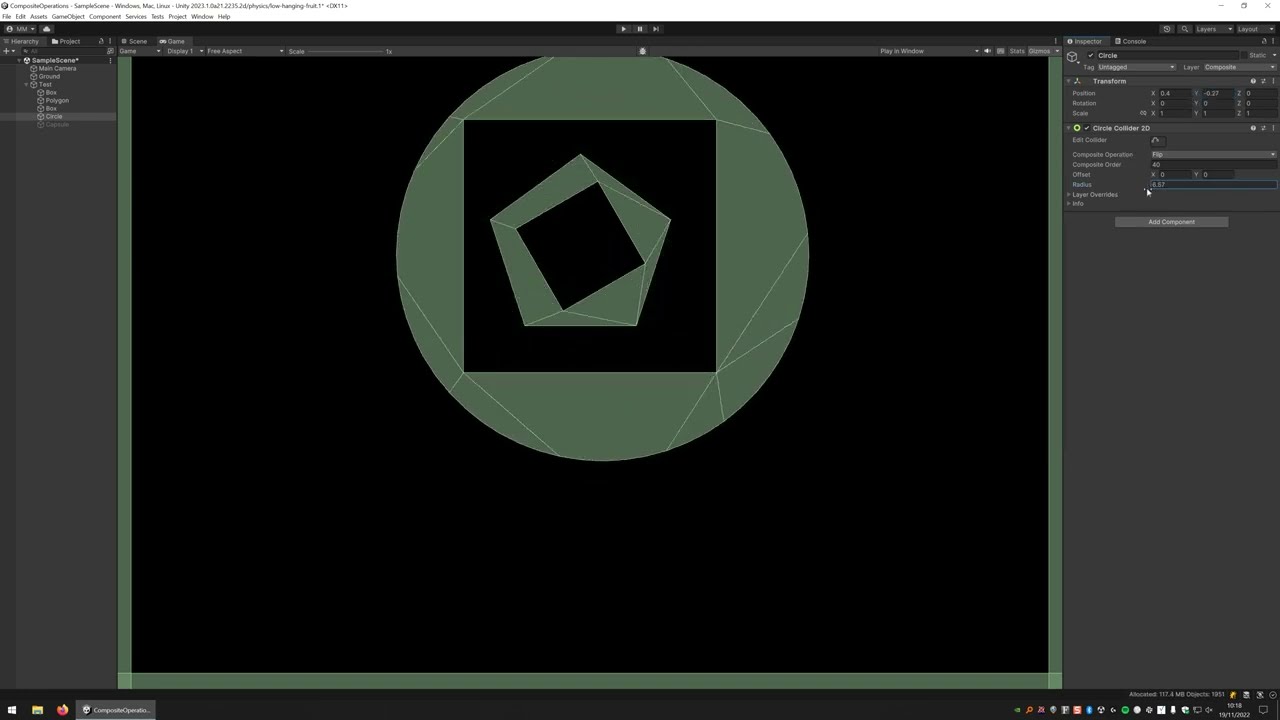
What you may want to do is disable the weapon or attack collider for a small period of time (0.5 seconds or so, but it all depends on your attack speed) so if it hits the head collider, it disables and cannot hit the body, and vice versa. This would best be done by an animation event. Once that collider cooldown has hit, you enable the collider again.
It can’t do capsule or circle colliders from what I understand.
Another solution is to move the responsibility into the enemies in how they manage being hit. One can assume that when it’s been hit, it could ignore hits from the same source for the next few physics updates.
So I presume your script is on the GameObject with the Rigidbody2D so you get both Collider callbacks? Or you might have both colliders on the same GameObject? Either way, in your script you essentially want to deal with only one melee attack despite potentially having multiple callbacks?
Various ways of dealing with this by ignoring subsequent melee attacks if you’ve already handled it.
You can deal with this by having a simple bool flag which you reset in your “FixedUpdate” callback and set when you’ve handled it like so:
using UnityEngine;

public class MeleeThing : MonoBehaviour
{
    private bool MeleeHandled;

    private void FixedUpdate()
    {
        // Let's allow some melee action again.
        MeleeHandled = false;
    }

    private void OnTriggerEnter2D(Collider2D other)
    {
        // No more melee this update please.
        if (MeleeHandled)
            return;

        //
        // Do some cool melee actions...
        //


        // Enough melee this update.
        MeleeHandled = true;
    }
}
NOTE: This is assuming running the simulation at the default FixedUpdate.
The manual page I linked to still only mentions box and polygon colliders even in 2023.1+ versions. Though I notice that it does mention all colliders in the scripting documentation.
Not sure why that was missed, it was on the task to change but I’ve just kicked that off again. Thanks for the heads-up and sorry for the docs hijack @kinglotrich
No, it’s a single collider which is why I suggested what I originally suggested. Do what you’re doing and simply check if you’ve already dealt with a melee attack. This is just logic, not physics really. This is, of course, if I understand what you want which I’ve already said a few times I’m not exactly sure of.
can you suggest another option with using one collider ? how can I detect if only projectiles hit head but also melee atack should not deal extra dmg when hit head
If you want a headshot mechanic, you do not want a composite collider, because you NEED to distinguish between a head and body shot. Fusing them together with a composite collider (or anything else) makes it way harder to know which target you hit.
I think your confusion is in the collision callback, which is just a script issue. My recommendation is to consider moving each collider to a separate child gameobject, and then separate scripts that know one is just getting a callback for the head, and one knows it’s getting a callback for body. I otherwise don’t know how you can know which trigger you hit from an OnTriggerEnter callback.
Alternatively, make the two colliders non-trigger colliders, set all the force overrides to none (send no force, receive no force), then OnCollisionEnter, check which collider got hit to do your logic.
Another alternative is to have both colliders present normally, and onTriggerEnter, you call headCollider.IsTouching(collider), to see if it is touching the head or not.