Hello,
I’m sort of new to vfx graph and want to create a green glow on the ground as a base for a healing spell. Usually, I just set the x angle to 90 to orient it to a horizontal plane (the ground).
Since my ground isn’t flat this time, I was looking at using the output HDRP Lit Decal node, but the particle isn’t really showing up in my scene or game view.
I’m pretty sure I’m doing something wrong as I don’t fully understand decals but I did do some research before when I was trying to project something similar to the splatter effect on one of unity’s official videos.
Any help is appreciated!
Morning. HDRP Decal output should be properly working. First, I would suggest that you try to use an HDRP Decal projector in your scene. This will help you ensure that Decals are properly set up and working in your project. If the receiving surface is working with a regular Decal Projector Component, then it should be working with a VFX Graph HDRP Decal particles.
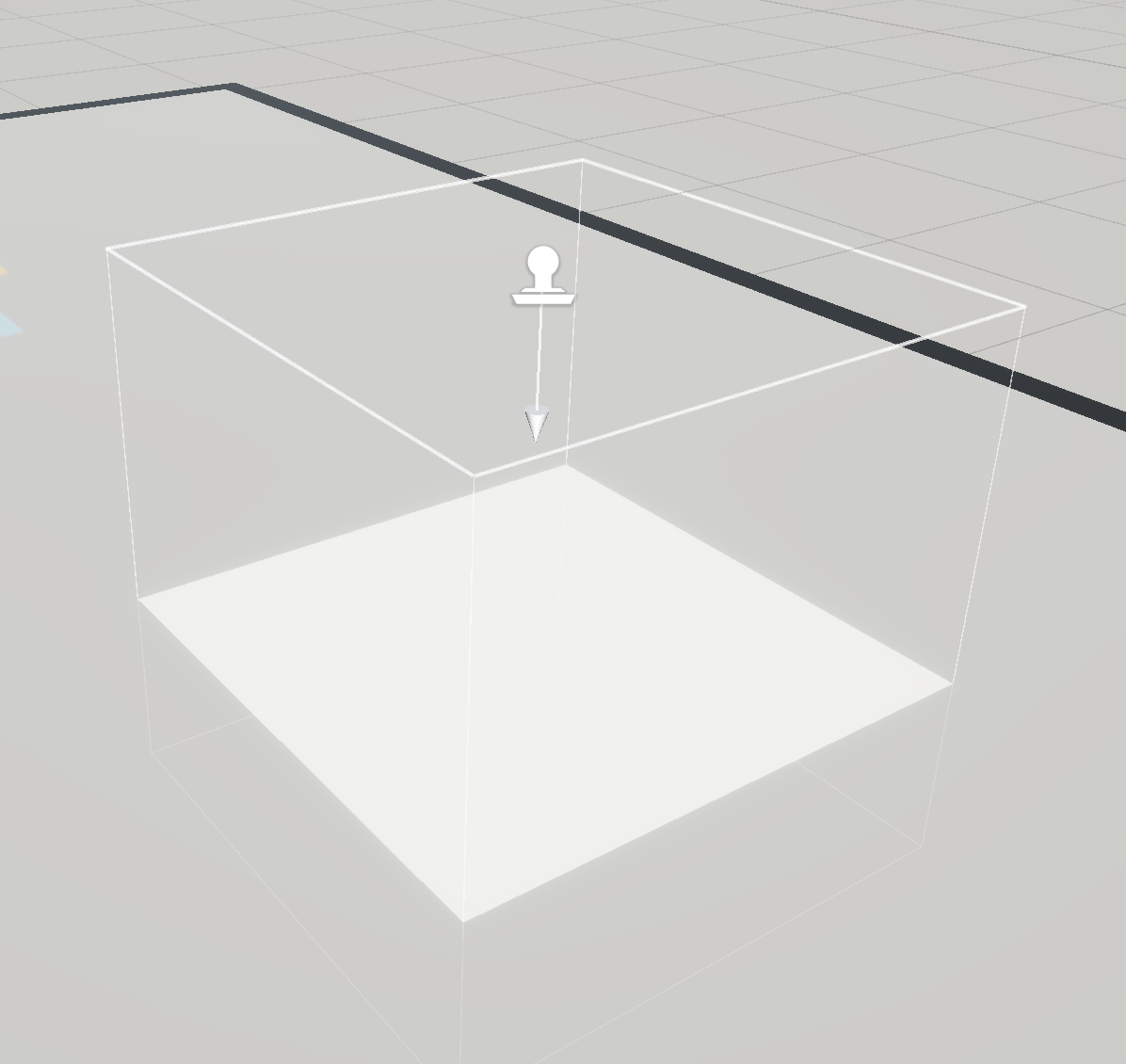
Now, based on your particles’ orientation, you might simply have an “Orientation” issue. Decals need to project down on the surface. And this is also true for particles decals.
Here my VFX is in local space, and I’m using the same Angle value, so based on the VFX instance rotation, particle’s decal projection isn’t always working:

So you need to be sure to Orient your particles with the ground. They are multiple ways to orient your particles based on your needs. But generally, you’ll need the Facing Vector (Z) to be the opposite of the Ground Normals.
On my end, I often used the Orient block in advanced mode. This allows me to set the Z and Y Axis and still use the Angle.z attribute value to rotate the particles decals.
I hope this will help you to get Particle decals working in your HDRP project. Don’t hesitate to ask if you have other questions  .
.
Thanks for the quick response, and I’m sorry for my late reply. It turns out you were right; it was a orientation issue that is solved now. Thanks for your help!