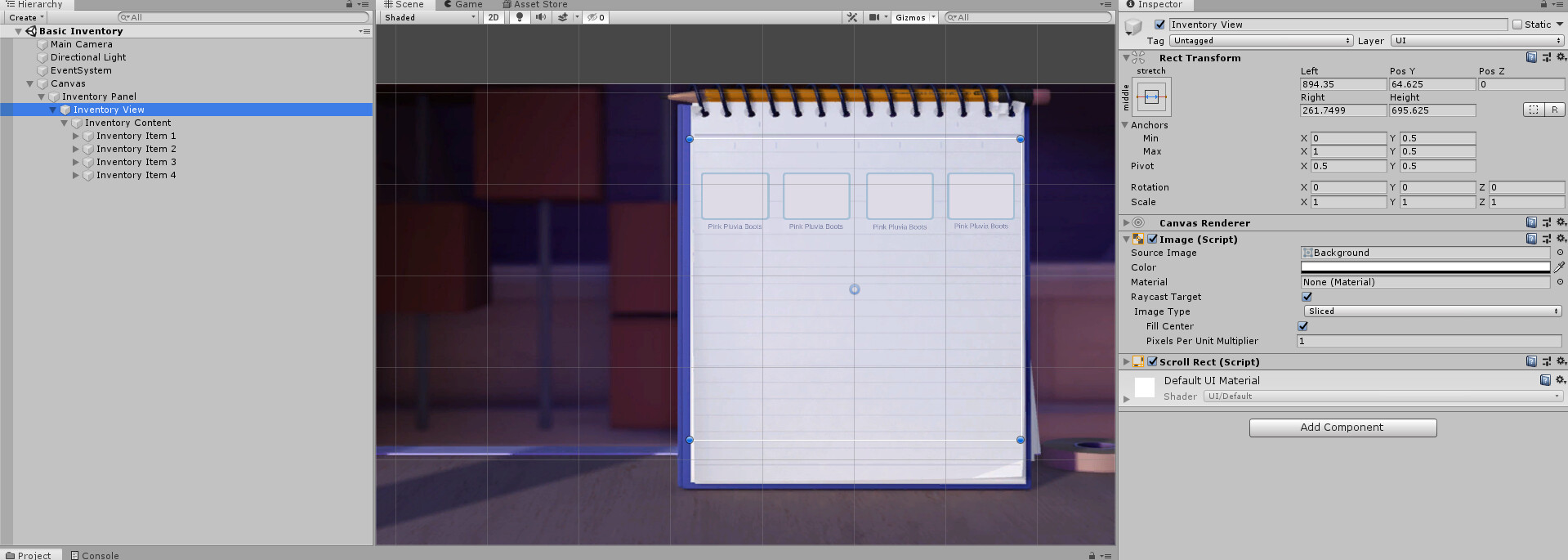
Hello, I’m working on a project and I’m getting started on UI and I’m a complete noob at it. I made it look as desired on 16:9 resolution but when I change the aspect ratio the whole interface goes bonkers. Can someone explain what I’m doing wrong? Here are some screenshots.
It looks ok on 16:9 (background pic is 1920x1080). When I change the aspect ratio 4:3, the back ground doesn’t get scaled to desired aspect ratio, even if the canvas scaler is set to “Scale with screen size”. Why is that? How can I fix it?
Also, as you can see, the boxes in the inventory get thrown randomly when I change the aspect ratio. I’m pretty sure I need to do something about the pivots or some scaling properties but I don’t know what, and the tutorials I’ve found aren’t helpful in that regard.
Please help!