Note: This first post has been updated to match the latest version. The rest of the thread follows the history of development.
Hey everyone! I wanted to start sharing updates on a project I’ve been working on full time for a while now. This system has been a long time coming, and is actually the 3rd iteration of several designs I’ve had for visual scripting engines.
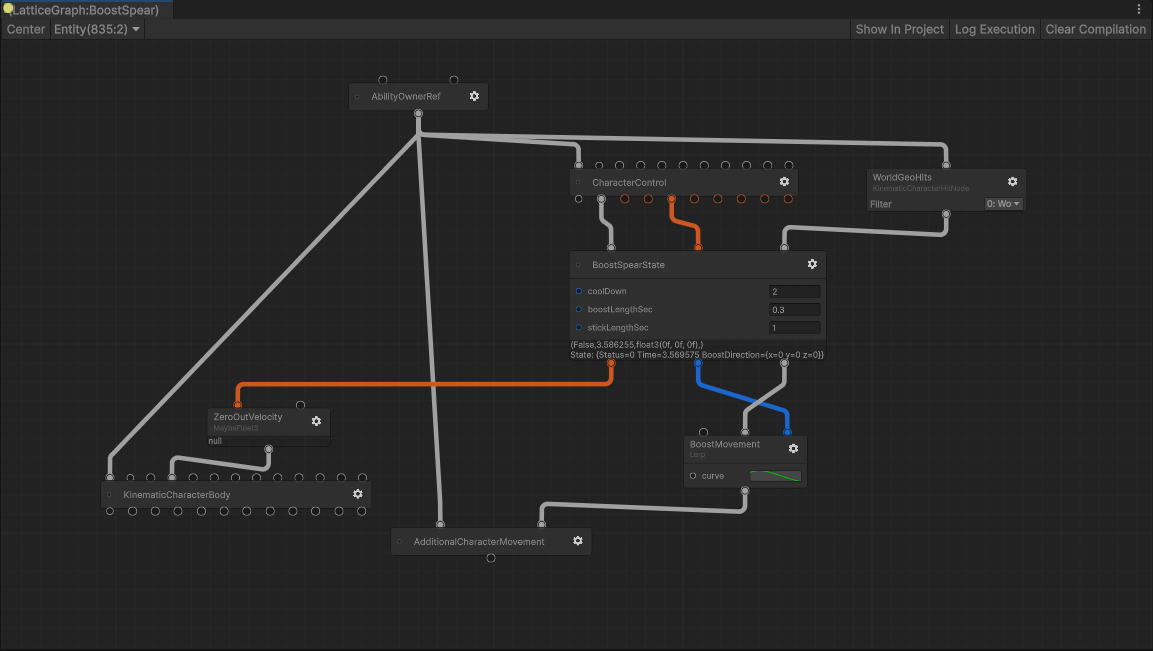
We’re using ECS for one of our new games, so we’ve been working on a node-based system to help with writing gameplay and iterating on gameplay code, called Lattice. Lattice is a visual scripting environment, tightly tied to Unity’s ECS. It takes inspiration from Houdini, UE Animation Blueprints, Overwatch’s StateScript, and Bazel.
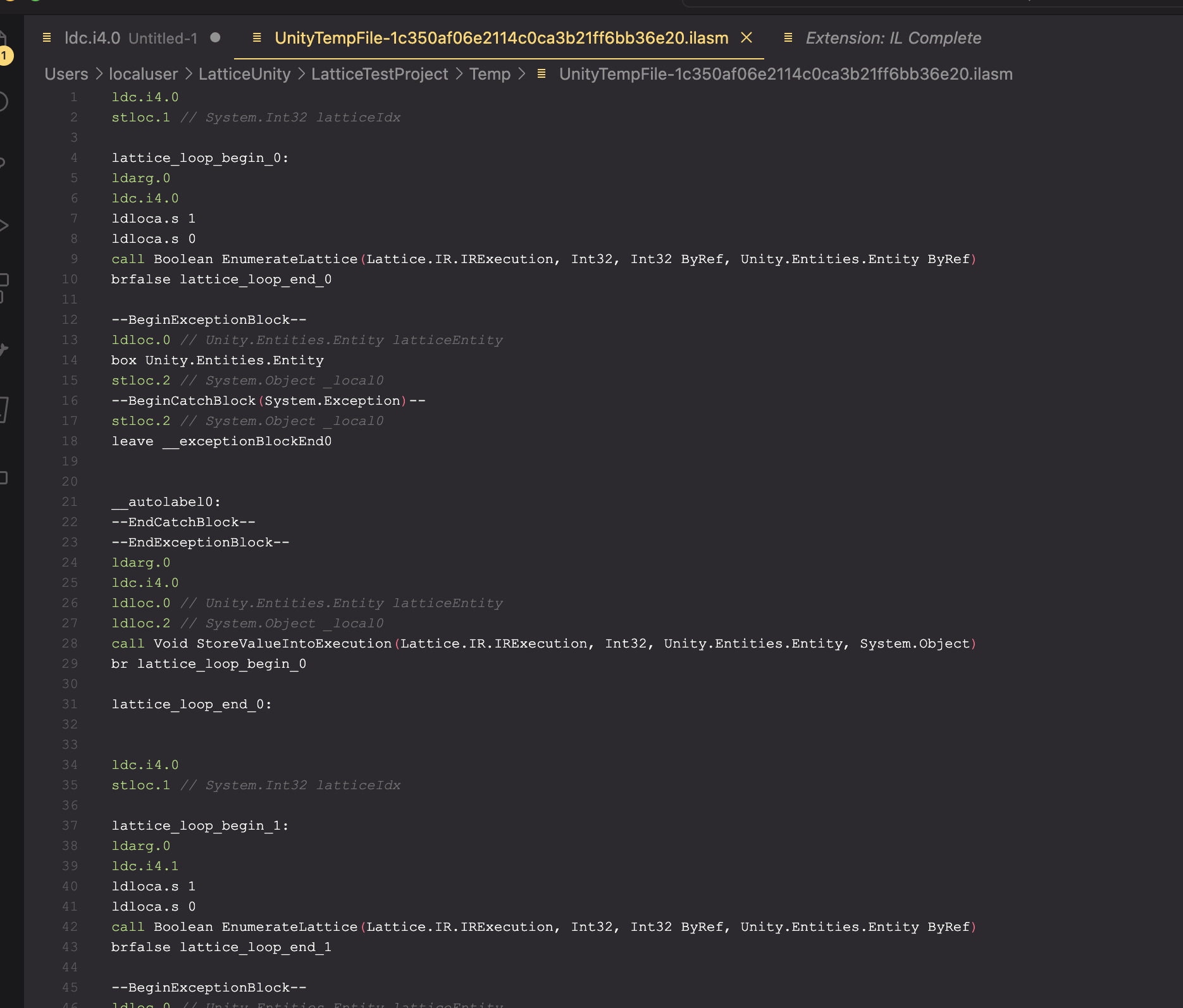
Unlike most visual scripting languages, Lattice compiles ahead-of-time to .NET IL, the assembly language that C# compiles down to. This means it is efficient, and has minimal allocation at runtime. Of course we’re still a ways off from competing with carefully tuned Jobs/Burst code, but for gameplay logic it’s been fantastic for us.

Lattice Visual Scripting - 0.4.0
Package: GitHub - Pontoco/Lattice: A visual scripting system for Unity ECS. Quickly create gameplay logic.
Discord: Pontoco 🌱
Status: Lattice is in preview. The compiler is stable and in use for our own projects. There is not yet a large library of nodes shipping with the package, so you will need to write many of your own.
Goals:
There is a tendency for visual scripting languages to be built only with designers in mind. Non-engineers are an important use case, of course. However, it often results in languages that are cumbersome to use, impossible to refactor, and are very slow.
Another way of putting this, visual scripting usually has a cliff: it really flies for certain tasks, but becomes like molasses when stepping out of bounds. As a result, big projects often avoid putting important logic in visual scripting, rewriting large swaths of it into C#, where designers can’t modify it.
Lattice aims to solve this problem. The goal of Lattice code is to be shippable. It is performant and integrates sensibly with C#. It should have good tooling for refactoring and analysis. You should never feel bad about writing logic in visual scripting, because it’s just another tool in your belt.
And at the same time, it should be fun to use for designers. Values are debuggable inline. You can create high level ‘behaviors’ that compose together, rather than fiddling with lots of small nodes and wires. You can kind of think of it like VFX Graph or the RenderGraph, but for gameplay logic.
There are a few ways that Lattice tackles this:
Nodes are just C# functions. Defining a node is as simple as writing a static C# function. Lattice handles all of the ‘glue’ code: pulling values from ECS components, getting prefab references baked, etc. This frees you up to focus only on the logic itself.
/// <summary> Animate a number based on a user-selected curve. </summary>
public static float SimpleAnimate([Prop] AnimationCurve curve, float time)
{
    return curve.Evaluate(time);
}
Lattice is a Baker. Lattice nodes can execute logic at bake time. This means Lattice scripts are their own bakers, there’s no separate ‘authoring’ workflow. Lattice graphs can even add components to your entities if you like.
Inline Debugging. Debugging is the slowest part of writing gameplay code. We can do a lot better than code-based debuggers. In Lattice you can inspect the output of any node in the graph, across the entire execution of a frame. If a value seems incorrect, you can walk up the chain of input to figure out which node went wrong.
“What” not “How”. Similar to ShaderGraph and VFXGraph, Lattice is “declarative”. This means that you define “what” you want the logic to be, not the “how”. For example, it is natural in Lattice to write “The color of this entity is blue when active, and red when disabled”. You don’t write code that executes line-by-line.
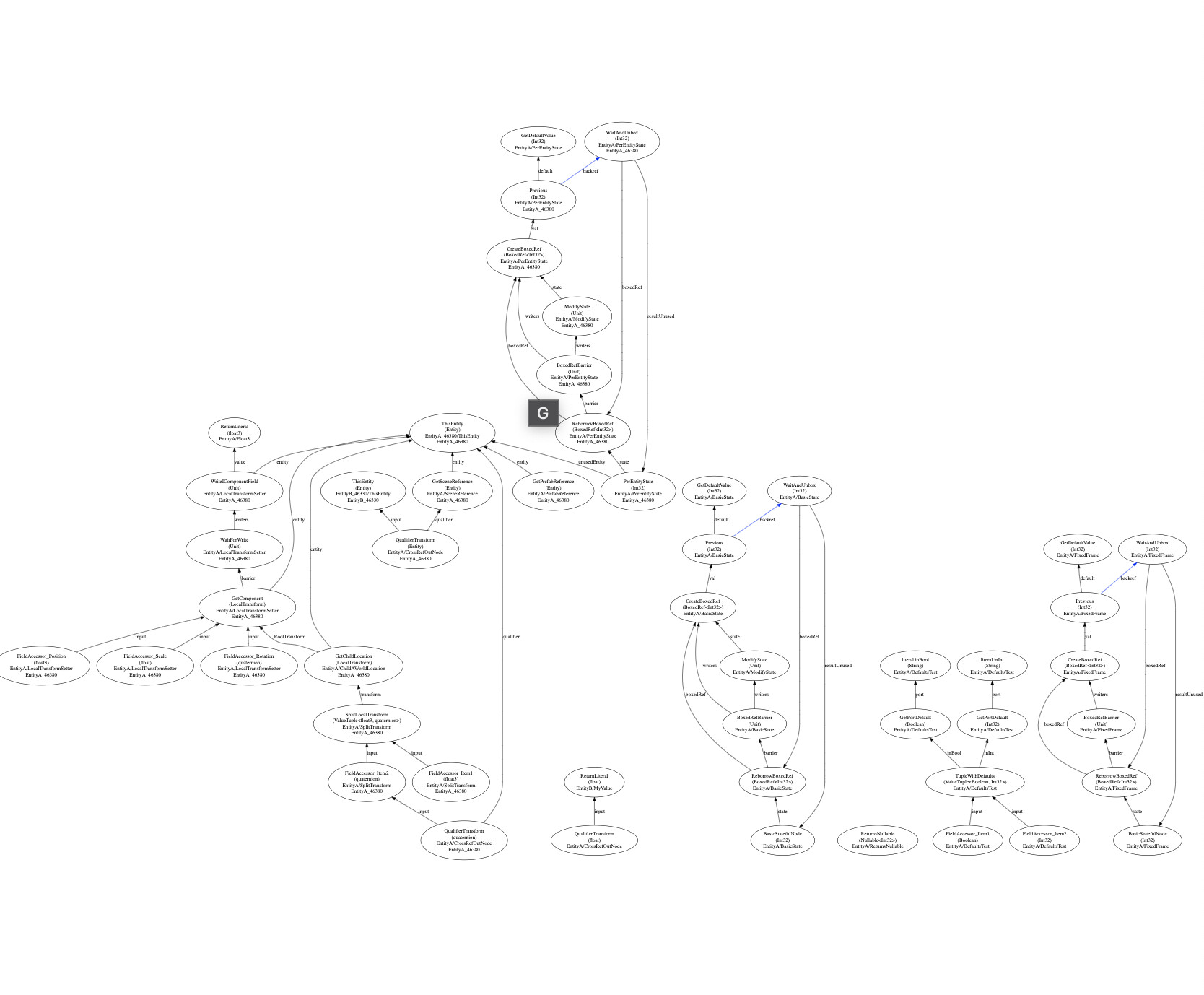
The Lattice Compiler. Lattice is built on an ahead of time compiler, using the same architecture as traditional programming languages. It compiles all graphs ahead-of-time to .NET IL, just like C#. All nodes are written as static C# functions operating on unmanaged data types, resulting in minimal allocations. The compiler features an IR representation that has several optimization passes, including dead code elimination.
From our internal testing, Lattice is 10-100x faster that Bolt, and competitive (or faster) than main-thread C#. As of 0.6, Lattice now scripts run with automatic parallelism, per-node, leading to a massive performance boost. See the blog post for more info.
Blog Posts:
- Composability: Designing a Visual Programming Language — John Austin
- Lattice now compiles to .NET IL — John Austin
- Lattice 0.6 - Automatic, Fine-Grained Parallelization — John Austin
This will likely be a long on-going thread. Feel free to ask any questions as it develops.