I was under the impression that all GUI elements are supposed to render over the top of every camera in the scene. I’ve opened a new scene and added two cameras, both with a gui layer, and with the depths of 0 and 1 respectively. I have resized the second camera’s viewport rect and then created a GUI Texture (Gameobject > Create other > GUI Texture) from a transparent png frame. I’m confused as to why my second, resized camera is rendering over the top of GUI Texture whose Z has been set to 10. Could someone please explain to me why this is happening, am I missing a specific setting or something? Is it possible to get my GUI texture to be on top of the second camera? Any help is appreciated 
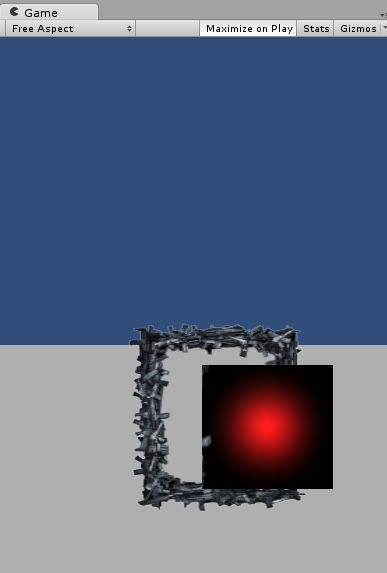
I suppose Bunny83 suggested you to set the Clear Flag of your third camera to "Depth Only" or "Don't Clear". You will be able to see through the frame transparency instead having a background "Solid Color". Although I would personnaly prefer the GUI method, the method described by Bunny83 works great too!
– Dakwamine