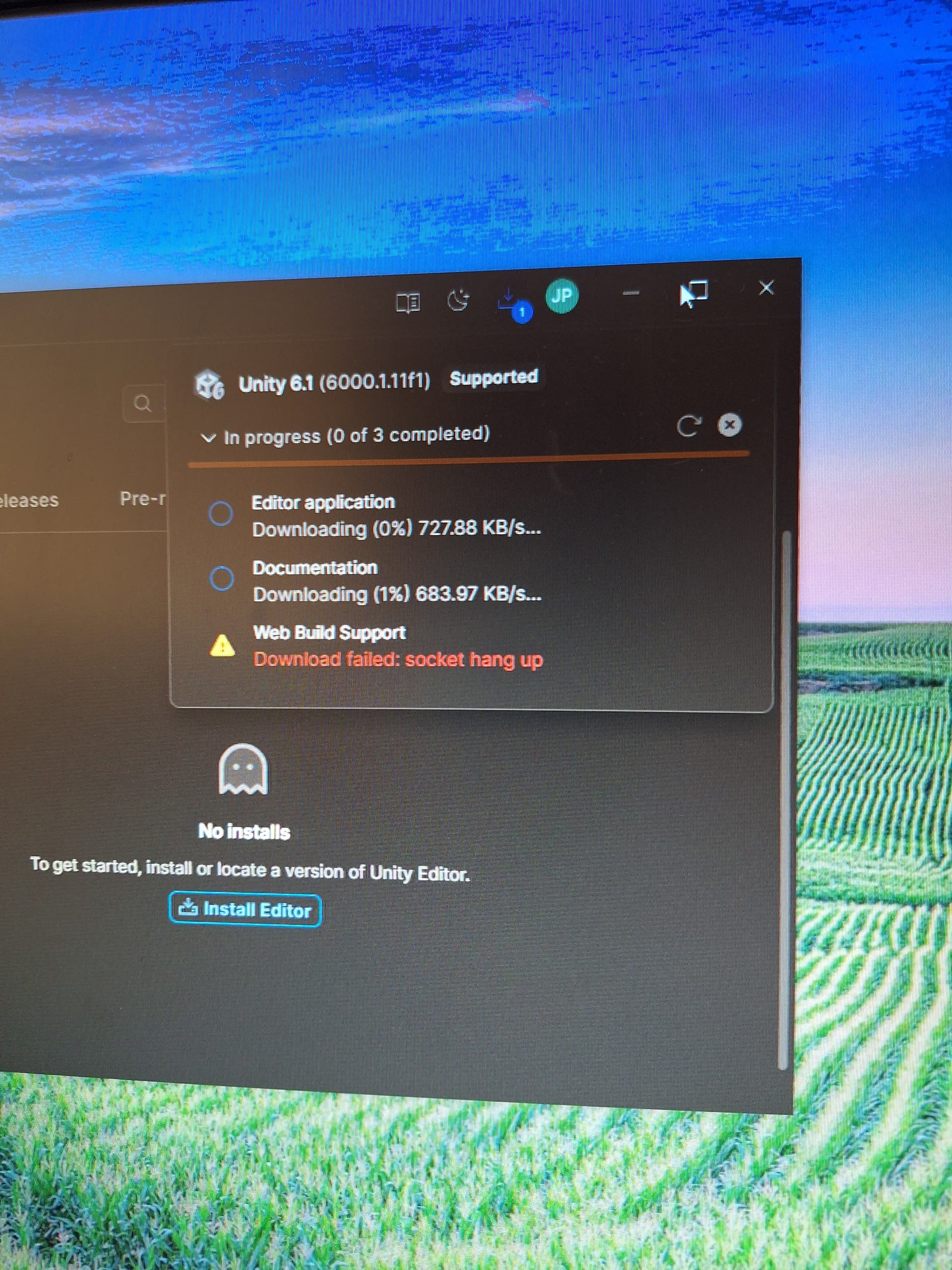
I have uninstalled and reinstalled Unity Hub. I manually installed the editor from download archives, it worked, but the new project template wouldn’t open so I uninstalled AGAIN.
I removed everything to try and see if I can reinstall it again without antivirus.
Unity Hub installs without a problem. But the moment I try to install the editor again, it would show the download process/speed for a while but then transition from “socket hang up” to “validation failed” for all three downloads.
So I logged out of the Hub, set it to run as administrator and logged back in.
As I type this, the editor is downloading fine at 20%. But the Web Build Support and Documentation is stuck at “validation failed”.
I need to Unity for school and this has been very frustrating for the past three days.