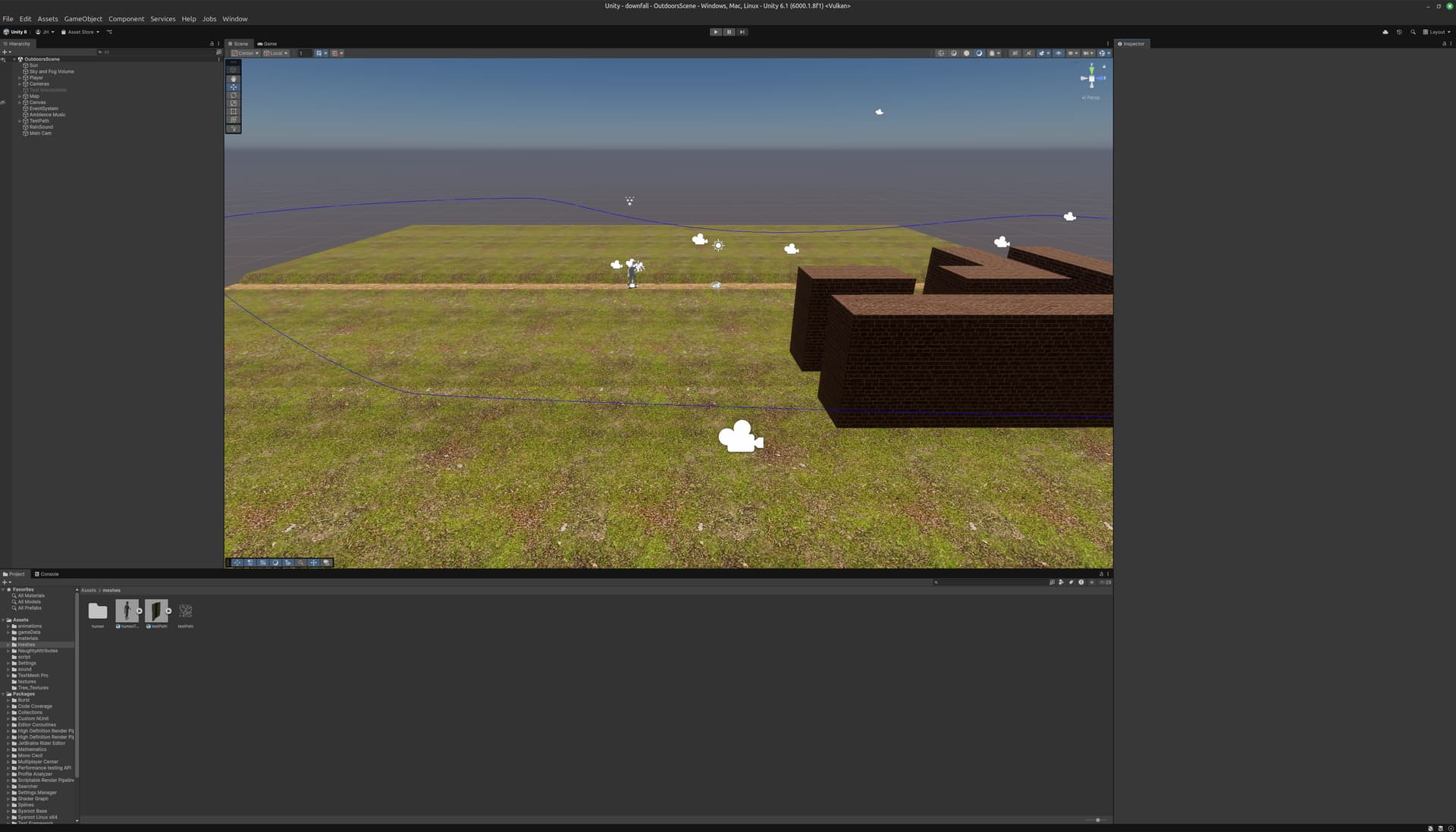
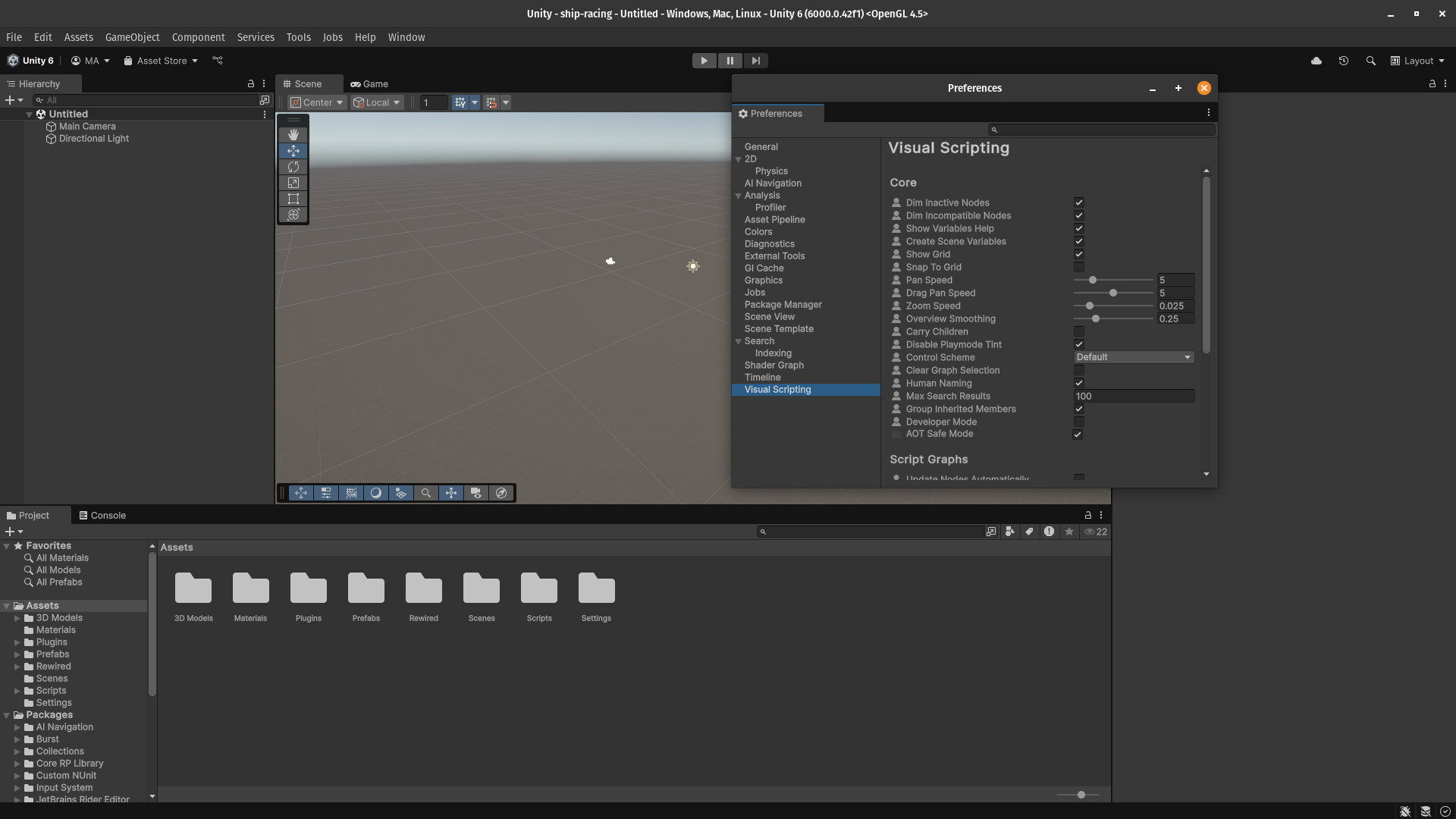
This problem is as straightforward as it gets: there’s no way of scaling the Unity editor’s UI. No option to change font size, no environment variable which works (GDK_SCALE scales everything except for Unity3D). Changing the monitor scaling to 2x causes the Editor to look blurry (I’m on wayland).
I mean, what’s this supposed to mean: the first search result is some wacky x11 hack? Really?
I’m sorry for the rant but I just wanted to get back into Unity and.. well, I might get back to writing plain Rust code because I can’t physically see the text and the buttons of the editor as they are so small and would require a 2x scaling.
Unity uses the gtk_widget_get_scale_factor function to retrieve the system’s UI scale and uses that number to scale the UI. Could it be this function is not functional on your machine? I believe that is configurable through Gnome settings → Displays.
It doesn’t look like that is working as intended since the most common workaround is still to manually set GDK_SCALE as OP mentioned, but even then it would be less than adequate since only integer scale factors are allowed.
I think bringing in the custom scaling setting as suggested above would go a long way.
The only way I managed to find a solution was opening unity hub with the following: GDK_SCALE=2 GDK_DPI_SCALE=0.5 /home/tom/Unity/Hub/Editor/6000.1.8f1/Editor/Unity
..anyways: opening Unity Hub with GDK* env variables doesn’t do anything for me. Nonetheless, if such a solution worked, then it should be a no-brainer for the Unity developers to just add a “scale” slider in the settings which clones the behavior of such variable.
We just moved out entire development pipeline over to Linux. The Unity Editor font issue is unacceptable- literally unusable on high resolution monitors.
Unity- Please address this ASAP or we’re going to have to move to Godot.
There are alternative solutions to this problem, but they are neither perfect nor easy to use…
Dear @Unity-Technologies, we really need the “Use custom scaling value” setting to continue using the editor on Linux properly on a recent laptop. Because, honestly, the experience on Linux is currently inferior to Windows, which I think is a real shame.
So I wonder:
What is actually preventing this feature from being implemented in the Linux environment?
If it is possible, is there anything the Linux community can do to help?
Is there a specific Unity forum member that works on the Linux compatibility?
I can’t think that exposing the value as a config, even text, given that it’s already been setup in pipeline to grab it using system functions, can be that hard to do
The editor is simply unusable on modern laptop hardware.
I’m just trying to move over to linux as well and having the same issue. I’m sing the KDE UI which supports scaling to 150%, but that doesn’t affect GDK stuff. I set the GTK scaling options in /etc/environment, as they didn’t work in the unityhub script.
GDK_SCALE=2
GDK_DPI_SCALE=0.5
Which makes the UI a little too big, defeating the purpose of having the large monitor.
I would like to see some proper support for scaling in Linux too.
I’m not sure why some apps appear to be affected by both the KDE display scaling setting and the gdk scaling. The hub was fine before, after setting the GDK_SCALE it’s huge.
Looking at the requirements for Unity on Linux it requires the Gnome desktop. I was using KDE on Pop OS. Switching to the default Pop desktop which is a version of Gnome, I could set the scaling in the Settings app and Unity’s UI scaled accordingly. Switching back to KDE the scaling was lost, but I believe there is a way to get that to work as well.
I did enable experimental Fractional scaling using the command found on this page HiDPI - ArchWiki
Section 2.1.1.2 as I’m using x11, there is a similar option for Wayland. Not sure if that was required or if it would have worked without it.
So it seems if you use the desktop listed under the system requirements Unity does scale for HiDPI displays.