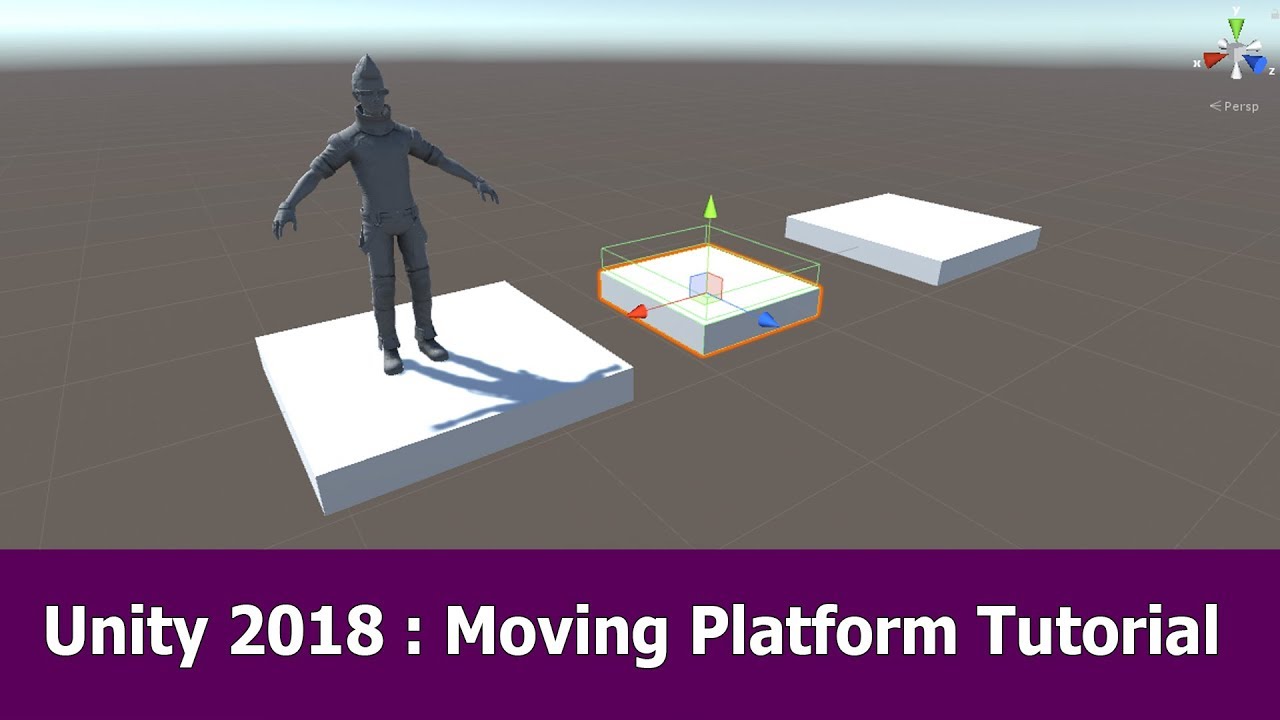
I know this has been posted numerous times, but everything I’ve tried from other threads haven’t worked for me. I’ve tried using an OnTriggerEnter/Stay and even tried making my moving platform a parent to the player. This script was actually taken from a 2D platformer tutorial and I just removed the 2D aspect, but it still doesn’t work. And yes, I gave the platform a tag called Moving Platform.
I’m making a simple 2.5D platformer, so the models are in 3D, but with a 2D perspective. Not sure if that requires specific code/logic…? Any suggestions?
Go through the code step by step. What does not work? Are the Collision Methods called? Is it colliding with the correct GameObject? Is assigning the transform the problem? We’ll need a more specific error description to help.
If you want to know whether your methods are called at all, you can add a Debug.Log (“some text”) call within the methods. And I’m not sure how this works in C# but I’d always use the Equals () method when comparing strings.
void OnCollisionEnter(Collision other)
    {
        Debug.Log ("OnCollisionEnter is called");
        if (other.gameObject.tag.Equals ("MovingPlatform"))
        {
            transform.parent = other.transform;
        }
    }

    void OnCollisionExit(Collision other)
    {
        Debug.Log ("OnCollisionExit is called");
        if (other.gameObject.tag.Equals ("MovingPlatform"))
        {
            transform.parent = null;
        }
    }
Ahh, okay. Thanks. Okay, after trying it, it comes up with nothing. None of these methods are being called. I tried it with a collectible and it does work, so something is amiss somewhere.
If you are using colliders of type 2D, you will need to use the methods OnCollisionEnter2D and OnTriggerEnter2D. That’s probably why your methods aren’t being called.
No, I’m afraid that doesn’t work. :-\ I have noticed that my character doesn’t stand completely on the platform/paths but rather hovers above a teeny tiny bit. No matter how much I reposition him he keeps on doing it. Not sure if that’s related…
OK, so you are using BoxCollider, not BoxCollider2D, correct? In that case, your first methods are correct - I thought you were using 2D.
So your OnCollisionEnter is not getting called, right?
Does the BoxCollider have the Trigger box checked?
Does at least one of the GameObjects in the collision have a RigidBody attached?
OK, I am just catching up with the beginning of this thread… what are you trying to do? Why do you want to move the platform to a child object of the player?
Also, are you checking for OnCollisionEnter for the player standing on a platform? It might be better to use a raycast straight down and check for a platform rather than using the colliders, since they are prevented from overlapping.
The idea was to try and make the platform a parent of the player like in this tutorial video:
I check the console whenever the player stands on the platform to see if the trigger or the OnCollisionEnter has been activated. It doesn’t show anything though. I don’t have much experience with Raycasts.
Yeah. I’m starting to wonder if it’s something to do with my character. Or maybe the Character Controller…? I don’t get why/how such a simple bit of code that should work no problem isn’t even being executed.
OK, so your player has a Collider, and the platform has two BoxColliders, one set to Trigger. And I am assuming the bounds of the trigger BoxCollider are moved above the platform so the player will intersect the collider when he jumps on it?
If so, then you would use OnTriggerEnter (Collider col) method on the platform. This should be called when the player with a RigidBody enters the trigger collider just above the platform. Can you get that far?
My player has a Capsule Collider. And in regards to the two Box Colliders - that’s correct. I’ve tried using the OnTriggerEnter for it numerous times. My player has a Character Controller, which is what I’d prefer to use, so I can’t combine it with a Rigidbody.
This isn’t necessarily true. The Character Controller is a script component, a Rigidbody is a, well, Rigidbody component. They are not mutually exclusive.
Trigger events are only sent if one of the bodies has a rigidbody attached. But you can set the rigidbody to kinematic if you want to control the movement on your own. This page has a nice table outlining the interactions of triggers with different types of colliders: https://docs.unity3d.com/Manual/CollidersOverview.html
I see. I have read that combining them can produce some weird results or that you can only use one or the other. I’m still learning scripting and Unity, so I’m not sure how I could get both to work, particularly if I’m using the Character Controller for movement.
 I’ve tried using an OnTriggerEnter/Stay and even tried making my moving platform a parent to the player. This script was actually taken from a 2D platformer tutorial and I just removed the 2D aspect, but it still doesn’t work. And yes, I gave the platform a tag called Moving Platform.
 Okay, after trying it, it comes up with nothing. None of these methods are being called. I tried it with a collectible and it does work, so something is amiss somewhere.