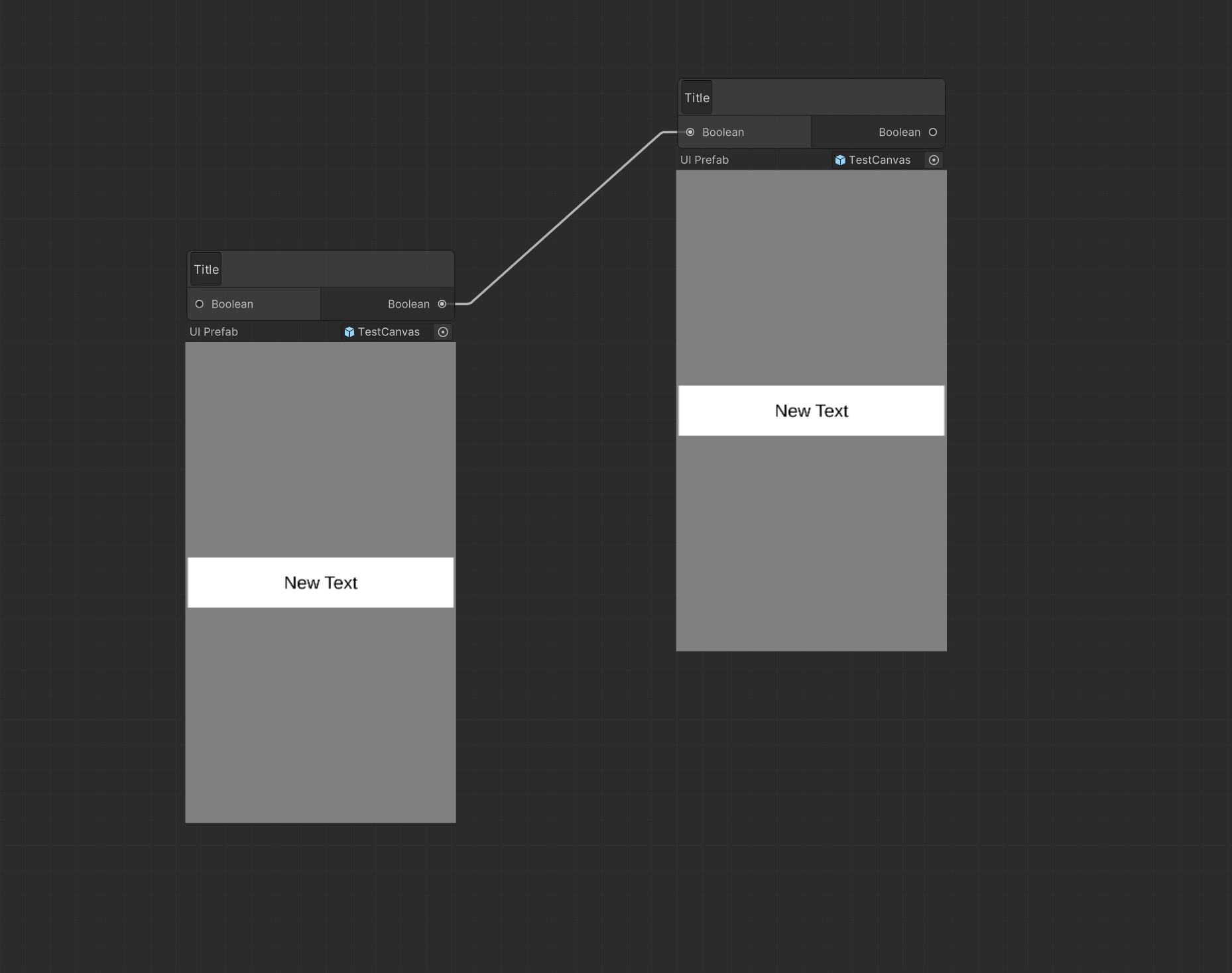
Preview UI/Canvas based prefab

Unity allows us to see the 3D elements of a prefab in its inspector window. But this doesn’t seem possible to do for UI/Canvas related elements?

7937083--1014577--upload_2022-3-2_18-52-17.png

We are trying to create a UI prefab picker for our project, and not being able to preview the UI prefab is a major drawback and time-sync.

The two solutions I can think of seem pretty flawed. One involves adding a reference to a screenshot of the UI prefab and displaying that, but this isn’t optimal as the image would need to be updated for each change.

The other would be to make something similar to the inbuilt 3D preview, by dynamically adding the prefab to a scene with a canvas and camera and rendering the result to a render texture, but I’m not even sure that’s possible in Unity’s editor API.

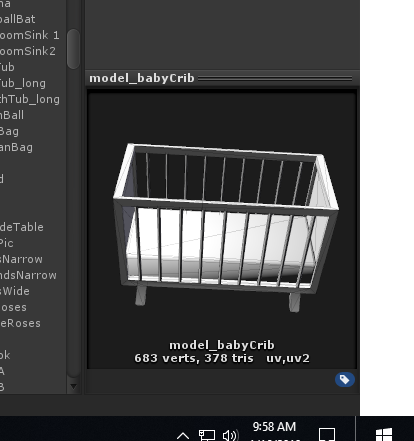
Any advice would be much appreciated!

Check this out:

Thanks, but this suffers from my first solution’s problem of the images becoming out of date, might go with this solution though!

It seems I found a way to render canvas prefab to texture in editor:

var previewRender = new PreviewRenderUtility();
previewRender.camera.backgroundColor = Color.grey;
previewRender.camera.clearFlags = CameraClearFlags.SolidColor;
previewRender.camera.cameraType = CameraType.Game;
previewRender.camera.farClipPlane = 1000f;
previewRender.camera.nearClipPlane = 0.1f;
               
previewRender.BeginStaticPreview(new Rect(0.0f, 0.0f, 1080.0f / 4.0f, 1920.0f / 4.0f));

var canvasInstance = previewRender.InstantiatePrefabInScene(gameObject).GetComponent<Canvas>();
canvasInstance.renderMode = RenderMode.ScreenSpaceCamera;
canvasInstance.worldCamera = previewRender.camera;

previewRender.Render();
               
var texture = previewRender.EndStaticPreview();
               
previewRender.camera.targetTexture = null;
previewRender.Cleanup();

And then you can use this texture anywhere in your editor scripts:
8443622--1119368--Image Pasted at 2022-9-15 18-09.jpg

3 Likes