Hey Unity Forum! I have a 2D sprite URP renderer question.
I have pieced various solutions in the forums together, and I gather what I have may be a bit unique.
I have the following:
I have characters imported via PSD importer. This contains many sprites, each has an “order in layer” which is essential for the character to display properly. (E.g. Arknights characters)
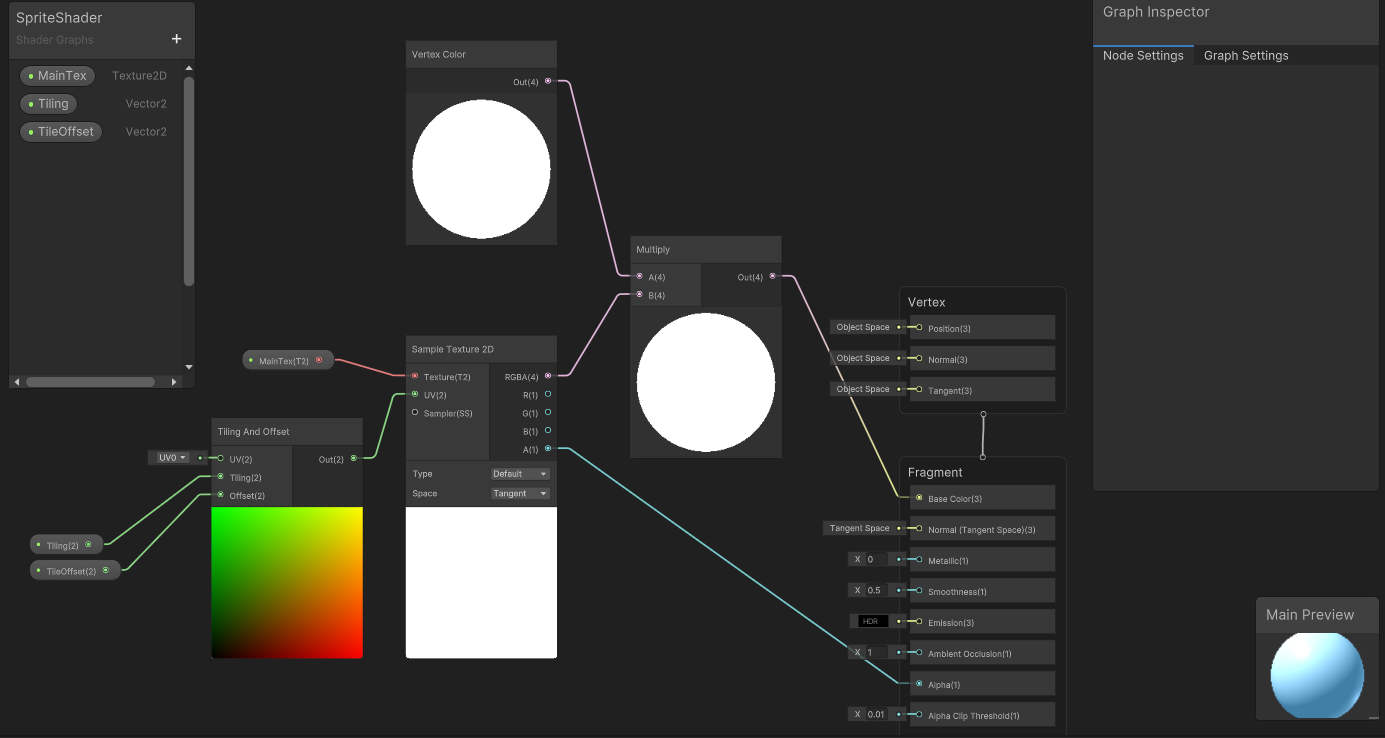
I have a basic URP shader, which material is applied to all sprites in the scene
Top left: When the character is in front of the floor’s central transform (closer to the camera), it renders fine
Top right: When the character is behind the floor’s central transform, the floor gets rendered after the character (which is incorrect)
Bottom left: Same as top right but in another angle. This shows the floor’s central transform, and the character being behind it. Unity’s sprite renderer uses the transform’s origin as basis of Z-index test, which explains why the floor is rendered on top of the character.
Bottom right: Same as bottom left but in another angle. At this angle, the character gets rendered behind the floor entirely, as the Z-index ordering is out-of-place. You can see the character’s shadow however, indicating in true world space the character exists atop of the flooring.
It can be argued that I should attempt to provide the sprites a z-value, but doing so will 1) cause shadows be casted on the same character, and 2) be difficult to scale as I have characters with over 200 sprite layer counts.
The question:
I think it’s an obvious one. Is it possible to have the renderer to render objects which are closer first, in the order of the sprite layers properly? Technically I guess this translates to priorising Z-index tests first, followed by layer-ordered sprite rendering.
Thank you for taking your time looking at this problem. Any help on this will be greatly appreciated!
I was able to reproduce the same thing as shown (floor clipping over sprites) in my UniversalRenderer (3d) project, but it only occurred when the floor was set to opaque surface, while the sprites were transparent alpha clipped. Setting the floor to transparent alpha clip resolved the issue.
make a rendertexture to capture your sprite layers and then project it on a quad, then it will act like a 3d object, also will fix problems you will have in the future
with your current setup, for example if you tried to make your character transparent it will look very wrong and it will become apparent that it is constructed of many layers, dont know if you ever intend to make your character transparent, but its something to think about
Thank you for trying to reproduce my problem! I wanted to note I am using the same shadergraph material for all objects in the scene, so they all have a transparent surface type but with the same issue. I’m very interested to how you managed to resolve the issue though, if you can post any details, I would love to see!
Thank you for your suggestion! I think your solution is the proper one (which I don’t know how to do), I will do some read ups and see if I can have it rendered on a single quad/polygon instead of having multiple ones. You are right that any transparencies will make it look horrible…
*EDIT: I’m not sure about a RenderTexture because it uses a second camera for the projection. The characters do need to have lighting in real time with the scenes, and I think the RenderTexture can’t support this?