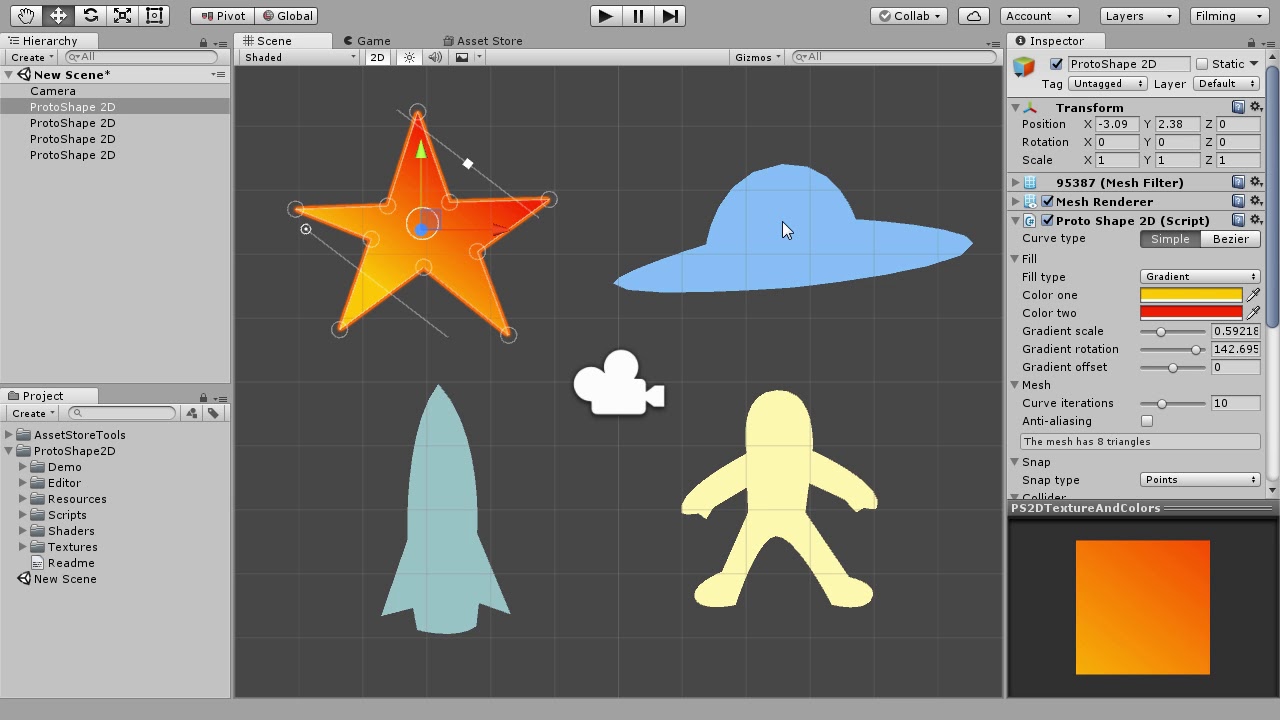
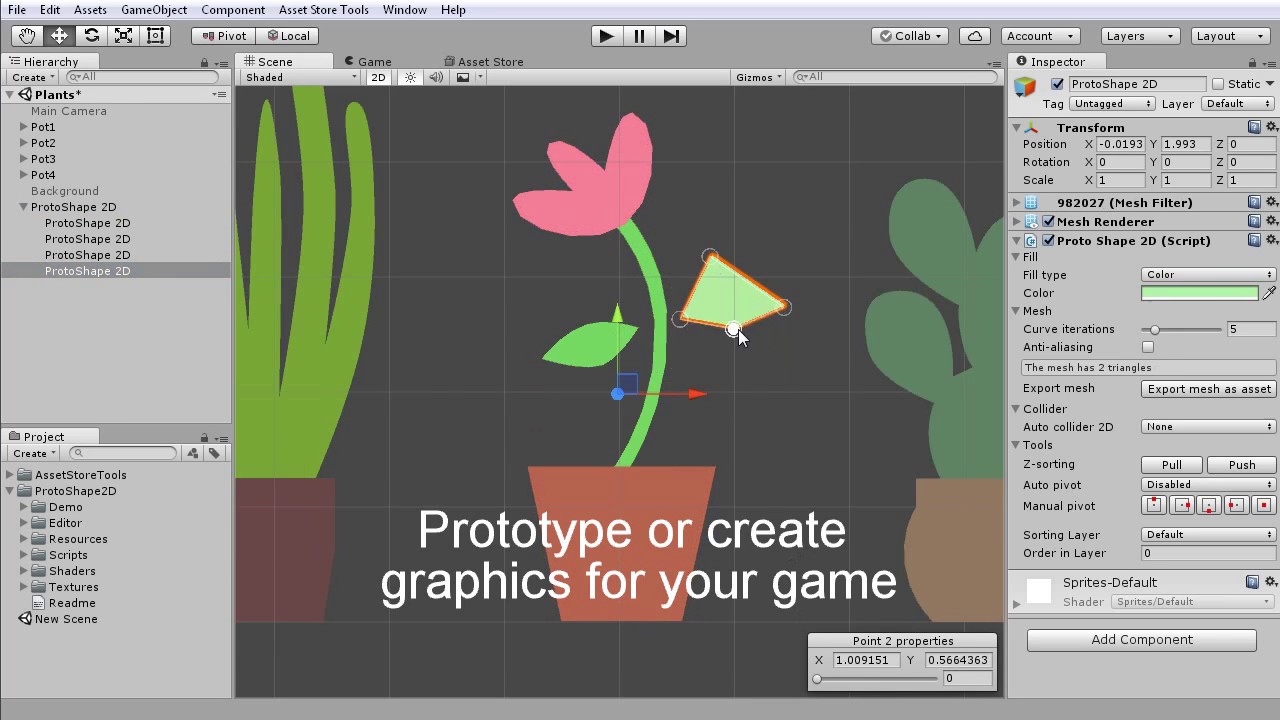
My editor extension for Unity is live: ProtoShape 2D. It’s an editor extension that adds a simple way to create and edit 2D polygons using vector-like controls, fill them with color, 2-color gradient or texture and generate colliders for them. Intended for quick prototyping of 2D games it can be used to create vector-styled environments, decorations and whole scenes for the final game.
Easy and intuitive way to create 2D objects by placing and dragging points right in Unity scene view.
Generate matching polygon or edge 2D collider. There’s an option to detect top edge of the shape and create edge collider only for it.
Simple keyboard controls: hold CTRL to delete points, hold SHIFT while dragging a point to use snapping.
Snapping: you can align points to one another or use a grid.
Export the object you’ve created to mesh asset or PNG file.
Supports sorting layers same way as sprites do.
I’ve created this extension because I needed a tool to help me prototype and build games with simple, flat art-style. I intend to use this tool myself and keep improving it as I build games with it.
Update
Since the time I’ve published the first version of this asset in April 2017, I kept actively improving it. And a big part of those improvements were suggested by the users. So if you have a question about this asset, or feel that it lacks some feature, or if you’ll find a bug in it, you can post a comment below, email me or contact me on my twitter. I generally try to respond within a day.
I’m grateful to all who helped me to improve this asset with your suggestions and bug reports.
A friendly reminder
If you bought this asset and liked it, why not give it a rating or write a short, one-sentence review! This would really help to popularize this asset and speed up the development of new features.
As someone who has tried many things like RageTools and SVG Importer to do this sort of stuff, this looks really interesting. Thanks, will take a look.
In theory you can modify points[n].position for points in the list from code and call UpdateMesh() and UpdateCollider() to update the shape and collider. Or set the new list of points alltogether. In practice, I haven’t tried animating it yet but I don’t see why it wouldn’t work. You should be able to update it every frame with no problems.
I plan to make the animations easier since it’s a feature people frequently ask me about. But I’m not sure yet how to go about. Maybe for starters I’ll just include some examples of animation from code into this asset.
Hey! So I gave it a try and found not only does it work, it works really really well! This needs some cleanup and polish still but here’s what I did with it…
Any plans to add some anti aliasing options for the edge similar to what Rage Spline can do?
Here is a comparison: Look at the black shapes. ProtoShape is on top and a little jaggy. RageSpline is on the bottom with “aliasing” turned on and no jaggies.
Hey Jeff. It’s great to hear that you like this asset! I’ve actually submitted a newer version of it to Asset Store and it has an anti-aliasing feature in it! It will be live in few days as soon they’ll review and approve it. I’ll post an update here once new version goes live.
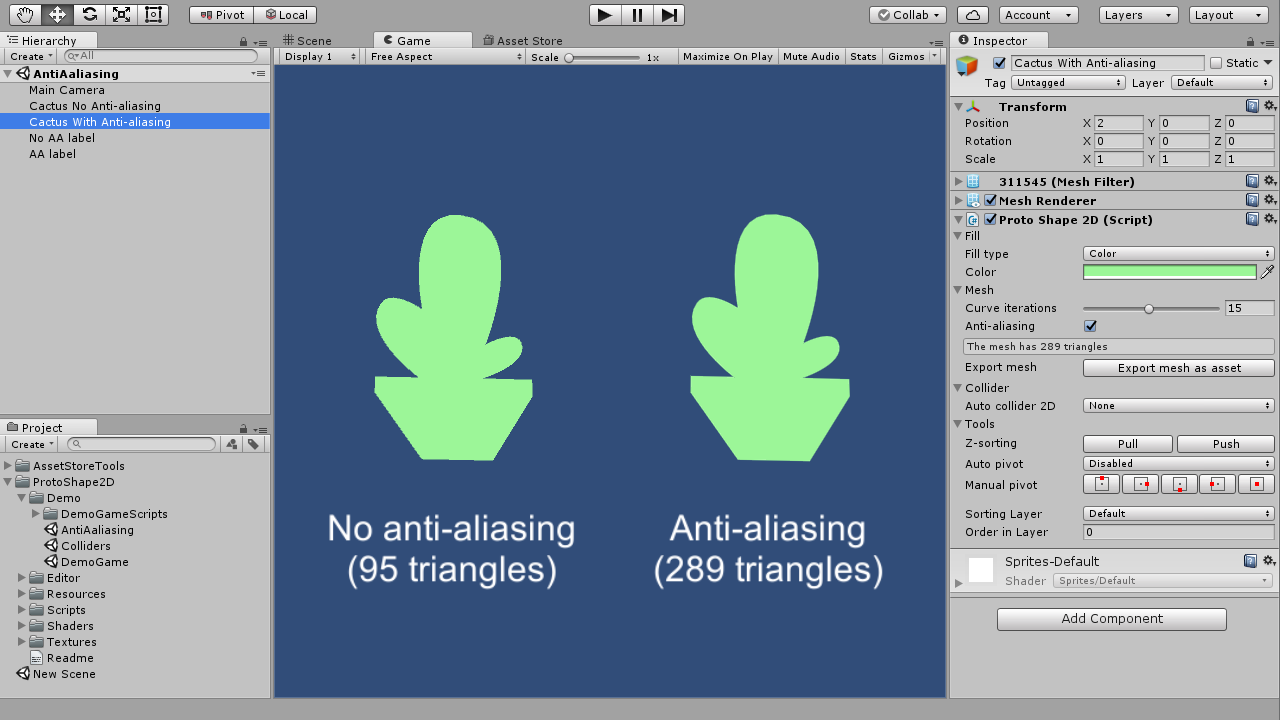
Here’s a screenshot of how it will look (the difference is better seen at full size):
It adds a thin strip of triangles with a gradient to transparent color. There’s no other options except turning it on or off right now (but maybe there’s no need for them?). The width of an anti-aliasing strip is set automatically based on the size of the orthographic camera.
If you have more feature requests, you can always post here or contact me on Twitter.
Hi, I was experiencing weird bug. When I tried to build Windows executable Unity was saying that project can’t be compiled:
Error:
Assets/ProtoShape2D/Scripts/LoopArraysAndLists.cs(4,7): error CS0246: The type or namespace name `UnityEditor’ could not be found. Are you missing an assembly reference?
No problem.
I also noticed that when I select Fill type as texture and:
add texture that has transparent edges it’s shown once:
add texture that doesn’t have transparency it’s rendered as tiles:
Is this intentional? I think that checkbox “repeat texture” would be a better solution.
Another question is: Why Texture scale is max 5? It would be nice if we could set it to higher values.
This actually is setting of the texture itself, not the plugin. Just click on a texture and set “Wrap mode” to “Repeat”. The texture you’ve selected in first screenshot most probably has this setting set to “Clamp”.
There’s actually no reason for this. I just wanted to keep the slider instead of the input field. This wasn’t a good choice, I’ll change the field to a float field instead of slider in next update along with other changes I’m working on.