I was trying out the new recorder (great feature btw) and noticed a tiny issue. When the recorder starts, windows changes to the “Pointer” style icon because (I assume) I hovered over the red “Start” button in Unity. It seems that once the recording starts the cursor stays locked to that, and when I stop the recording Windows retains that same pointer cursor.
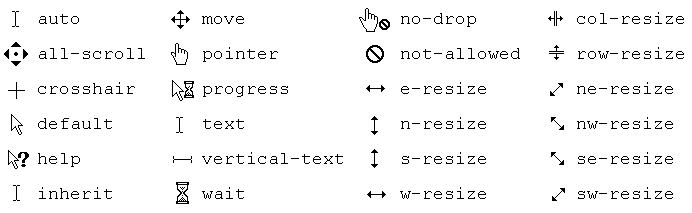
If I switch back to the recorder tab and move the mouse around until I get the “Default” pointer, then it seems to be ok after that (or if I close and open Unity).
It’s a minor thing, but if you don’t know to switch back to the recorder tab to fix the mouse cursor it can be kind of annoying. The main reason it was bugging me is that I’m setting a custom software cursor during recording but the ‘Pointer’ style cursor is larger than mine, so I can’t see my own cursor behind it 