PathEasy is a lightweight tool that makes creating motion paths in Unity feel straightforward and intuitive.
You can draw and adjust paths directly in the Scene View, then have objects follow those paths or place prefabs along them—no coding required. Everything runs on top of DOTween, so motion stays smooth and reliable.
One of its biggest advantages is the real-time Editor preview.
You can test movement instantly without entering Play Mode, which cuts down iteration time dramatically when fine-tuning animation or layout.

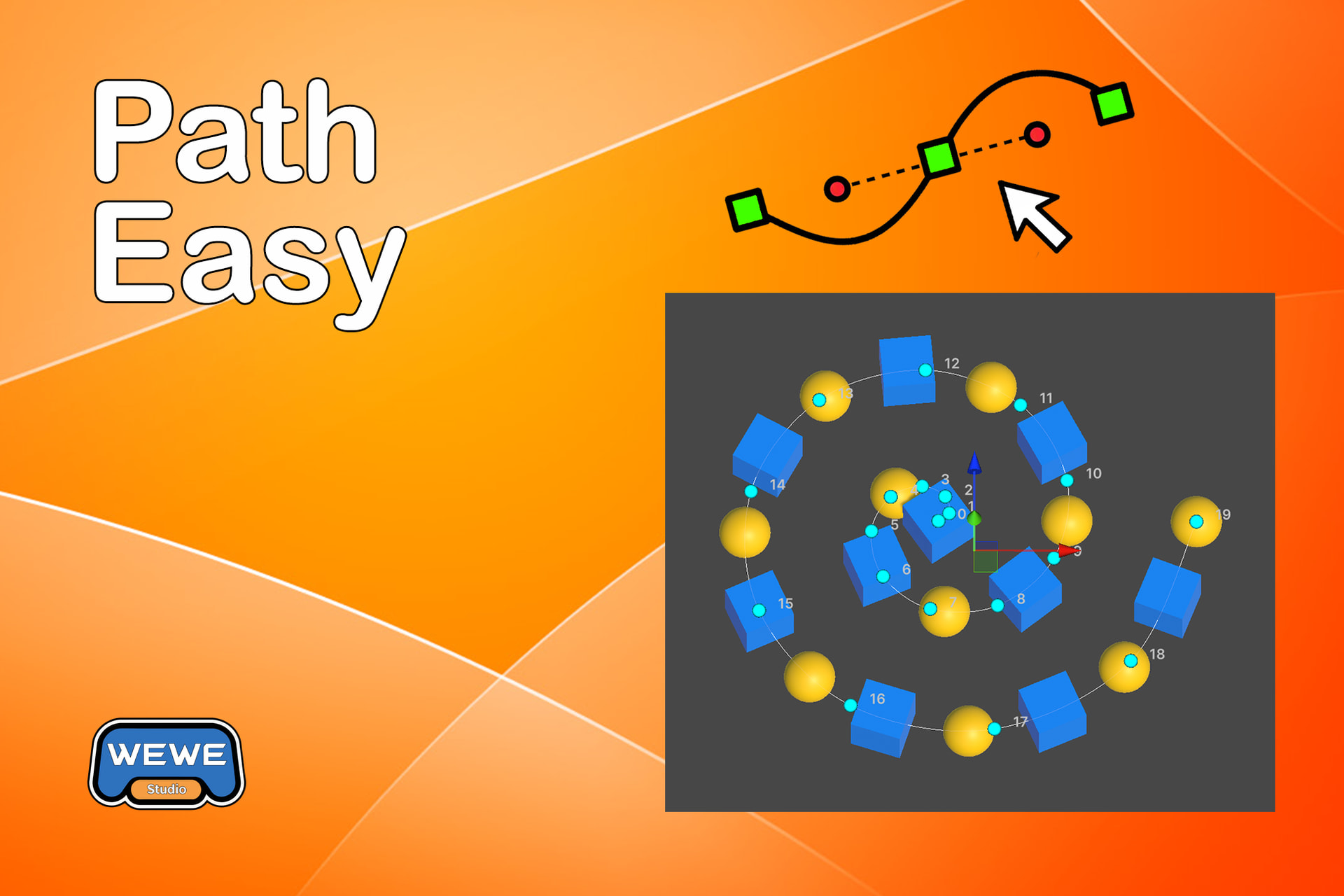


PathEasy does two main things:
1. PathEasyPlay
Move objects along a path with a fully visual workflow.
- Animate objects along PathEasy paths
- Create and edit paths directly in the component (built-in path editing)
- Preview animations in Edit Mode
- Adjust duration, loops, easing, and look-at options
- Supports both Absolute and Relative coordinate systems
- Works seamlessly with TweenEasy for more complex animation sequences
- Save paths as ScriptableObjects and reuse them anywhere
2. PathEasyPlacer
Place objects along a curve with precision and flexibility.
- Distribute prefabs along any PathEasy path
- Use multiple prefabs with Sequence, Random, or Yoyo modes
- Choose between Count (fixed number) or Spacing (fixed distance)
- Add random offsets to position, rotation, and scale
- Auto-update placement when the path or transform changes
- Animate object spawning with tween settings
- Works in both Edit Mode and Play Mode
- Supports open and closed paths
- Full Scene View visualization for easy editing
- Editor Preview for testing placement animations
Extensive Path Presets
Skip the manual drawing. PathEasy includes a vast library of ready-to-use presets, from basics like lines, circles, and rounded rectangles to complex shapes like spirals, hearts, race tracks, and hypotrochoids. Perfect for rapid prototyping or maintaining visual consistency.
These presets cover lines, triangles, squares, rounded rectangles, circles, ovals, pentagons, hexagons, spirals, springs, waves, zigzags, L-shapes, U-shapes, S-shapes, arcs, figure-eights, hearts, stars, race tracks, and more advanced patterns like polygons and hypotrochoids.
All presets are fully non-destructive and editable, giving you complete control over points and curvature.
Unified Workflow
Create once, use everywhere. A single path can be used by both PathEasyPlay and PathEasyPlacer simultaneously. Use the same curve to drive object animation and handle item placement, streamlining your scene setup.
High Performance
Built for speed. Paths are automatically pre-calculated to ensure zero runtime overhead, guaranteeing smooth object movement even on mobile or VR platforms.
Asset Store Link: Path Easy | Utilities Tools | Unity Asset Store