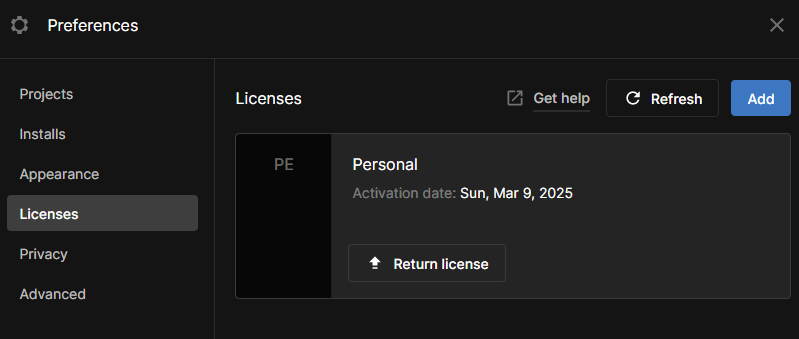
I don’t even know whats happening, It, just tells me that error when I create a new project.
Also, this has been happening with other editors I’ve had (unity 2020)
I have the same issue, but now when refreshing the Licenses page it says “Unable to refresh license. Please try again”. I am trying to run a version 2021.3.0f1.
I have the same issue. I just got a Unity Industry license, and I am able to open a project in Editor 6000.0.23f1. But I am not able to open a previous version of the same project in Editor 2021.1.27f1. I have tried restarting PC, didn’t help. Should I reinstall Unity Hub?
similar issue here with industry license,
Personal license keeps appearing in hub licenses,
editor log says hardware has changed (but it hasn’t) and not sure how to reset it?
(since you cannot return industry license from hub?)
re-logged in hub and got this, i bet its something about new Hub version?
*What helped so far, logging out and back into hub, then insert your serial.
Could be related to the new Unity Terms that it forced to accept on login.