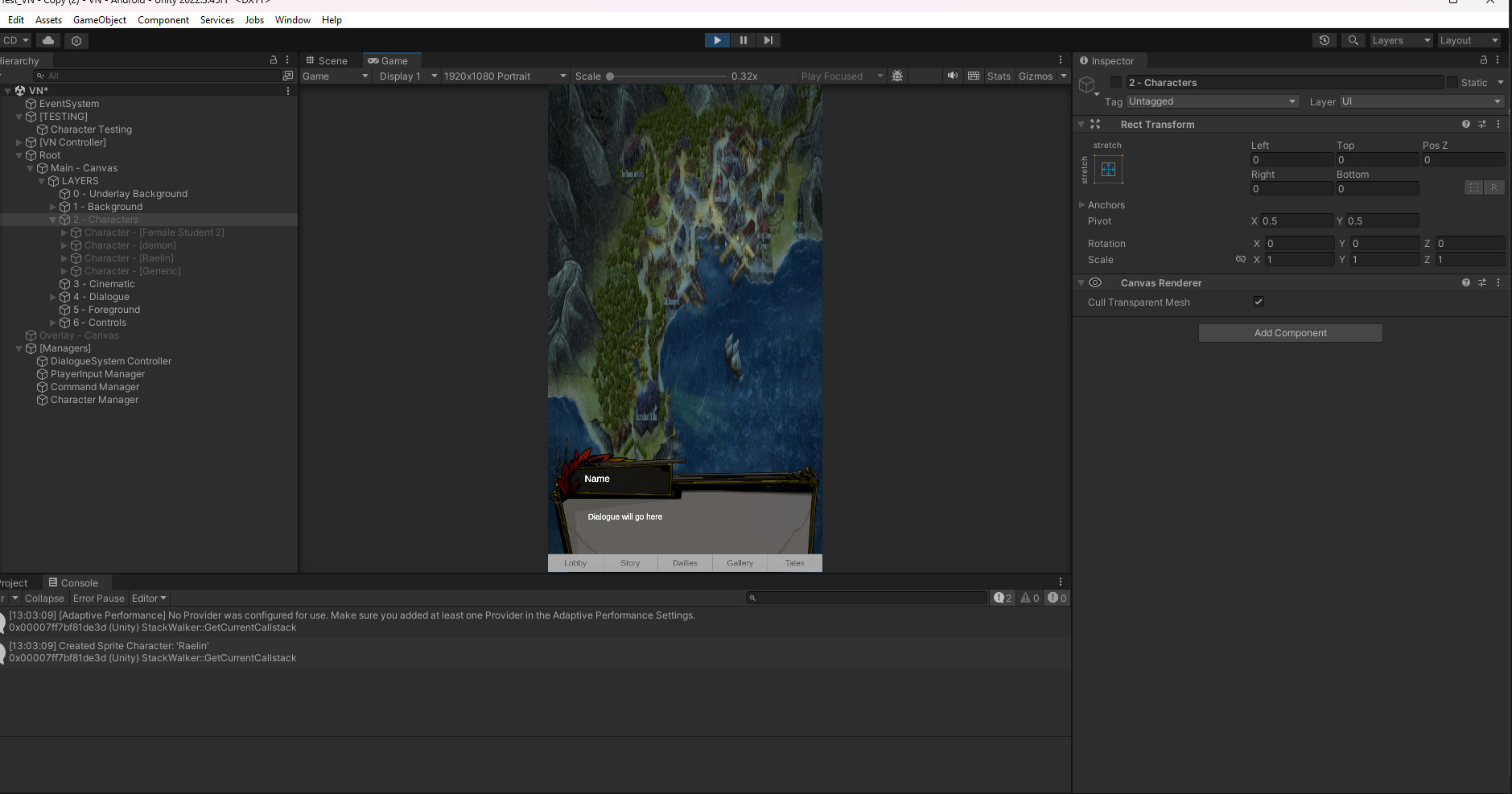
Hi, I hope this is the right area to ask.
So I’m new to coding and game dev. I’m following a guide while making a visual novel. I normally am able to troubleshoot on my own but I cannot figure this out and it’s been days I’ve been struggling.
So I’m trying to do a Show/Hide logic for my sprites. The sprites get created, there is no errors displayed, it says they’re made though they are not showing on screen. A few folks have had this problem with this tutorial for various reasons and I’ve tried troubleshooting with their issues but they have not worked. I’m hoping I’m just missing something and someone else can take a look.
I’ll post screenshots, thanks ahead of time guys.
Sorry to post all these separately, it won’t let me post more than one.
This is the last one. I hope someone catches what’s wrong with it because I’m floundering it feels like.
Sounds like you wrote a bug… and that means… time to start debugging!
Just as an aside, nobody here looks at photographs of code. I would comment but I too don’t look at photographs of code when there are formatting buttons in the top of your little text window here. Please use the code formatting buttons above so that people can reason about what you are trying to do.
Meanwhile, by debugging you can find out exactly what your program is doing so you can fix it.
Use the above techniques to get the information you need in order to reason about what the problem is.
You can also use Debug.Log(...); statements to find out if any of your code is even running. Don’t assume it is.
Once you understand what the problem is, you may begin to reason about a solution to the problem.
Remember with Unity the code is only a tiny fraction of the problem space. Everything asset- and scene- wise must also be set up correctly to match the associated code and its assumptions.
If you find out more and things are still mysterious, use this tried-and-true reporting format:
How to report your problem productively in the Unity3D forums:
This is the bare minimum of information to report:
- what you want
- what you tried
- what you expected to happen
- what actually happened, log output, variable values, and especially any errors you see
- links to actual Unity3D documentation you used to cross-check your work (CRITICAL!!!)
The purpose of YOU providing links is to make our job easier, while simultaneously showing us that you actually put effort into the process. If you haven’t put effort into finding the documentation, why should we bother putting effort into replying?
If you post code, only post the relevant code and always use the format button above. Do not post photographs of code.
This was actually insanely helpful. Thank you so much and thank you for being patient with the photo posing too. I’ve never posted here before or posted my code anywhere, so I had no idea. The information and the advice is all very helpful, so thank you. I’ll start with debugging and go from there.
If I still have an issue, I’ll come back and post the actual code.
Excellent! Welcome to Unity development… it’s a fun ride!
Here’s a few common gotchas for turning stuff on and off in Unity:
- you forgot to drag in the thing you are turning on and off so you’re getting nullref errors
- you dragged in the prefab, not the instance in scene, which means you’re showing/hiding something on disk
- the code you are running is on a thing that you turned OFF, which means it would never run again until someone turns it back on