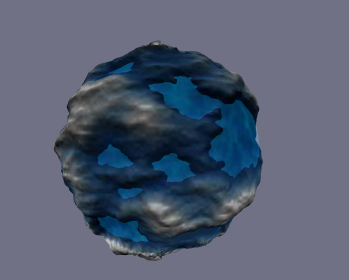
I have search whole internet searching for a spherical terrain shader for Unity. I want to texture a sphere depending on the distance(altitude) between each vertice and the origin of the sphere(center pivot). It could be great to put from 4 to 8 maps in the sphere. I’ve no idea about shaders.
Export that to unity as an obj. Import it into Unity.
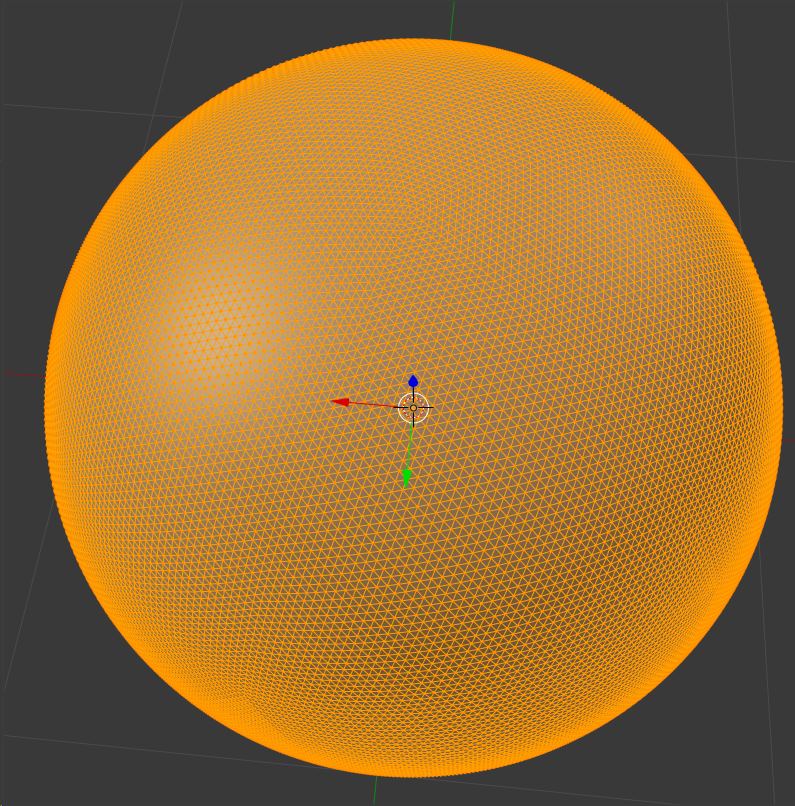
There, that is your planet with a pretty darn detailed mesh.
Then, adjust the heights of each vertex based on its distance and vector from the planet center, adjusting each vertex out by the altitude. So if you are increasing the altitude of a vertex by um…10% above the current surface, you would take the current vertex vector from the center of the planet, multiply it by 1.1…there is your new vertex position. Are you getting your height data from a noise function, or from pregenerated data like a height map?
Since it is about 41k vertices, that is plenty to get in one mesh. And I would expect this height adjustment to easily be fast enough to do in real time.
IMO, the only special shader you need is something that can do multipass blending, like the awesome Relief Terrain Pack. It has excellent shaders that do this for arbitrary meshes.
Good luck, hope that helps.
PS: I don’t know how detailed you need the terrain on your planets to be. 6 divisions would certainly give you better performance if you really need it, and your planets are far away.
The terrain is random Perlin Noise generated. And i need a shader for that, because as said, the planets are random generated, i can’t unwrapp anything because the planet is created at runtime.
I attach a video for what i’m looking for… i only need the shader part but for terrains, with 4 or 8 layers
So you just want a shader to pick a bitmap based on vertex distance from origin, thats equivalent to the scalar of the vertex position
You could probably also save a squareroot calculate by just using the sqrMagnitude of the position, since its all relative.
You could get it with vertex.x * vertex.x + vertex.y * vertex.y + vertex.z * vertex.z in the vert shader, and then maybe pass that to the fragment shader in a color, and use that to blend between the various maps.
Here is an example I whipped up, it blends between 5 maps by height, but only works for spheres at (0,0,0), and it’s exceptionally verbose. Also wont work on low shader-model cards, because of number of registers and arithmetic instructions
the _Blend0to1and1to2 vectors are just a neater, more compact way of providing 4 floats separately - and the values define the start and end height of each blend section
The heights of each vertex are stored temporarily in a color (the position semantic is gone by the time you get to the frag shader) and then a series of if-tests determines which 2 maps to lerp between.
This probably isn’t a very efficient solution, but you wanted a starting point.
Tiling already works in that example, except it uses the tiling of the 0th map for all 5 maps (change the x and y tiling in the first slot)
Lighting&shadows is a whole other subject tho, now you’ve seen this example, maybe you can work it into a surf shader, where the lighting is simpler to set up.
That makes two of us. I’ve been able to procedurally generate an icosphere with the initial sides and subdivide it to where it’s okay. I want to put in a LOD system to improve visual quality within a distance as I want to generate a 1:1 planet scale. With minimal verts at a distance and then increase that once you are a certain distance away. I had initially tried using a texture of the moon, just to see what it would look like but I ran into that ugly seam problem and I don’t want to duplicate the verts along the seam. So I want to generate some terrain, some land mass, some mountains and some underwater oceanic terrain. I’ve found a few examples but it’s all in OpenGL or DX and I’m not using either of those at the moment. I’m also learning as I go. How would I use that shader example listed above…or I should ask, how would I implement it. Like the OP, I’m a complete noob on shaders. Would I put it into it’s own private/public void function and then run stuff through it?
Also, the perlin noise. Would I just run all the verts through a noise function to change the distance from center. I’ve done some Noise generation with cube worlds (minecraft like) but the noise on a procedural sphere is just not grasping. I know this is a lot of questions but we all start somewhere right? It’s very possible that this thread is outdated and no longer looked at but there is always hope.
I know that it’s been a couple of years ago, but back then you were able to subdivided the icosphere by 7 times. Since computing technology has slightly improved the rendering quality, I took the liberty of subdividing the icosphere 8 times, then I subdivided again in edit mode. I must say, it looks pretty darn good but slow as heck while loading.
To create seamless perlin noise on any 3d mesh you just sample a 3d perlin generator at the points on the surface of the mesh - crosssections of 3d perlin noise look almost exactly like 2d perlin noise with the added bonus that placing a mesh “inside” the 3d perlin space and sampling it will always produce seamless noise on the mesh.
Hey BigBGros, I am also having trouble with creating procedural planets, though it’s the terrain that is stumping me. I too have searched the entire internet for a solution, but nothing useful. Would you mind if I can see how you managed to do it?