I have created a world generation system that includes Sprite Shapes. This system progressively generates a rope bridge using the sprite shape tool.
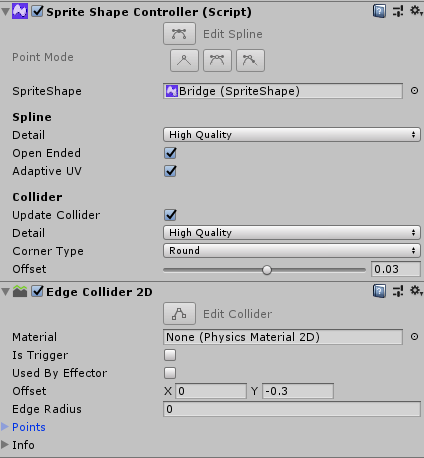
This system works fine, but regardless of the changes made to the spline, the collider does not update. The collider is set to auto-update, and when I select the sprite shape in the inspector, the collider refreshes and works perfectly. I have tried all of the different functions available in the spriteshape controller, but none of them seems to update the edge collider.
The spriteshape is instantiated from a prefab, then the startPos and endPos are set. The game then calls updateSpline(), shown below.
The function below is called to update the spline. What would I need to add/change to update the collider?
I believe this is a glitch, so I made a workaround. Simply don’t use the collider system given to you by Sprite Shape, and instead make your own collision system. It took a bit of tweaking to get my collider perfectly following the spline, but it is possible. Certainly a nuisance though.
@vaibhav_unity235
I set ‘Update Collider’ to false, then tweaked the points of the edge collider in the code. Since I generated the spriteshape, I already had a list of the points used to make the shape, so I just shoved those values into the edge collider directly.
It was a bit more complex than that, since the quality of the collisions wasn’t always high enough, so I made an algorithm to simply add extra points in between the existing ones. This also didn’t really work with the handles, but once again, I just made it work. For me, it was all just a big workaround.
I still have this problem in 2019.1. Apparently the mesh generation is a JobHandle where I would have preffered it would be synchronous. I haven’t solved it, but I am trying to use an Action called in a coroutine that tests the jobhandle…
I am re-posting this again so its clearer. The Scripts posted below use BakeCollider to update the Collider for SpriteShape Renderer. The source of these scripts are not internal and can be easily integrated into any project. Please use them as reference for BakeCollider usage.
We understand that different games/styles can have different needs for collider generation. Based on inputs and feedback such as the ones above, we have provided some additional scripts for collider generation in the sample project. More info and simple demonstration videos as follows:
Geometry Based Collider (Collider from Render Geometry):
Once you import this script to your project you can select Menu → SpriteShape → Generate Geometry Collider to generate spriteshape collider data for EdgeCollider2D or PolygonCollider2D if present in the select gameObject.
Generates collider data from the render data and provides best fit collider.
Collider is generated in main-thread and could be slower than the default generator.
Collider Quality levels or Optimize collider does not apply.
Legacy Collider (Collider generator that shipped with 2018.* versions):
Once you import this script to your project you can select Menu → SpriteShape → Generate Legacy Collider to generate spriteshape collider data for EdgeCollider2D or PolygonCollider2D if present in the select gameObject.
Generates collider data only based on Spline data and does not take into account different height or sprite size in the control points.
Collider Quality levels or Optimize collider does not apply.
This unfortunately did not have any repro project. We have already provided samples for BakeCollider usage as seen above. Please refer them. Please feel free to ask if you need more info.
Thank you kindly Venkify! I might have copied the wrong bug report. Since upgrading to 2019.3 I have found many issues and reported quite a few.
To be more precise, what I have is a few spritedshapecontrollers that represent sections of a race track. At runtime, I generate a racetrack from those pieces and stitch them together in a brand new (And very long) spriteshapecontroller.
All of this happens behind a black transition screen and I required a test condition for it o be fully built / generated, including graphics and colliders. What happened was, because the camera did not look at the spriteshapecontroller, it did not trigger “OnWillRenderObject” which had the right ammount of internal logic to do the job.
Simply calling BakeMesh did nothing, even by forcing the JobHandle to complete. What I did till now is to go inside SpriteShapeController, copy the logic (And forcing the conditions to be true just in case) in a publicly accessible method.
This hack is annoying because everytime Unity rebuilds the modules, it resets all cs files including thatone, so I have to keep copy/pasting my hacky method.
Another Unity developer on these forums posted something about using a temporary texture to trigger “looking at the spriteshape” to trigger internal code to generate it, but I will look at your solution which might be more direct than a hack
How can I add multiple edge colliders to my 2d spline? My goal is to make a top down road and its edges to serve as boundaries which the player cannot cross procedurally. To test this, I manually created a 2d spline using this asset and then adding an edge collider to it. Even the first edge collider was not lining up properly with the sprite’s edges. How can I make it accurate using code where I don’t have to manually do this?
It seems to me that collider stops to be recalculated whenever I set one of points to be exactly 0. Im not sure thought… Can someone else investigate and confirm?
I’m creating a Sprite Shape that’s a cone, starting at 0 on the originating body and going out from there. I’m using (0f,0f,0f) as my base spline point. The Polygon Collider 2d wasn’t updating no matter what I did.
Updating the base point to be (0f,0.1f,0f) fixes the problem.
I believe this has been fixed in recent versions (tested 7.0.3 for 2021.2) Could you please let us know what version of SpriteShape you use? It would also be helpful if you kindly submit a bug report with a simple repro project ? Thanks.
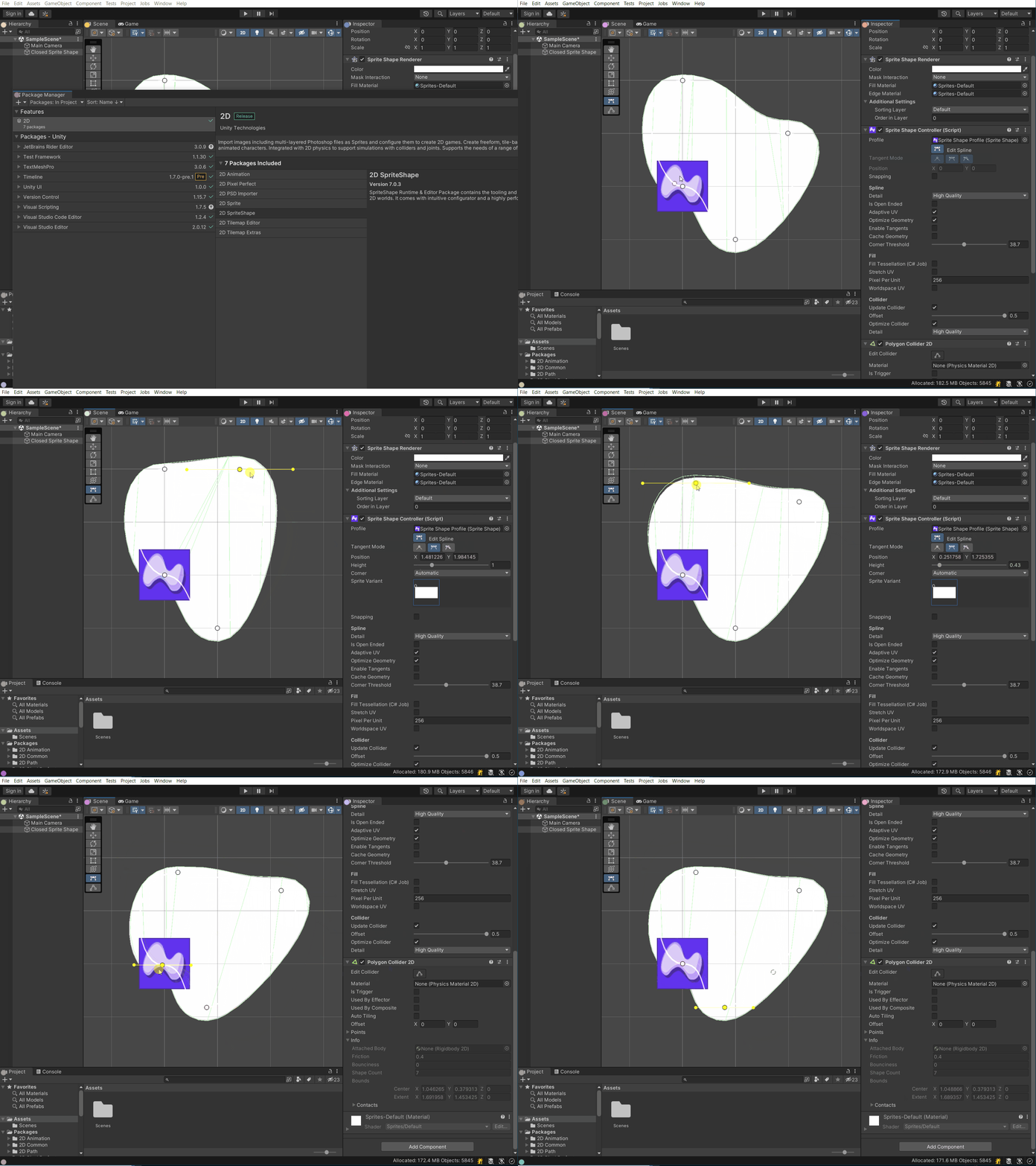
@Venkify I’m on 7.0.3! It looks like I isolated the repro - it only happens when you use a Sprite Shape Profile that dosn’t have any Sprites in its Sprites list. I’m doing this because I need a closed SpriteShape with no border.
I also submitted a bug report with a repro project!