I am interested in potentially using UIElements for in-game UI when that becomes possible with Unity 2020.x, but I’m noticing some capability gaps in comparison to uGUI and TMP when it comes to working with text. So here are my questions:
Is there a UIElements equivalent of TextMeshPro’s auto-sizing of text based on the containing rectTransform?
Similarly, what tools (if any) are there to predict the minimum size of a text element given a string to display and a font size?
There is no equivalent to TextMeshPro’s auto-sizing of text but you could implement your own C# solution by listening to the GeometryChangeEvent on your Label and changing the font size as it gets smaller.
You can use MeasureTextSize to measure text (accessible on any TextElement, like Label).
All the features (or most anyway) of TMP will eventually be exposed in UIElements (Editor and Runtime) - including in USS.
No ETA at this time. We’re still working on the core runtime support for UIE. Once we have that working, we can start adding features and improve parity.
Hey @AmazingRuss ! Auto sizing it is in the UI Toolkit roadmap, but we don’t have an ETA yet. For now the workaround as Damian wrote is to listen to the GeometryChangeEvent and change the label font size as the size changes.
IMO this is pretty crucial feature for any UI toolkit (editor or ingame), so I find it quite weird that it still is not supported out of the box.
For example it is quite difficult to estimate the space needed for a label when there is localization involved. Same string that looks fine in English might be twice as long in Germany and if the text is either clipping or overflowing, it looks really bad.
I’m testing UIToolkit for only editor things, and would never ever use it for ingame in the current state that it is in.
I have made a FREE asset to solve this: https://u3d.as/3xVq
It differs from other solutions by using MANIPULATORS instead of custom label elements. This means you can add it to any text element. It also takes paddings into account and works for wrapped and unwrapped text.
Hopefully Unity will add this soon as I think this should have been included right from the start.
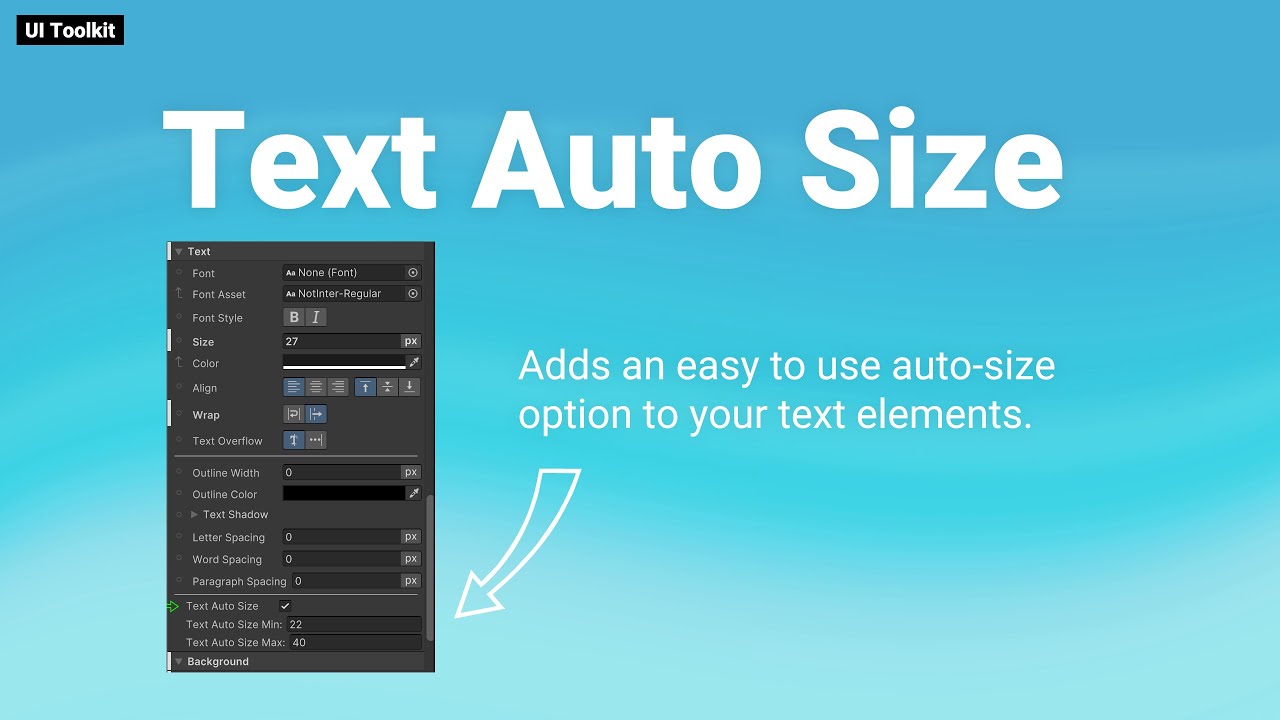
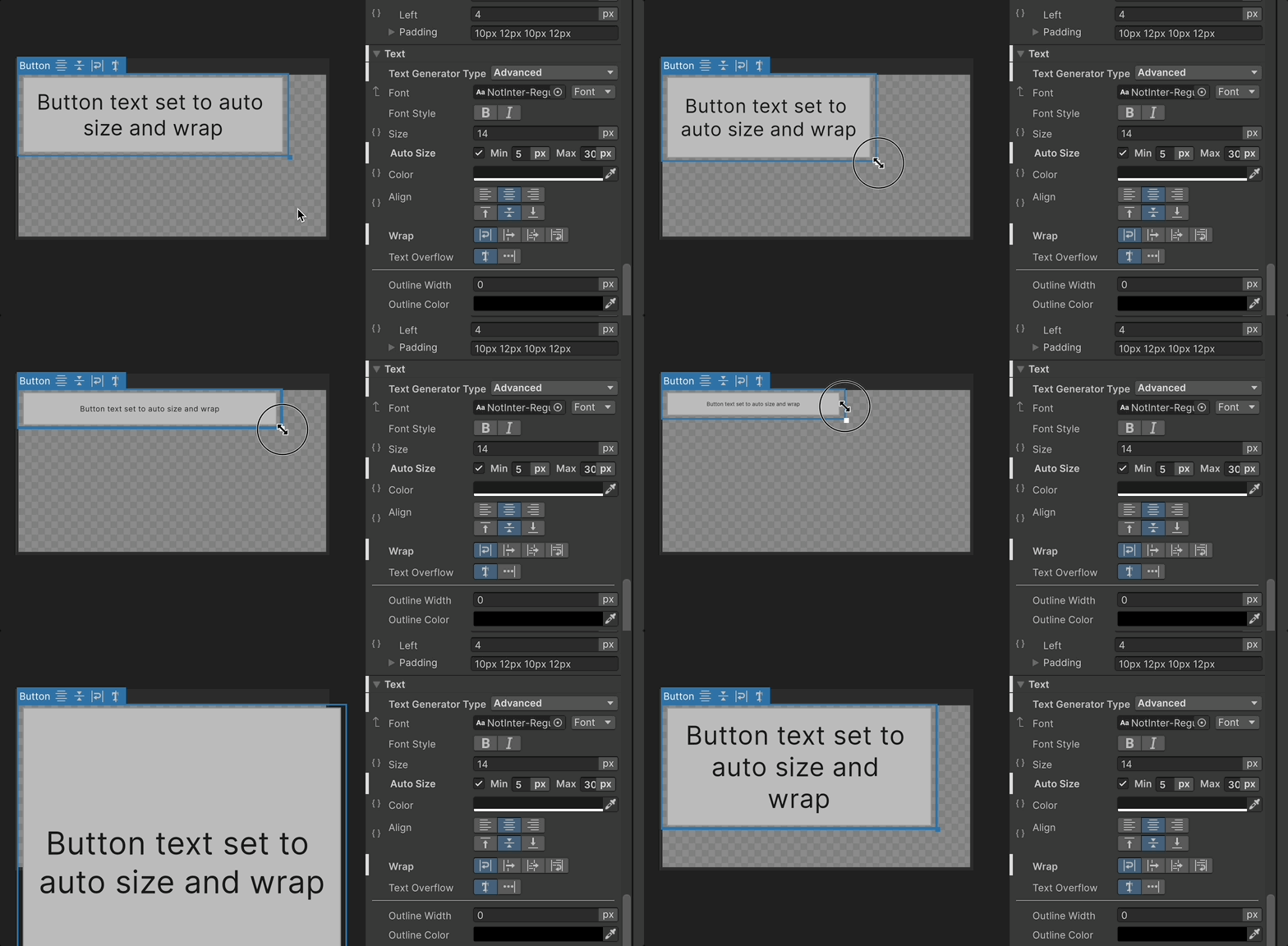
Hi, apologies for bringing up an old thread but since this thread is a high result on Google I wanted to share an update: As of 6.2, Auto Size text is now available as a USS property (when using the Advanced Text Generator) with the ability to set a minimum and maximum font size for the text element, much like what was available in TMP
Thanks for your quick reply! I’ll share the behavior with a Vector Image but it also happens with Texture (6000.2.13.f1)
I expected to both resize accordingly, maybe I misunderstood how it is intended to work, thanks again for your help!
Edit:
ok @HugoBD-Unity I just found the issue and it seems it is because of .unity-text-element and the differences between a regular Button and a Button that contains an icon.
Whenever we have a Button there’s just that container and a text rendered inside but when we add an icon the hierarchy is changed and then the Button container is composed of an Image and a TextElement, therefore setting the AutoSize in the button won’t work as it is needed to be set in the TextElement that contains.
I hope I explained correctly, fortunately there’s a workaround to work with this