I’m excited to finally announce that Text Engine has been approved and is available in the Unity Asset Store!
If you’ve ever used TextMesh Pro and found yourself trying to build a system to manage a bunch of text, then Text Engine is for you! I built this because I like to write games and applications that depend heavily on on-screen text, like HUD messages and tooltips.
Something like this:
Accessing your controller is super simple. For example:
_MyTextManager.GetFeedbackController("HUD Text").AddLine("Hello, world!");
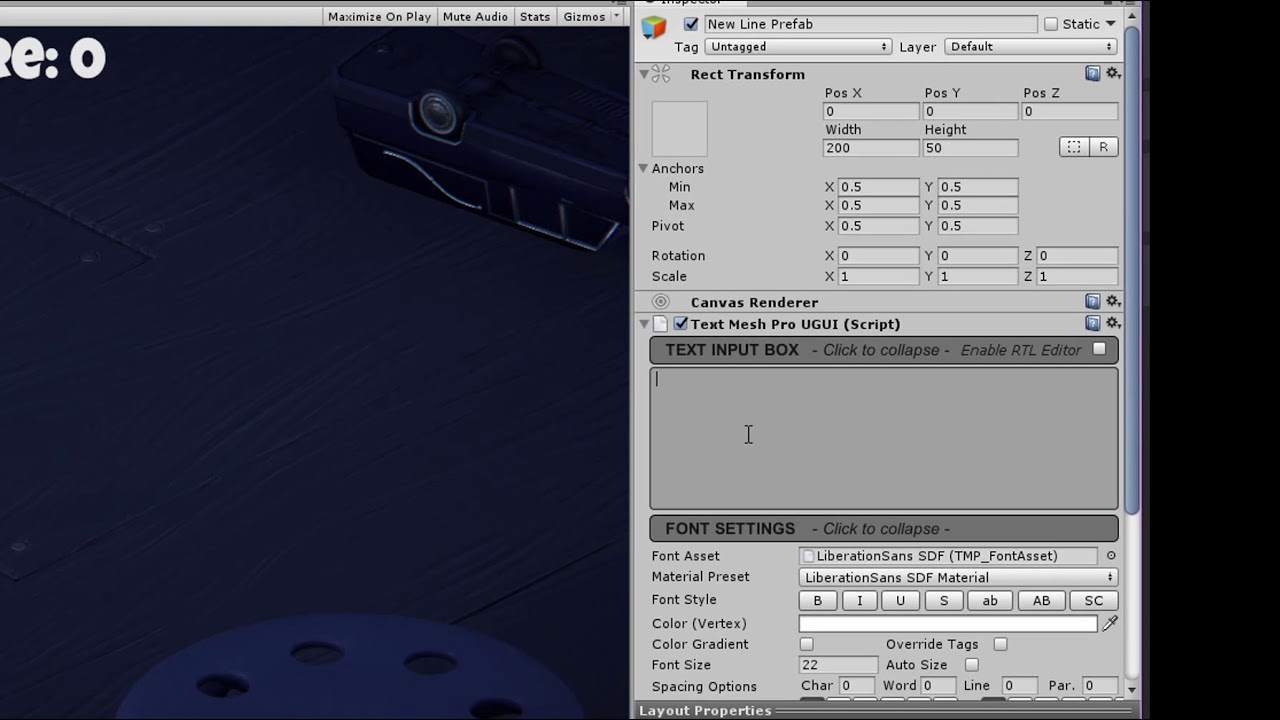
For a more in-depth look, take a look at this video of how I integrate Text Engine into Unity’s Survival Shooter tutorial project:
I’ve got a lot of stuff on my development roadmap for this, too, the first of which is the Tooltip Controller. (You can see a preview of it in the screenshot abov).
Here’s the link to Text Engine in the asset store:
As for this thread, I’d really love to hear some feedback about the system, any ideas you have for improving it, and any ideas for the future.
Up-and-coming features include, but are not limited to:
- [90% done] Tooltips for the player’s HUD
- [In progress!] Diablo-style ortho text for items and interactable objects
- [Alpha prototyped!] Speech bubbles for simple call-out dialogue
- [Alpha prototyped!] Zelda-style event-based dialogue
I create educational stuff and interactive adventure-style fiction/visual novels, so Text Engine has been super helpful for me and my productivity. I really hope it’s helpful to you, too!
I am always open for feedback at jesse@lawsonry.com, and please don’t hesitate to email me if you have questions, comments, concerns, complaints, or just want to share a funny dad joke. 
Looking forward to your feedback,
-Jesse