Throw Control (Unity Asset) — highly customizable Advanced 3D Throwing System for Unity.
You can throw any object forward or in any direction with custom force, a center of mass, and 80+ other throwing parameters. 3 Modes. 4 Demos. 11 Throwing Objects.
Throw Control 6.0 — Update for Unity Asset
Features:
- New Throwing Mode for Desktop using Keyboard called “Press Key” (in addition to Mouse only) with 2 Ways that form speed and throw direction based on:
- current input position of Mouse (last position of mouse cursor),
- fixed input position (doesn’t depend on the mouse). It’s suitable for FPS.
- WebGL Support via HTTPS for Mobiles: iOS & Android. Learn WebGL Tutorial.
- New Throwing Object: Football ball.
Improvements:
- Unity 2022.3.20.
- Watch some part of the DevLog during upgrading from Unity 2021.3: English, Russian.
- Asset is downloaded into your project as a Tool/Plugin now (not as a Complete Project), which is more flexible. Read “Getting Started” Tutorial to Import correctly.
- Assigning Throwing Modes for Desktop and Mobiles separately.
- Detailed Tutorial Screens for 4 Demo Scenes.
I’ve done a HUGE amount of work. Throw Control 7.0 for Unity 6 and URP is here.
This Asset for Unity is an Advanced 3D Throwing System.
Improvements:
- Unity 6000.0.38.
- URP (New Standard in Unity starting with Unity 6): instead of BRP.
- Input System (New Standard in Unity) for All Throw-related Scripts: instead of Input Manager.
- Supplement Documentation for Professional Use and Add Tooltips in Scripts.
- Material Control:
- Optional Flag in Editor: Is Debug Logging — to understand Fading Steps.
- Error Reports and Troubleshooting Tips in the Console (thrown independently of the flag).
- Merge parameterAtStart, parameterMin, parameterMax variables with values on the X-axis in Fading Animation Curves:
- X = Shader Parameter in the Previous Step,
- Y = Delta Speed of Shader Parameter Changing.
- Enable Fading In and Fading Out for All Game Objects on “Flick” Scene. Game Objects on Other Scenes provide Fading Out only by default.
- Shorten and Rename the Folder of the Asset and All Scenes to fit the Asset Name.
Changes:
- Deprecated:
- Particles Cutout Transparent (shader).
- Flag Custom field in ThrowingObject.cs.
Any Custom Data must be placed in the Mono Behaviour Custom.
Fixes:
- First Appearance of Game Object using Fading In.
- Apply Correction for Mouse Sensitivity on Desktop FPS Demo for WebGL platform.
The Updated Throw Control plugin for Unity is already included in the AR Bundle.
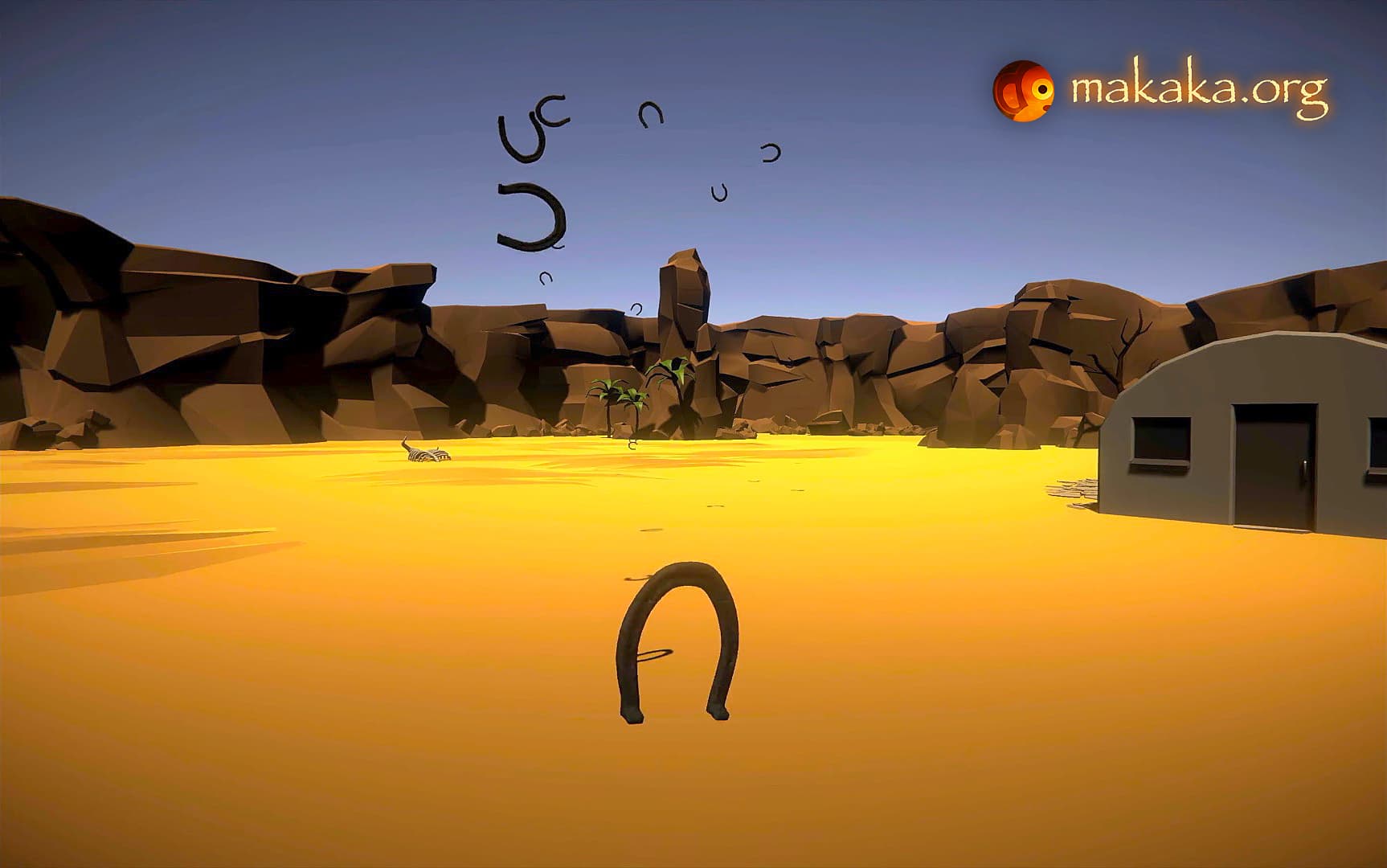
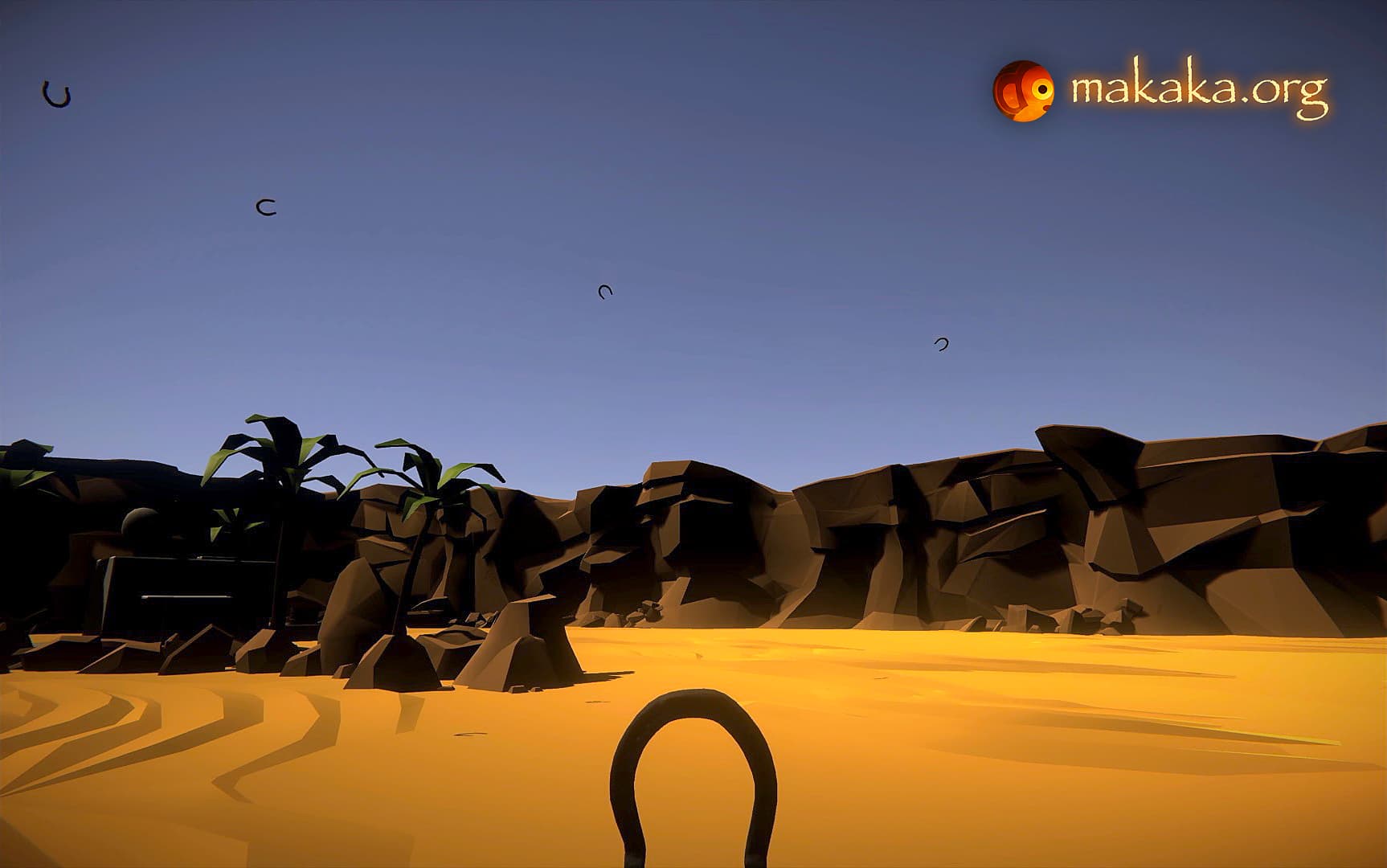
FPS Demo Scene of Throw Control (Asset for Unity)
Sample provides the Next Controls:
Walk, Run, Jump, Throw.
Tested with Desktop Platforms:
Windows, macOS, WebGL.
Tested with Mobile Platforms:
iOS, Android, WebGL.
Tested with Desktop Platforms:
Windows, macOS, WebGL.
Dynamic Material System  Throw Control (Unity Asset) with Fade & Object Pool New Video Demo
The Dynamic Material System and Object Pool are parts of Throw Control.
Features
- Fading In & Fading Out: Dissolving/Appearing VFX,
- Material Changing in Runtime for Any Custom Game Logic (e.g., fail, win),
- Preventing Redundant Memory Allocations.
Foundation
Material.SetColor function (by Unity) performs Memory Allocations by Creating New Materials.
To avoid this, I developed SetMaterial function.
So if you plan to change the Colors of Objects in the Runtime, you need to create separate Materials with Target Colors in advance.
In the Unity Editor (MaterialControl.cs) you can customize Fading In & Fading Out with Full Control of Min & Max Values, Delay & Speed for Indicated Shader Parameter.
Actually, you can change any Float Parameter in your Shader.
Shaders (URP)
The Nature of the Fade depends on the _SliceGuide Texture on one side, and on the UV map on the other side. There are 2 Custom Shader Graphs with _SliceGuide Texture for Fading of Game Object and its Shadow.
Check [Your Material] — Shader — Shader Graphs — Makaka Games:
- Diffuse (Dissolving) Shader Graph,
- Bumped Diffuse (Dissolving) Shader Graph.
Video Demo also uses Sensor Camera (Unity Asset).
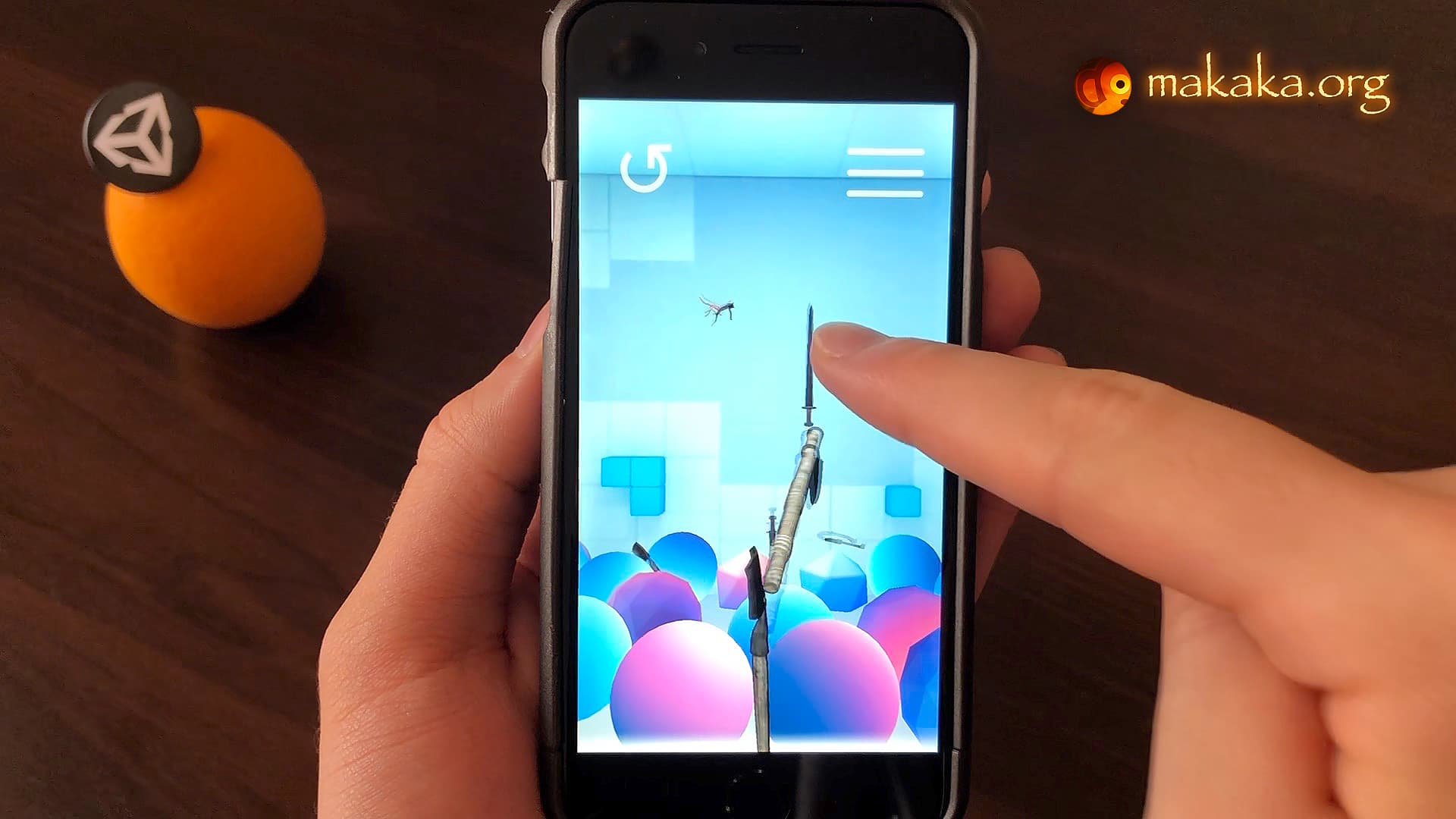
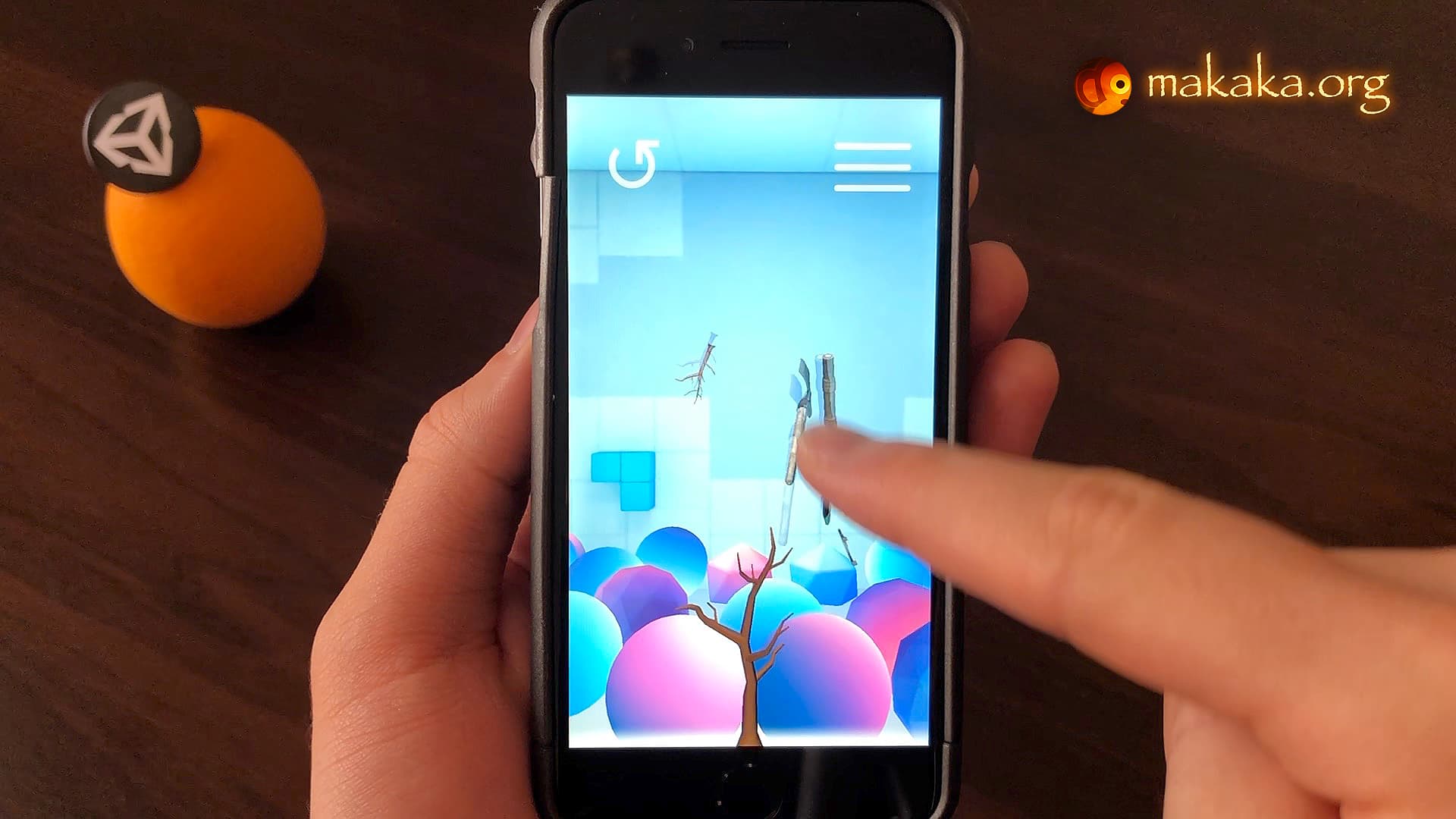
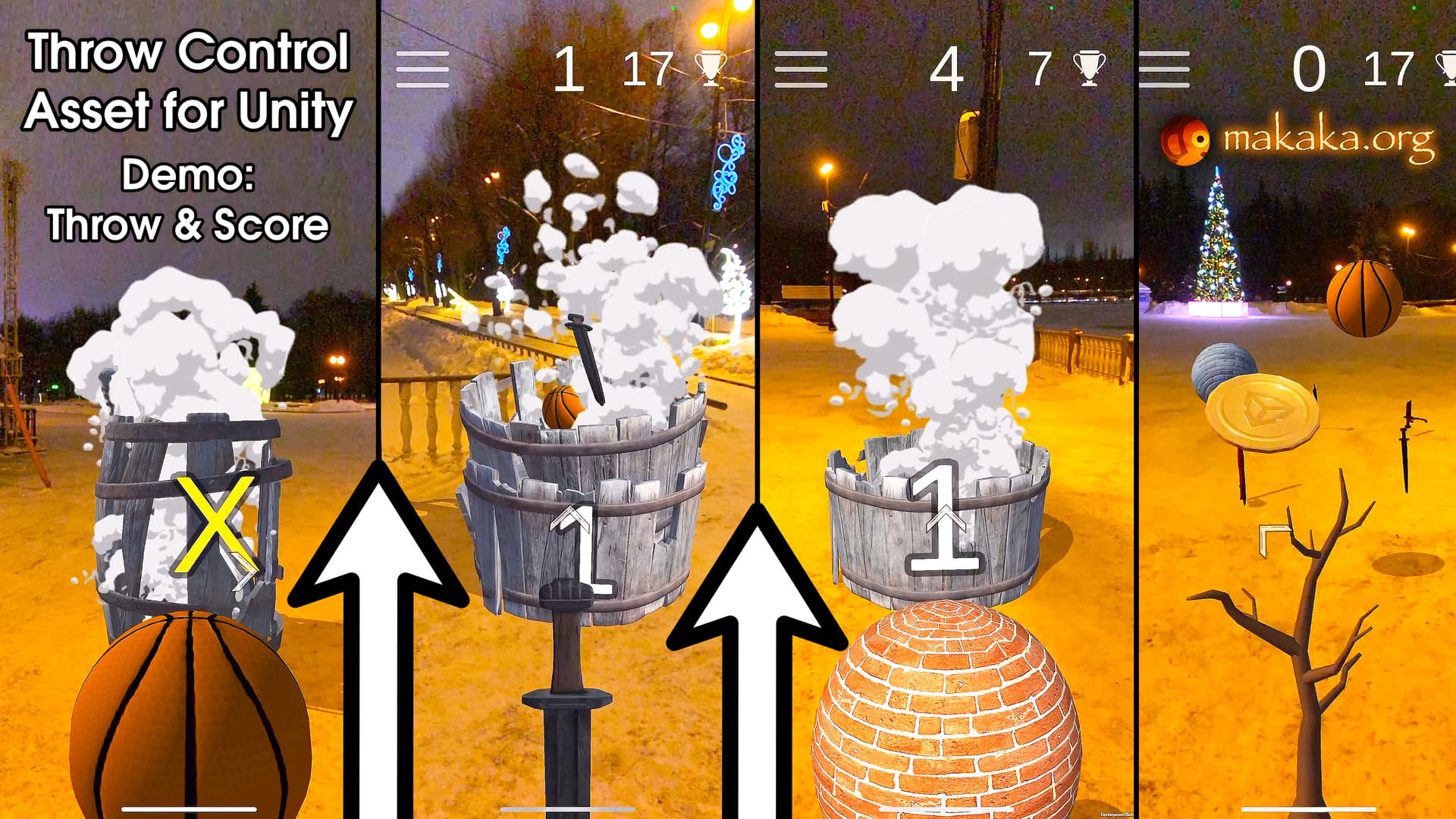
Throw Control 7.1 — Update for Unity Asset — New Demo Scene: Throw & Score
Asset includes Non-AR version of AR Throw & Score (video).
Features:
- Cross-Platform Throw and Score Scene (Game Template) with Sensor Camera (included).
Toss Diligently and Try to Get the Best Score by Hitting the Target Containers without touching the Ground (Mode: “Click Or Tap”):
- The Scale of the Entire Demo is smaller than in other Demos, so Physics works more quickly. The Scale of the Next Throwing Objects was specifically reduced to work there:
- Axe, Basketball (Ball), Sword, Broken Sword.
- 3 Unique Containers: Barrel, Bucket & Bucket Group.
- Directional Arrow that points to the Current Target.
- Easy Control of the Count of Containers: place as much as you need.
- Custom Meshes of Containers & their Score Triggers were created with Technie Collider Creator (itʼs not needed to run the project). They allow computing collisions more accurately for better playing dynamic sounds and counting points.
- UI Animations and Sounds: Best Score, Container Task and Scoring, Fail.
- Visual Explosions from Containers with Sound when Scoring.
- Using of Dynamic Sound System & Dynamic Material System outside the Throwing System:
- Customized Collision Sounds of Floor and Containers using
audioDataCustom of ThrowingObject.cs.
- Material Changing in Runtime for Custom Game Logic (fail – when Throwing Object touches the Ground) using
materialDataCustom of MaterialControl.cs.
- SameGameObjectDetector.cs allows you to Add More Realism to the Game and Prevents Registering of Double Collisions when Scoring, Failing and Touching the Environment.
- Game Randomization with Min Task and Max Task: control how many balls should be thrown into the Next Container.
- ThrowingObject.cs now uses Audio Sources array instead of the only Audio Source. The more Audio Sources you have, the less distortion there will be (e.g., for many collisions at a time).
Improvements:
How to Keep Game Objects in Scene after the Throwing?
Here is the result video after applying manipulations in this section.
By default, Throwing Objects are not destroyed during the game due to Object Pool pattern with Object Reusing. Initially, the system is designed so that objects disappear after a certain time to save your device’s memory. Note that objects in pool are instantiated in advance, before you can click start button.
You can achieve the desired result by setting numerous objects in the pool and a large reset delay, while disabling the fading. To protect you from too large values, long loading at start & low performance of your game, you can’t set the next values in inspector, but you can fix the restrictions inside the script in field attributes:
- Select Target Prefab of Throwing Object in the Project window and Disable the Fading locally:
Material Control component > Is Parameter Changing On At Start > Uncheck.
- Select ThrowingPoolControl Game Object in the Hierarchy window:
- Random Object Pooler component > Init Pooled Amount (set to target number of objects in pool, e.g. 99);
- Throw Control component:
* Reset Delay (set to target number of seconds: 999).
* Option: You can also use the global Is Fading On flag instead of the local one from Material Control component.
Every new review in my Unity Asset Store is really HARD Work.
Sometimes I spend a lot of time on support of my Unity Assets — this allows me to understand what is wrong in my docs and where the user has questions.
The new review in the screenshot is the result of a 40-minute video sent to the client with the problems that arise and their solution in real time specifically for the client’s file.
Throw Control 3D — Unity Asset