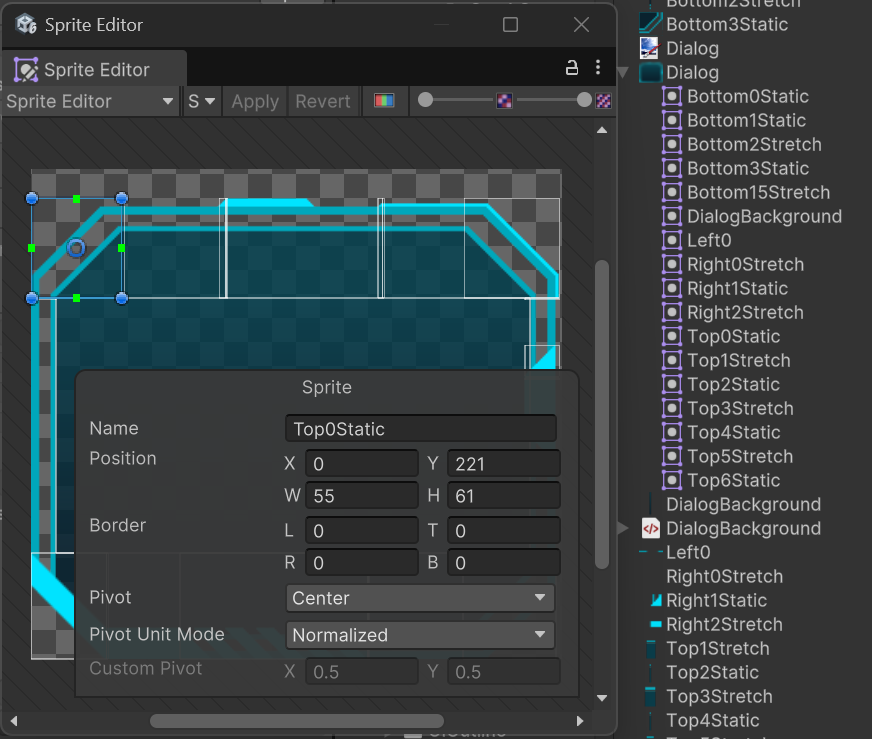
I’m trying to do something pretty simple - Use a sprite from a spritesheet in UIToolkit.
I’ve use the Sprite Editor to slice up my sheet:
But when I add it in the Editor, it “seems” to select, but the preview shows the texture:
But once you save it, it reverts to selecting the Texture:
Am I doing something wrong or is this a bug?
Hi, it looks like it could be this issue with the sprite importer: Unity Issue Tracker - UI Source Image property gets set to 'None' when using a specific Sprite and Play mode is entered
If you can report a bug and mention this one our QA team will determine if this is the same issue. You can also try out the latest 6.2 build or wait for it to come to your Unity 6.0.
Thanks