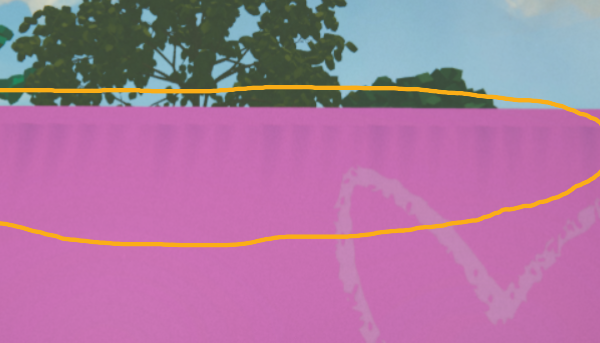
Hi everyone, I’m hoping someone could help me out. I exported a small project to webGL, but I’m noticing pixelated shadows and shadow leaks on the tops of some meshes. Has anyone else experienced this, or know how to fix it? I’m working in Unity 6.
In my URP Asset, I enabled ‘Soft Shadows’ and set the quality to ‘High.’ I’ve followed several tutorials, but nothing seems to have worked so far.
The first thing to check with graphics differences with the web vs other platforms/editor, is the Quality settings. Web will default to using a lower quality setting. Not sure if that’s the problem here, but it’s something to check.
Thanks for getting back to me. Yes, it was in the settings - unfortunately don’t know exactly where as I was messing around with everything but it was there. Now, the shadows are looking great.
Hi @laertjansen
I have a similar problem with WebGL shadows.
Everyting is OK in Unity Editor or MacOS build.
I didn find any differences between MacOS and WebGL quality settings. They are 100% equal.
What exactly did you change in setting to fix the issue?
Just replying here as the solution was never posted and I just spent way too long troubleshooting myself.
Likely as you’re developing you’re using the PC_RPAsset and getting your shadows looking good there. When you build for WebGL or mobile, the build will then default to Mobile_RPAsset which has its own shadow settings - probably set to lower quality.
The fix to what OP is seeing is to go that Mobile_RPAsset, and in the inspector at a minimum increase the Shadow Resolution to 2048. You’ll probably want to play with more settings here as well but that will at least get it looking better.