Hi all,
I’ve been using VS Code with the Unity Editor for about a year now. I’ve been working diligently on a project for months, and every time I double click on a script in Unity, it opens it up in VS Code. If VS Code isn’t running, it starts VS Code and then opens it.
Then, suddenly, about a week ago, it just quit. If I double click on a script, it’ll “think” a moment or two with a spinner icon, and then… nothing.
If I open up the Task Manager, Code is indeed running, but it’s not on the task bar, and isn’t available.
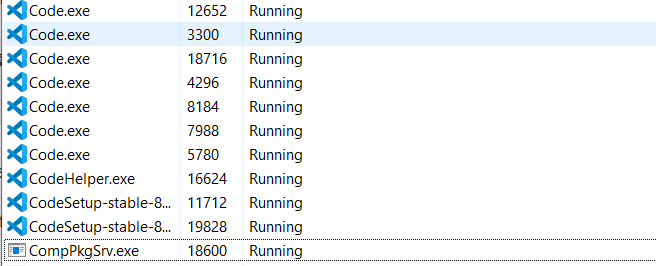
However, if I start VS Code normally, it pops right up. I can open the C# files for my project and edit them. There’s just no intellisence since it’s not linked to my project.
I’ve tried uninstalling and reinstalling code, as well as updating to the newest versions of UnityHub and Unity, but to no avail.
I’m clueless what to do about this issue and it’s really setting me back.
Any ideas?