Unity Output Android APP not working on my new phone but old phone

Hello guys,

I just created a VR APP in Unity using Google Cardboard SDK and Easy Movie Texture Plug-in, I just export it and put it into my phone It’s going quite well, all the function is fine (even I don’t have google cardboard but there are still something happening on the screen)

However, when I put it on my new phone XiaoMi rednote 4 (using Android 6.0) and Its just black screen all the time and it show some cardboard requirement things.

does anyone know how to sort it? anyone know cardboard is must for the new Andriod version or not?

Have a good day

Many thanks!

What Cardboard requirement things? Can you capture some screen shots so we can see what you see?

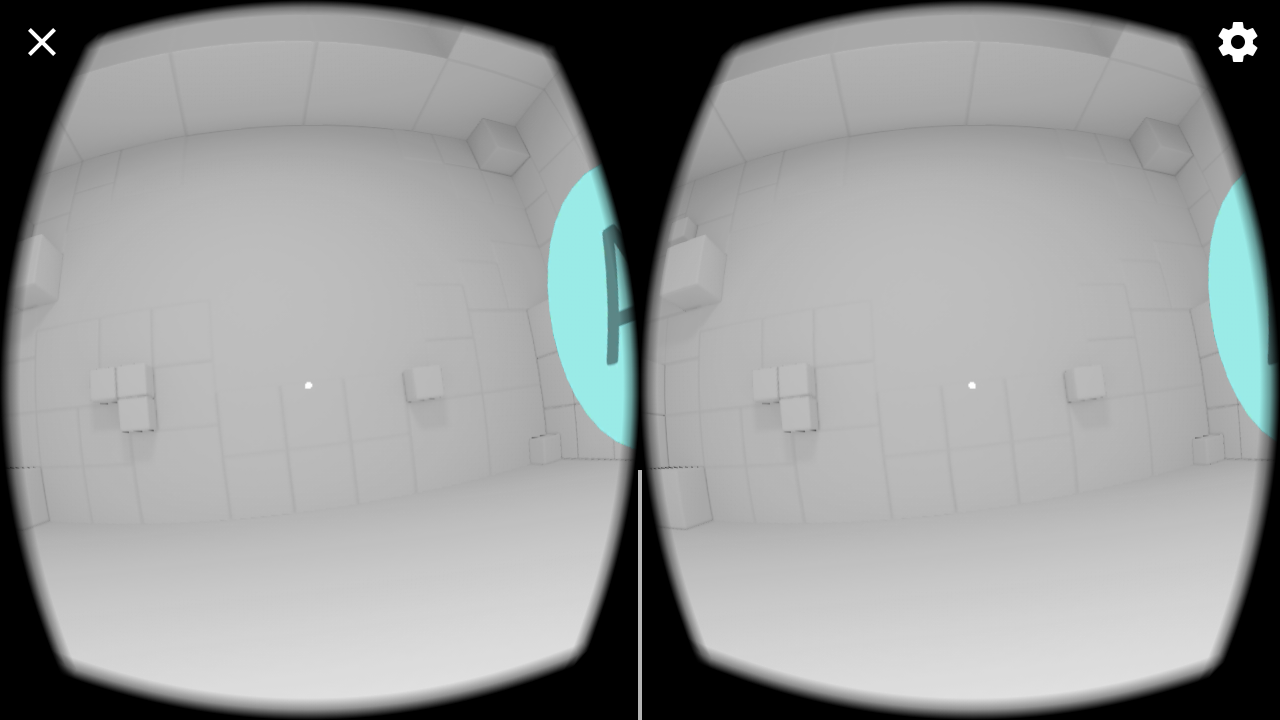
Thanks Joe, ok so this is what I can see on my old phone when I open my VR APP "using Samsung note 2"

And This is what happening on my new Phone XiaoMi rednote4 ( just a black screen with some default button that come with the SDK Plug-in)

And then Something jump out to tell get the cardboard APP? Then I just download the APP from play store and Intsall

After that, it still noting happening on the screen like the first picture, and the only thing I can do is press the Gear that on the Right top corner and its show something like this

When I press the SWITCH VIEWER it’s show some QR CODE scanning things but I don’t have a google Cardboard or Should I get one? “I using some VR viewer from other source”
And so the final things is the TROUBLESHOOTING TIPS, its show something like this

Hope someone can help me, I really stuck on this, thank you!

You are going to need to configure it with the QR code of somer viewer.

Try scanning this: http://tantransha.com/images/Tantransha-QR-%20code-profile.png

Thanks Joe, I did it but it still no working normally, I think the problem is about the phone, still trying to sort it, thanks!!!