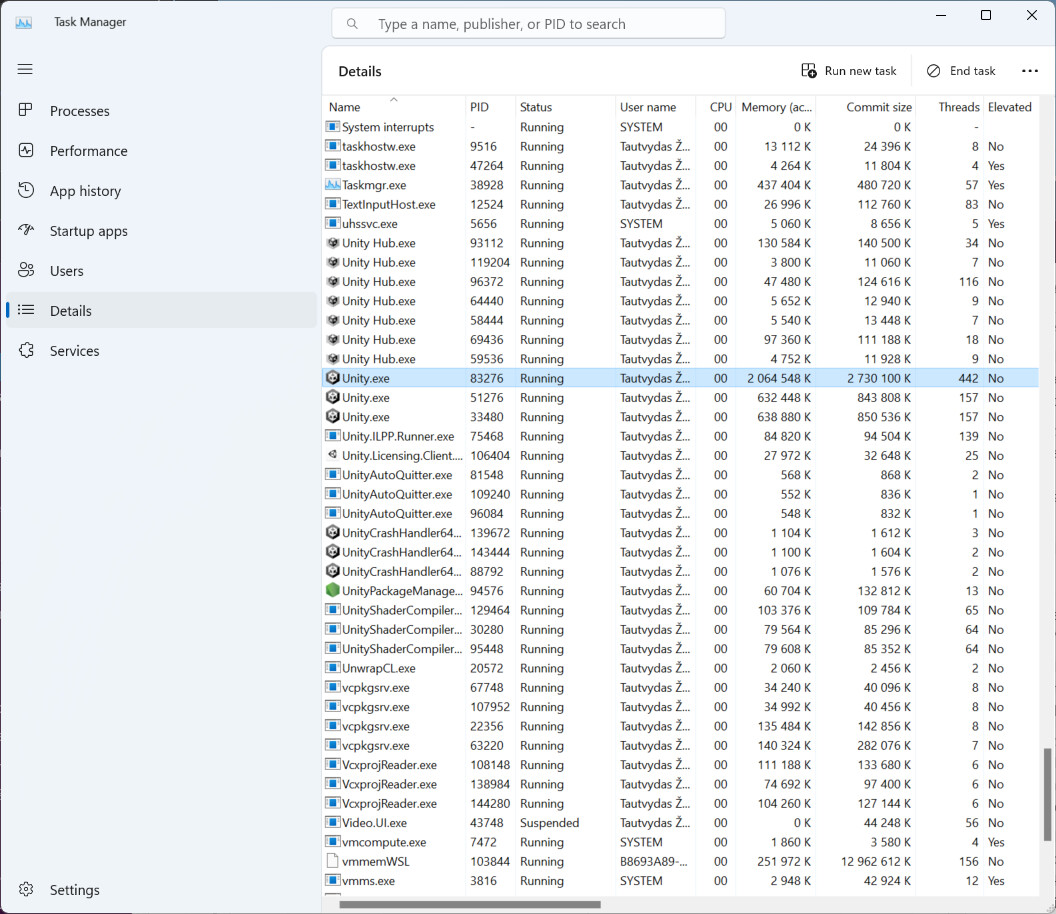
Every time I open Unity, I get a pop-up saying that Unity is running as administrator and that this is a bad thing. I tried to fix this, but I cannot. Unity Hub does not ask for administrator privileges when opening. I was hoping for help on preventing Unity from opening as an administrator as I do not know what else to try.
There is a button which says to “Restart Unity as a standard user” which does nothing.
Does it still do that after a reboot? Does Unity Hub also say elevated? When you configured it to Always Notify, at what point does it ask for elevation?
I suspect what happened there is that when you change that settings, Windows asks for reboot. And when you reboot, anything you had running as admin is closed and next time it didn’t start as admin anymore, which made the problem go away.
Ok then this is strange it would launch as admin and not do anything if I press the button on the left (restart as standard user). What’s the solution?
Are you running Unity through the Hub? Is the hub running elevated? Can you try restarting the hub (and kill any of its elevated processes)?
The button not working “restart as standard user” is a bug. I’ll take a look at it. Can you tell me what lead you into running this? Did you just install the newer Unity version? Did you update the Unity Hub? Was this a fresh new machine or did you have hub/another Unity version already installed?
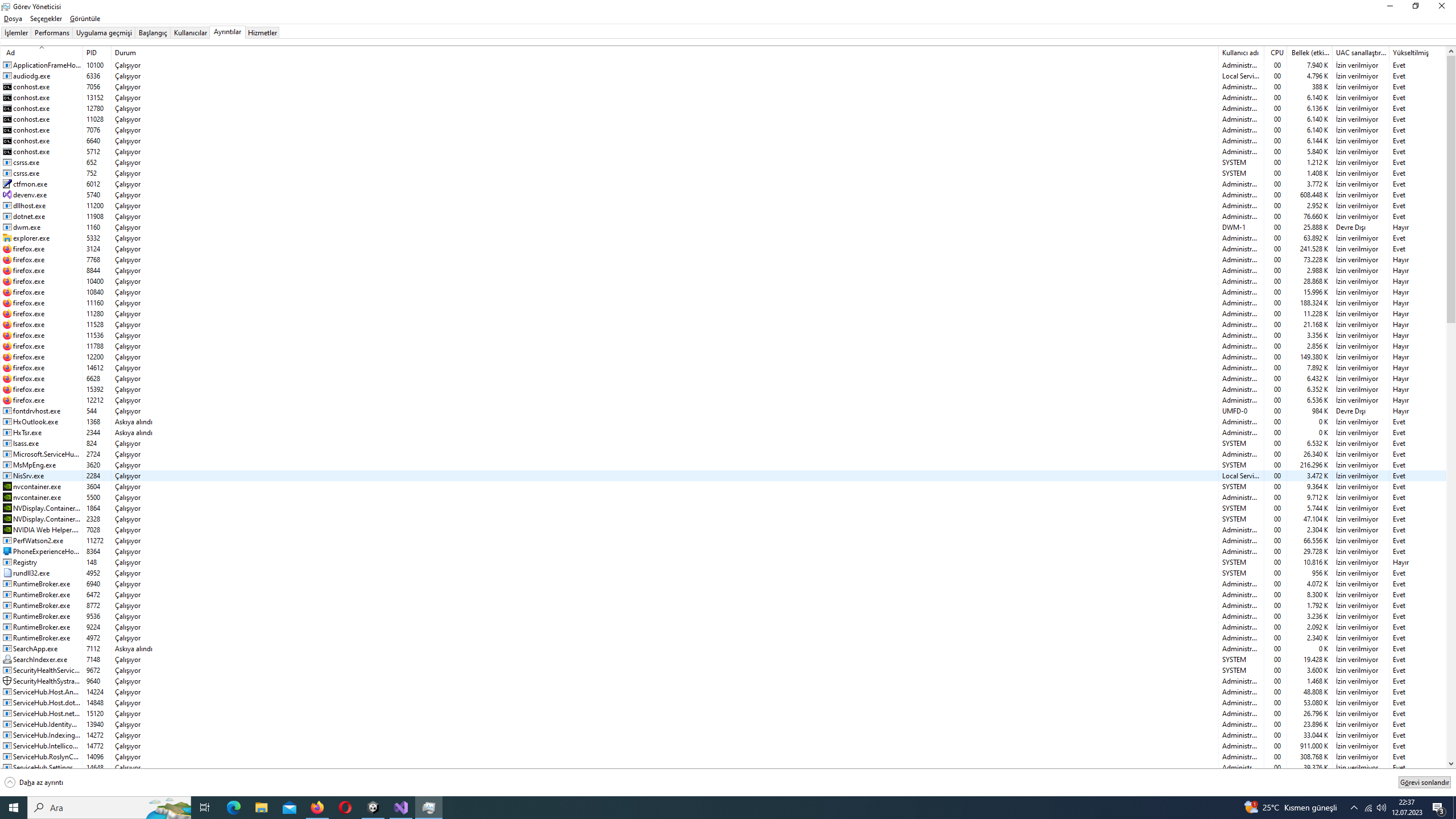
Yes it does. There are 6 Unity Hub.exes working on my task manager, 3 of them say yes, 3 of them no. Unity.exe says yes. I shared a ss of my task manager. I use Turkish windows but the far right column is Elevated. “Evet” means yes, “Hayır” means no. It never asks me to elevate
Can you right click Unity Hub.exe on that list, and press something that resembles “Open file location” (I’m not sure what it’s called in Turkish Windows), then right click on that executable, go to the Compatibility tab and show those settings?
Looking at your screenshot a second time, I notice that other system processes (like TextInputHost.exe) are elevated too. That is bizarre. Is there any way you could make it show all processes running on your system? I’m wondering if things like explorer.exe, RuntimeBroker.exe, backgroundtaskhost.exe or dwm.exe are also elevated.
Sry for the inconvenience. Is there a way to switch windows to english after it’s installed. I didn’t choose to install windows in Turkish, the computer store i bought the computer installed it that way. Anyway i share the the ss