In the terrain inspector window, the layers menu is missing and I get this error:
NullReferenceException: Object reference not set to an instance of an object
UnityEditor.Experimental.TerrainAPI.PaintTextureTool.UpdateLayerPalette (UnityEngine.Terrain terrain) (at Library/PackageCache/com.unity.terrain-tools@2.0.2-preview/Editor/TerrainTools/PaintTextureTool.cs:744)
UnityEditor.Experimental.TerrainAPI.PaintTextureTool.OnInspectorGUI (UnityEngine.Terrain terrain, UnityEditor.Experimental.TerrainAPI.IOnInspectorGUI editContext) (at Library/PackageCache/com.unity.terrain-tools@2.0.2-preview/Editor/TerrainTools/PaintTextureTool.cs:339)
UnityEditor.TerrainInspector.ShowPaint () (at C:/buildslave/unity/build/Modules/TerrainEditor/TerrainInspector.cs:1433)
UnityEditor.TerrainInspector.OnInspectorGUI () (at C:/buildslave/unity/build/Modules/TerrainEditor/TerrainInspector.cs:1867)
UnityEditor.UIElements.InspectorElement+<CreateIMGUIInspectorFromEditor>c__AnonStorey1.<>m__0 () (at C:/buildslave/unity/build/Editor/Mono/Inspector/InspectorElement.cs:501)
UnityEngine.GUIUtility:ProcessEvent(Int32, IntPtr)
It’s an issue with the Terrain Tools preview package. Removing it solves the error. However, reinstalling teh package still makes the error.
1 Like
wyattt
October 6, 2019, 8:56pm
2
Can you file a bug report for me and I’ll see if I can figure out what’s wrong
1 Like
will do. first thign tomorrow morning i send that out. I will need some time to try and reproduce it, but I think i had figured out that it was somethign to do with either amplify shader editor or megasplat being present in the project along with the terrain tools package. But I gotta go back and try to reproduce before I can say for certain.
1 Like
BIGTIMEMASTER:
will do. first thign tomorrow morning i send that out. I will need some time to try and reproduce it, but I think i had figured out that it was somethign to do with either amplify shader editor or megasplat being present in the project along with the terrain tools package. But I gotta go back and try to reproduce before I can say for certain.
Have you been able to reproduce it? I got the same errors in my project when I start a build. The Terrain layers are gone afterward and terrains are not visible in the build
1 Like
Ive been out of town and not able to work in that project. If I remember correctly, it seemed that the reliable way to solve the bug was by removing megasplat from the project.
If you have the same bug but don’t have megasplat in your project… well then I dunno. Lol. But I am just working off memory here.
BIGTIMEMASTER:
Ive been out of town and not able to work in that project. If I remember correctly, it seemed that the reliable way to solve the bug was by removing megasplat from the project.
If you have the same bug but don’t have megasplat in your project… well then I dunno. Lol. But I am just working off memory here.
Had Megasplat before, but removed it when switching to HDRP. So I dont know if there is a remnant somewhere but it didnt fix the problem !
I’m having the same problem and I added the HDRP recently too.
are you getting the same error or a different one?
simply restarting unity fixed everything for me, I am using Unity 2020.2f with URP
1 Like
dkm
December 30, 2020, 5:49am
11
Same here, had the issue with 2020.2f with hdrp. Restarting unity also fixed it.
unfortunately I get this error very often, and have to constantly restart when using terrain tools
wyattt
January 4, 2021, 6:24pm
13
heya everyone. which versions of the Terrain Tools packages are you all using?
Version 3.0.2-preview.3 - November 09, 2020
1 Like
Rowlan
January 7, 2021, 10:48am
15
Maybe check this thread . Might be related to when stuff gets purple.
1 Like
wyattt
January 8, 2021, 10:42pm
16
ok. thanks. i will have a look
same problem
Same problem here in: 2020.1.17f1.4949
Are there any updates for this? I’m having the same issue using Unity 2020.2.f3f1 and Terrain tools 3.0.2 preview3
1 Like
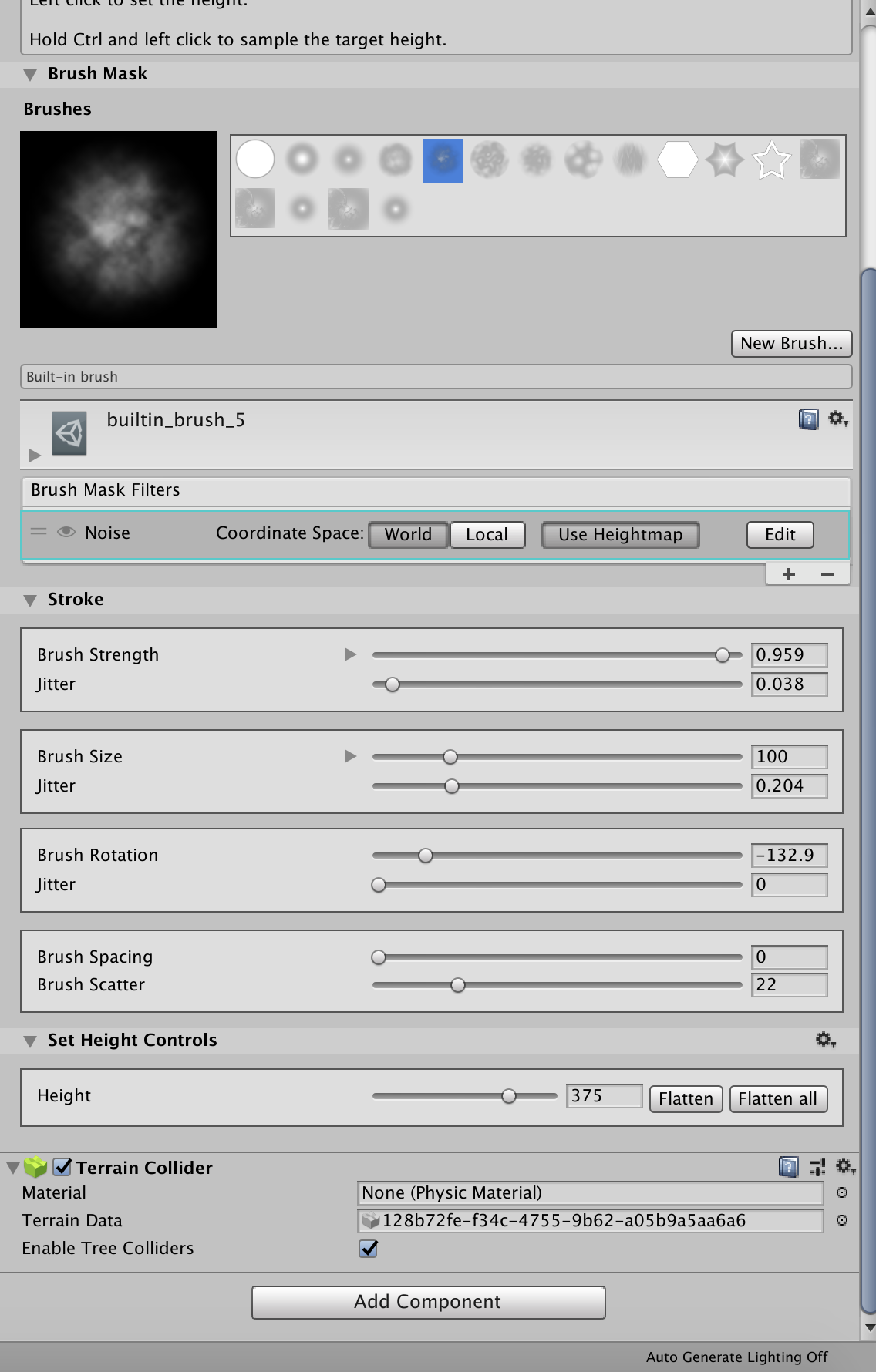
 using unity 2020.2.2f1