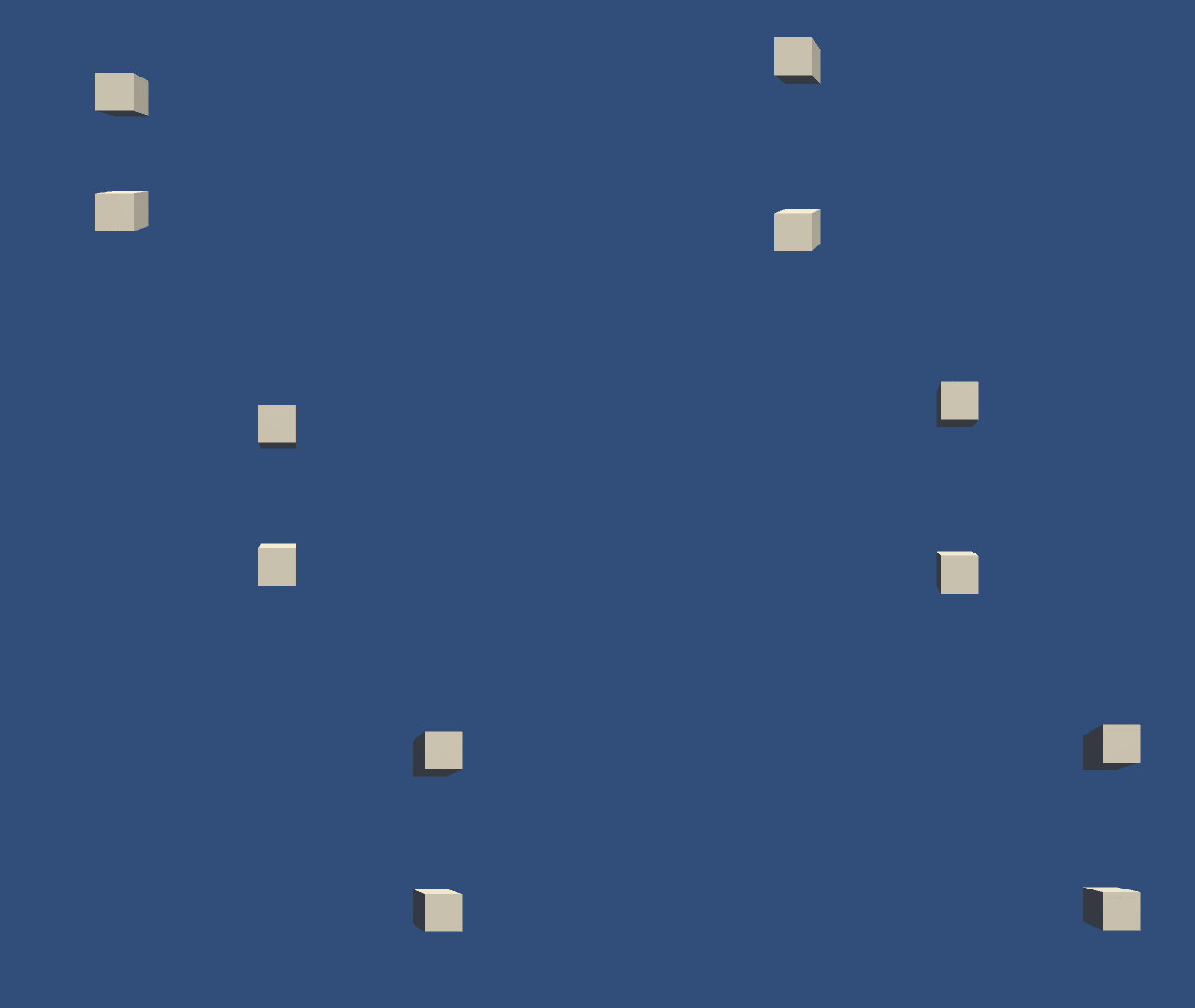
for a 2d game I want to move a kinematic rigidbody as in the picture shown. It’s similar to movement on sin/cos curve. What I have is max velocity, upper and lower border, also “acceleration” can be defined. How to code the movement, pls help?
As you see, the movement is similar to a sine/cosine curve. Because calculating sin/cos is a relatively costy operation, if there is a possibility to not use Mathf.sin() but something else that is faster and produces similar result/movement, I would preffer it, since I will have a lot of objects(10-20) in my mobile 2d game, that will move that way, so performance is an important factor…
Use an AnimationCurve to plot the path directly in the editor, use Evaluate to find where on the curve it should be and use MovePosition to set the position of the rigidbody to match.
Boah, I spent about 6 hours reading forums like insane about Lerping, Sin/Cos usage, SmoothDamp, but noone ever mentioned AnimationCurves at all! How exactly to use them? Do you know a good manual on that topic @GroZZleR ?
Thanks a lot for the help so far! Gives me a whole new perspective… How performant is the solution with AinmationCurve, instead using Mathf.Sin() to calculate new position? //feel quite stupid right now, didn’t even know that AimationCurve+Evaluate existed…
Neither Sin/Cos or AnimationCurve’s are prohibitively expensive, square roots are the one to watch out for.
I whipped up a quick example:
Code:
using System.Collections;
using System.Collections.Generic;
using UnityEngine;

public class AnimationCurveFollower : MonoBehaviour
{
   public AnimationCurve animationCurve;
   public float duration = 2.0f;

   private Rigidbody rigidbody;
   private float time;

   private float startingY;

   private void Start()
   {
     rigidbody = GetComponent<Rigidbody>();
     time = 0f;

     startingY = transform.position.y;
   }

   private void FixedUpdate()
   {
     time += (1.0f / duration) * Time.fixedDeltaTime;

     // continually move sideways
     float x = transform.position.x + 1.0f * Time.fixedDeltaTime;

     // evaluate where we are on the curve to match the Y
     float y = animationCurve.Evaluate(time);

     rigidbody.MovePosition(new Vector3(x, startingY + y, 0f));
   }
}
Just edit the AnimationCurve in the inspector. The top one is smooth and the bottom one is a lot of random noise just to illustrate.