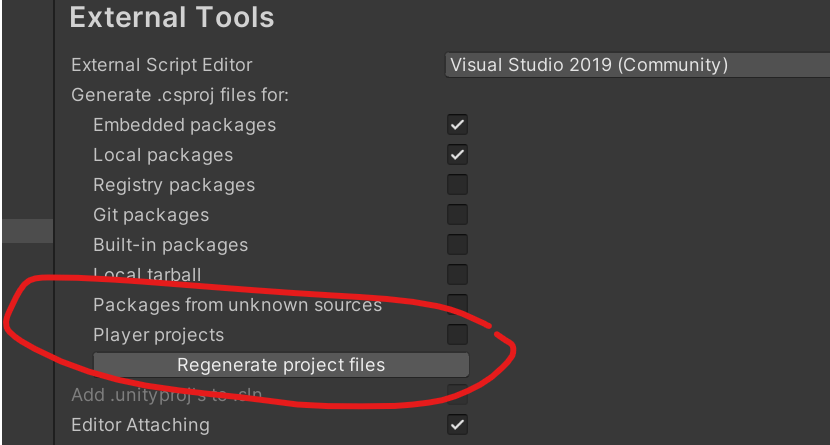
In Unity->Preferences->External Tools->External Script Editor I have broswed to:
C:\Program Files\Microsoft Visual Studio\2022\Community\Common7\IDE\devenv.exe
I regenerated the project files.
Unity is not opening scripts etc
If I manually open and edit the C# scripts then VS 2022 doesn’t recognise the unity libraries etc
If you are refreshing after ticking on “Player project” only, it won’t work…You have to close Visual Studio 2022 (if open) and then open it again by clicking on the script you want to edit…If you have not opened VS2022 then you can ignore this.
I just change from 2019 to 2022, I already tick all boxes in the external tool still doesn’t work. But inside visual code on “Solution Explorer” panel or tab. There are files like “Assembly-Csharp” and more still (unloaded).
I try to select all those unloaded files and right click “reload project” and it works hope it help
for anyone that is still going through this the only thing you have to do is update Visual Studio Editor Package on Package Manager to the 2.0.15 version or higher.