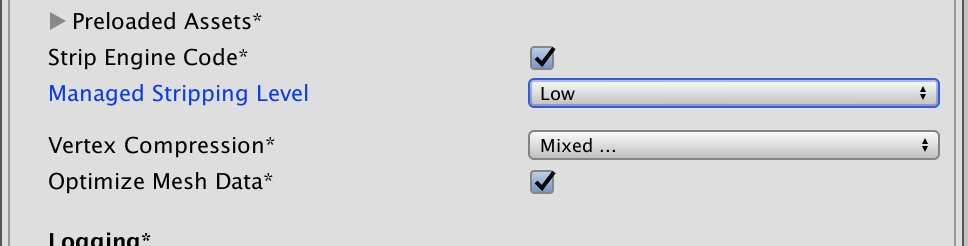
As you can see, TextMesh Pro text is stripped out, or possibly the shader. Nothing is being loaded from an Asset Bundle. Is there a way of flagging this in a link.xml file, if so what is the exact tag ?
One thing I’ve noticed in the dev console is this error : “A scripted object (probably TMP_FontAsset?) has a different serialization layout when loading”
I had all my text disappear as well, but in Windows 64bit exe, built with Unity 2018.3.8f1. I thought it was related to switching from Linear color space to Gamma, or deferred vs forward rendering. But also had code stripping set to high. Thanks to this thread I have my text back!