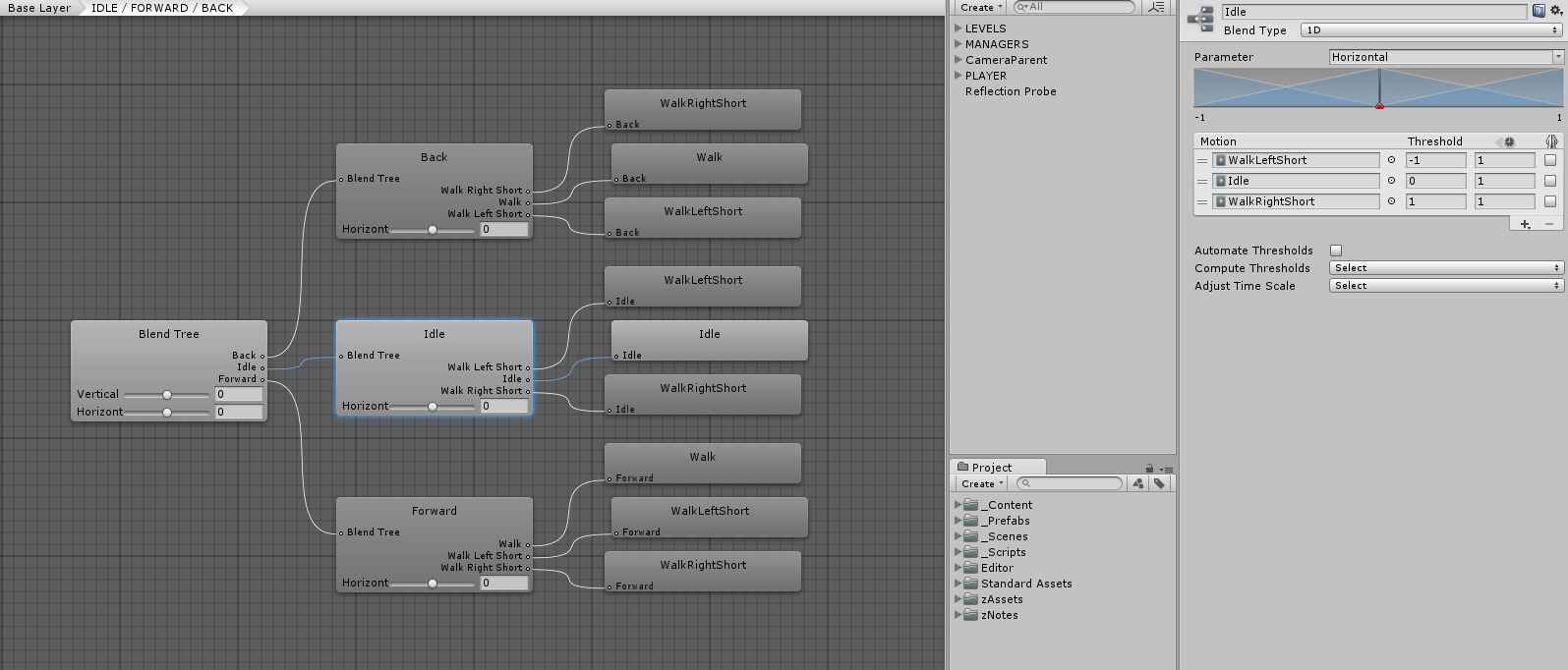
Hi all .i’m trying to make a 2D blend tree, where the vertical axis represents a linear animation (walk/sprint/etc) and the horizontal axis represents a direction. I have two little turning on the spot animations that seem to blend quite well with the movement, and i cna make the wolf slowly walk in a circle, it looks neat.
The problem, in both testing and practise, is that i can’t get the angular nodes to trigger at any decent speed. On the little testing window, whenever the red dot is moved too far (vertically) from either turning node, the turning animations stop blending and it just runs forward.
This doesn’t really make sense, i was under the impression that they’d be active or not based entirely on the horizontal axis, and not on the vertical one.
Here’s a little example: (it’s a large gif, click:)
https://drive.google.com/file/d/0B0aQOsW6nXKgQ1NJVjk1dFRCaE0/view?usp=drivesdk
The two centred nodes are walk and run respectively, their values are 2 and 5, which seemed like decent m/s thresholds for those animations.
The nodes on the left and right, are the turning animations, they are on positions -1 and 1 on the directional axis.
As can be seen in my example, the influence of the right turning node decreases as i move the red dot upwards.
I would expect it to be at full influence when the direction axis is >=1, regardless of the speed (vertical) axis
How can i get this to work like i expect? Am i using this wrongly?