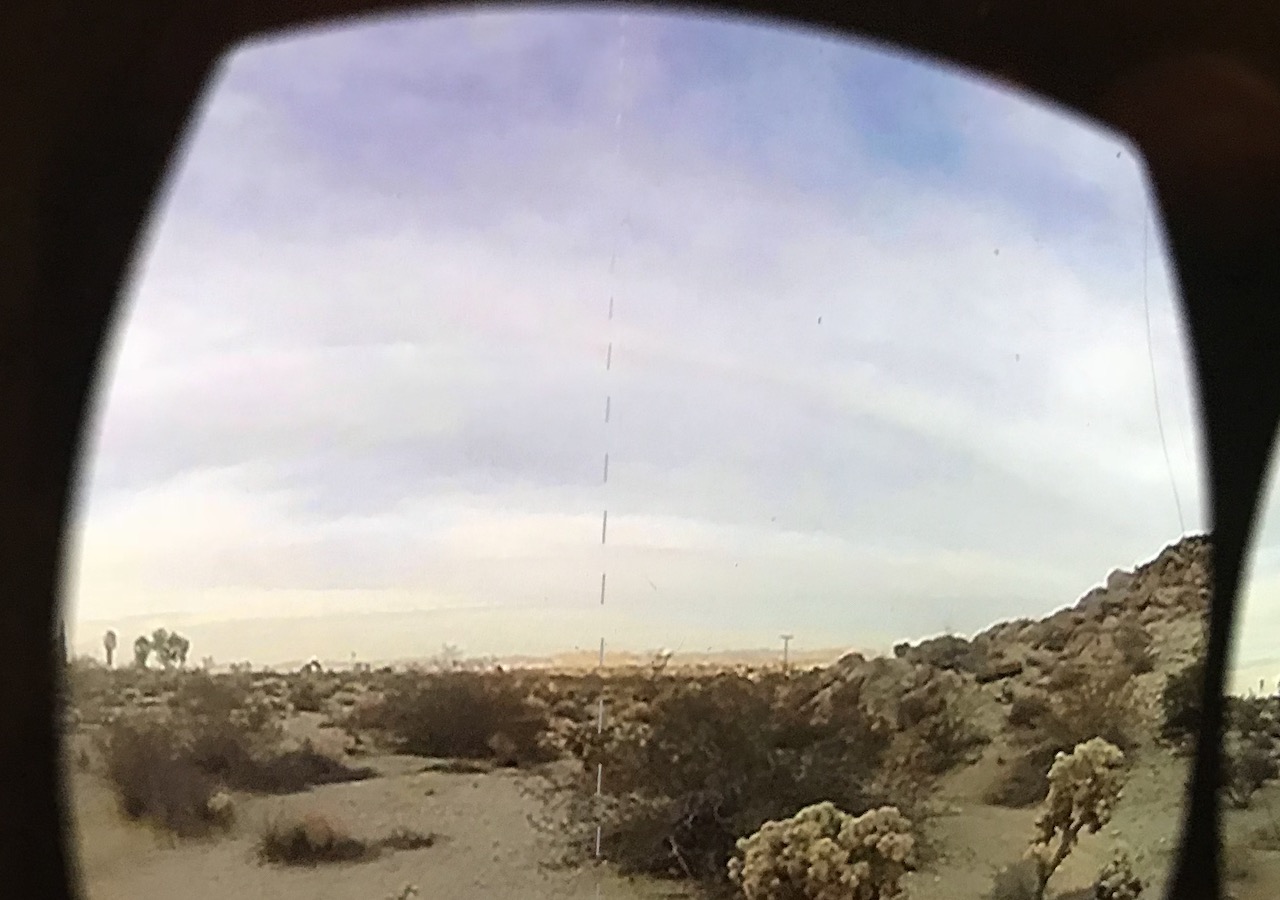
See attached image.
Tried everything (changing various import settings: wrap, filter, resize, compression, etc) but nothing gets rid of it.
There’s no problem if I remap my equirectangular footage to cubemap – but in fact I’m trying to use stereoscopic footage (Over Under), which Skybox/Panoramic shader supports, but Skybox/Cubemap doesn’t.
Any ideas?