updated pic.better?
Yes, and it’s just the first iteration…I see the defects you see, and I am on it, fine tuning materials, sculpting, new normals.
Its a flight game, you’ll barely see the guy 

updated pic.better?
Yes, and it’s just the first iteration…I see the defects you see, and I am on it, fine tuning materials, sculpting, new normals.
Its a flight game, you’ll barely see the guy
RTX is not magic that get photo scan materials for you, would magically add clothes like Marvel designer to the mesh, or would sculpt better mesh details like Zbrush and would bake that for you LOL
I’m not saying it’s bad, just saying if you aim at ultra realistic like triple A games, it will need lot more work.
While it’s good for an indie low poly game.
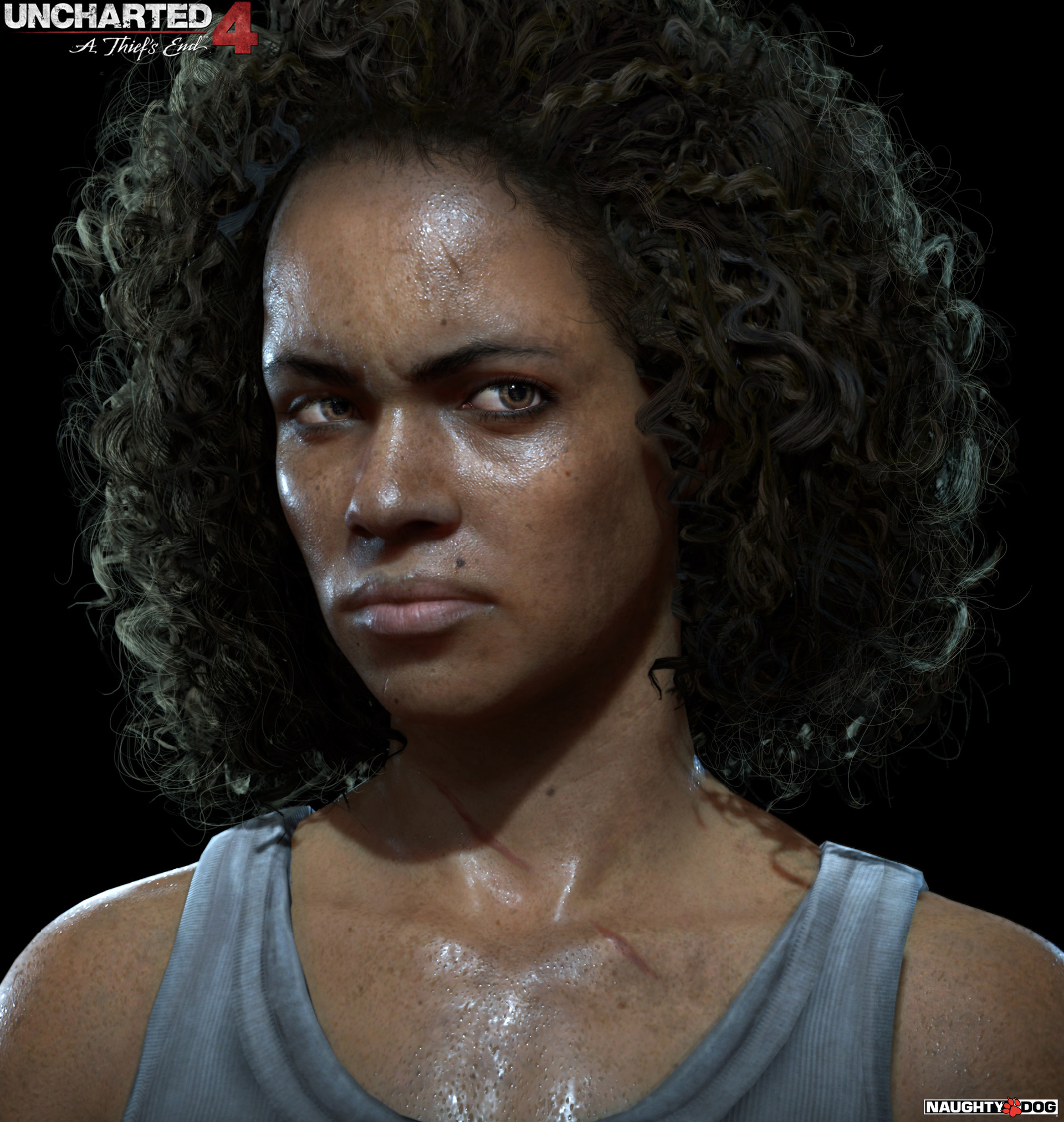
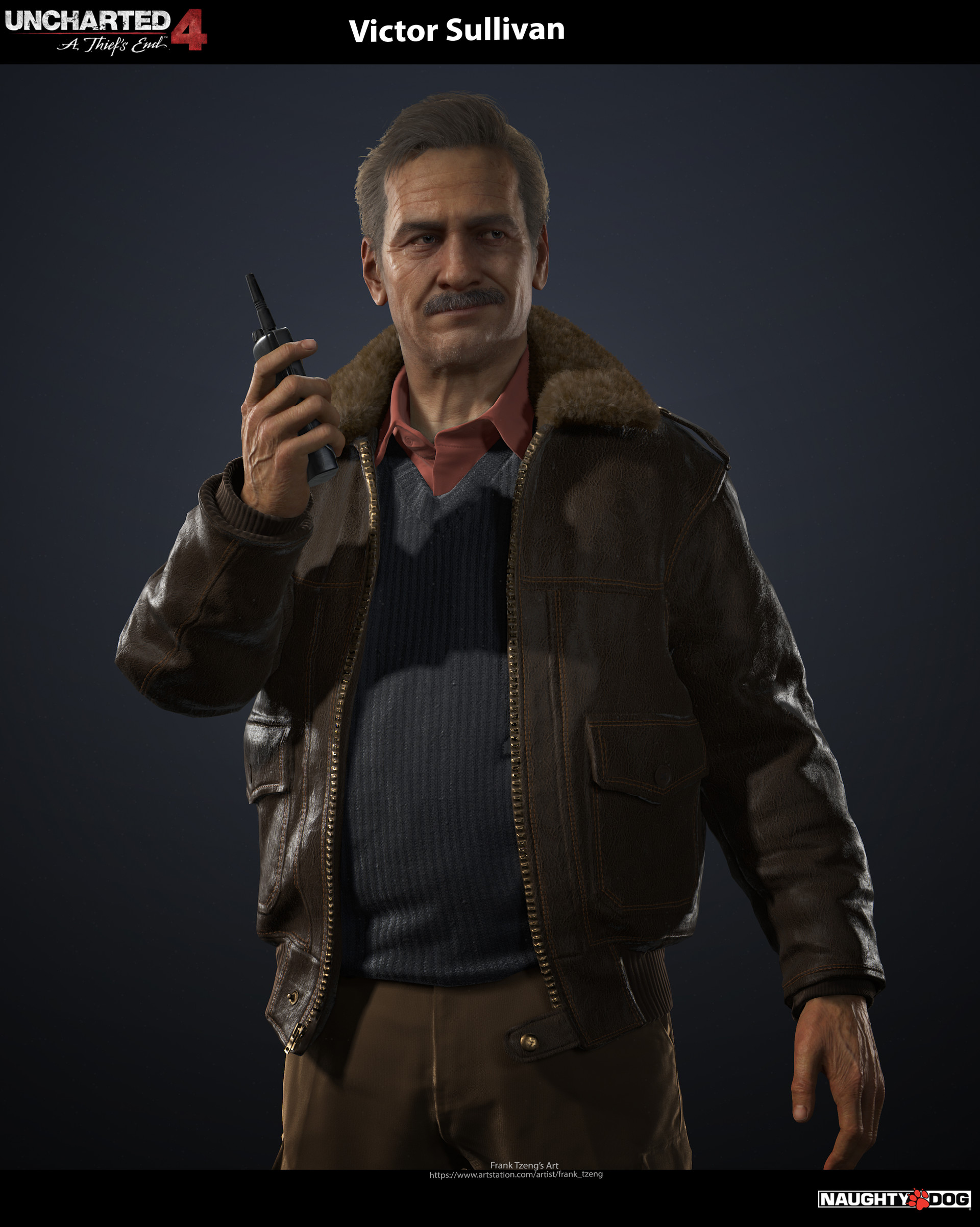
It’s Naughty Dog, but this gives you an example about polycount, textures and shader quality needed to get something like triple A games. Fuse will give you only a very basic start, most things you’ll have to redo or add yourself if you aim for this quality.

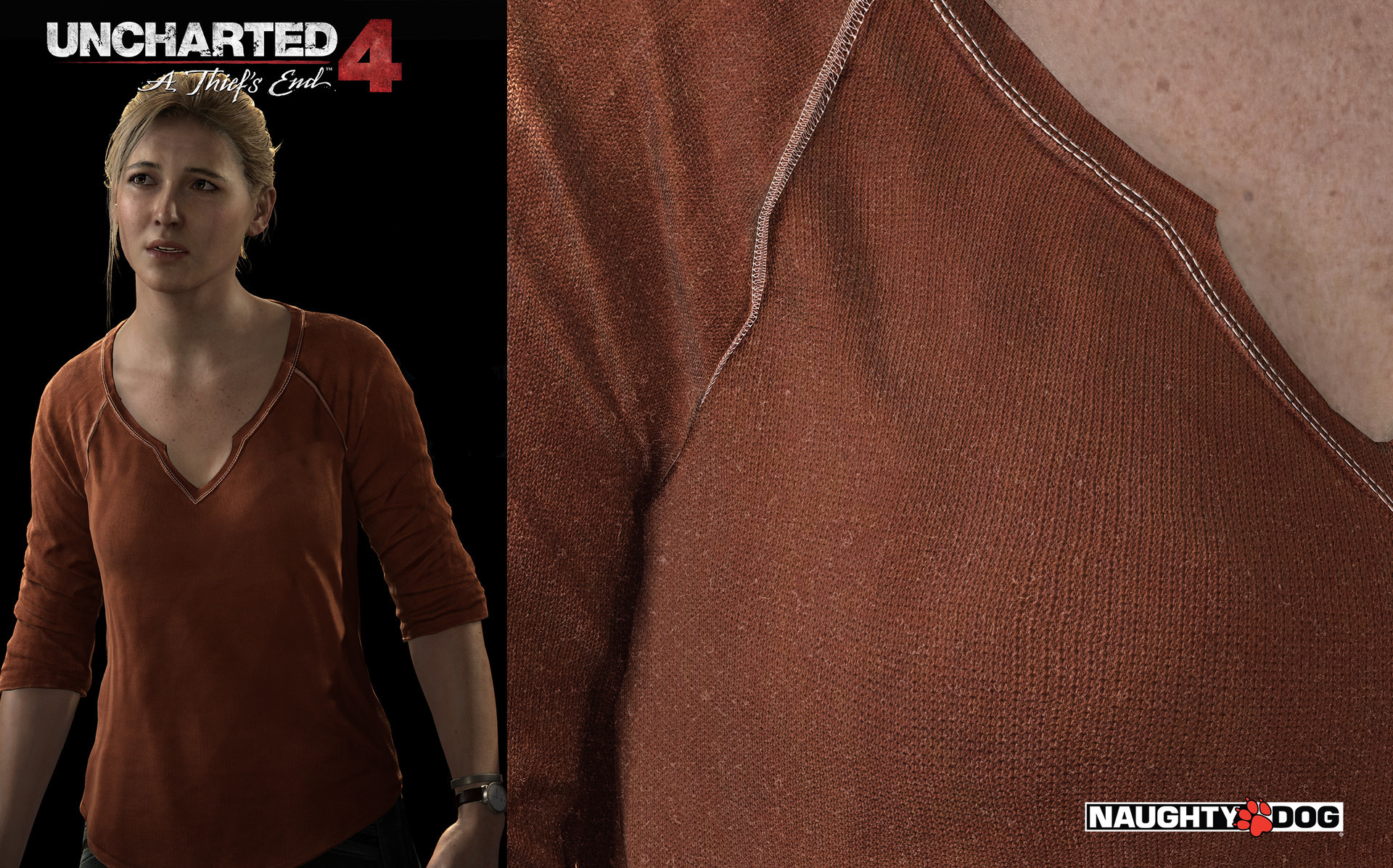
And fabric detail textures
 Get out … jk
Thanks, it is my first ‘real’ try at using fuse from a ‘concept’.
Gathering some reference photo’s, and practiced on trying to do the best I can, with a budget under 10 bucks!! way too long though…
Almost a week, off and on, for the plane and character. Initial concept to “in the air”.
p-
:
Concept

Final


 But does this even need to be said? Isn’t this the case for everything in Unity? … or 3D in general? … or life…?
It’s more or less what I said before, the idea that a game will need 50 different soldiers and you will stamp them out of Fuse isn’t really how it ends up working… You invest in pro tools, you get better at integrating various systems, you add your own touches…. You develop a workflow to bring the figure through different processes. Even as an indy, this happens fairly soon and you realize it isn’t about that 1-program-to-rule-them-all. You just want a basemesh that’s consistent and adaptable, hopefully that uses industry standards to minimize import/export hurdles.
You made changes ? The scarf does not look the same color as character skin, it looks great quality with better textures and colors. Anyway you achieved realistic enough result for a first try.
Sure, for higher quality Fuse is only the starting base.
The most advanced and feature complete seems to be Character Creator 3.
It has more features and tools than other character tools, for example many LOD, materials grouping , sculpt tool to refine surfaces and more.

Except, if you have any experience with Reallusion you learn to read the fine print.
A quick perusal of their forums says no “morphs” exports (not even blendshapes for lipsync or expressions?), limited skin choices(?), and as usual “pro” exports (out of their ecosystem) are only available by buying other software. Certain features are scheduled, but I waited for almost a full year for an update on one of their products so I would not spend money at their store until the program is feature complete.
read further…
“you have to ask for permission to put in a game, which uses assets created with CC3 on any distribution platform, AND you have to give them credit”
ever seen this in a EULA…?
Notice for developers or vendors using Reallusion, or 3rd-party content for mass distribution including game titles, apps, online services or kiosk for, but not limited to various platforms: PC,Mac, mobile and game consoles – To get the free mass distribution rights for using Reallusion content, developers and vendors must first register their game or application information with Reallusion (please contact marketing@reallusion.com), in order to receive the license agreement letter. Please provide evidence of using Reallusion content in your project or products (such as product or service page URL, or credit announcement) and confirm if the credit disclosure is included.
YEAH RIGHT!!!
…hmmm,
no thank you.
omg WHAAAAA???
They have final approval on all your projects?! LOLOLOL 