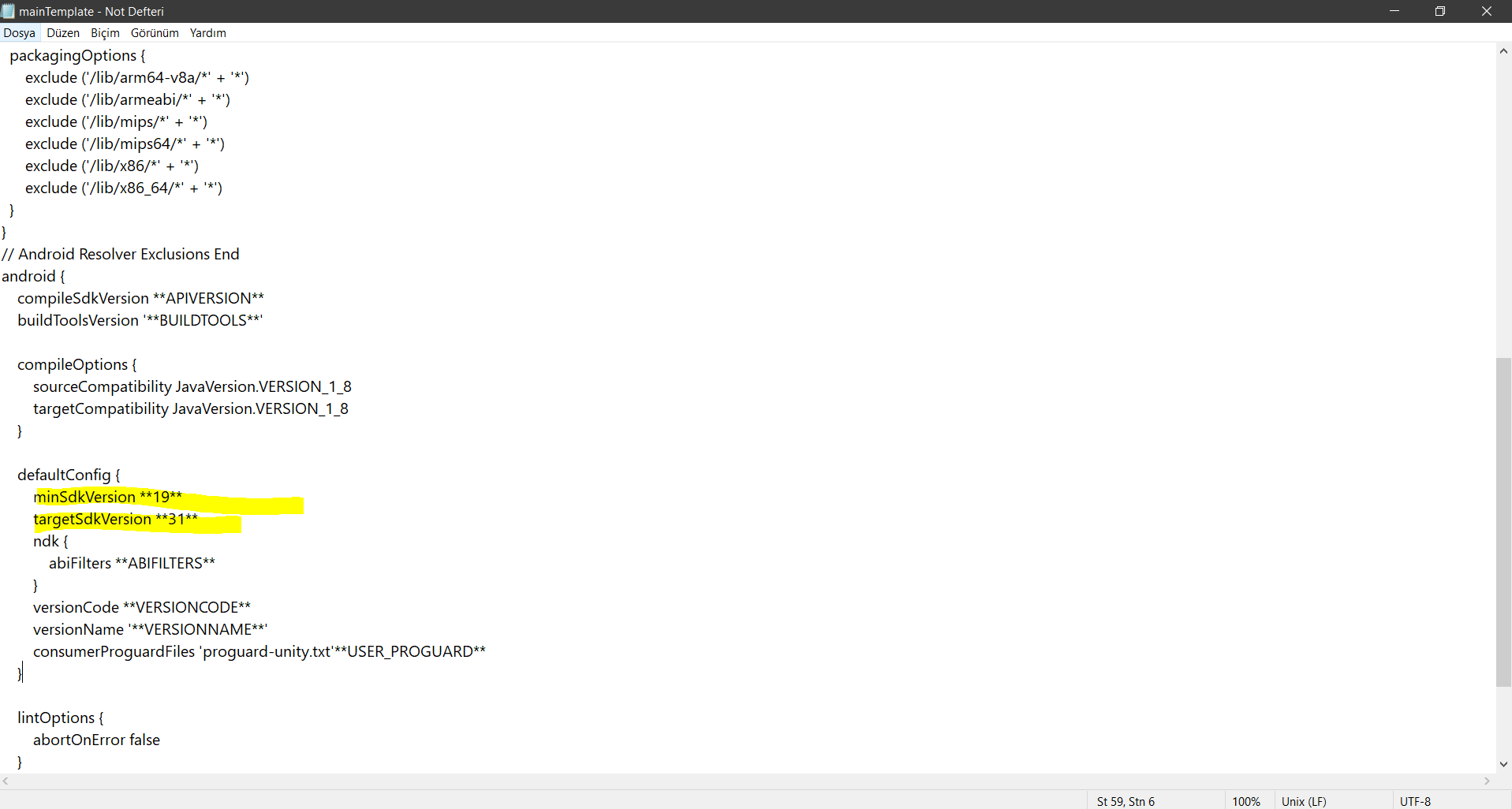
this the error after “what went wrong” error message:
Execution failed for task ‘:launcher:processReleaseResources’.
UnityEngine.GUIUtility:ProcessEvent(Int32, IntPtr)
and also these:
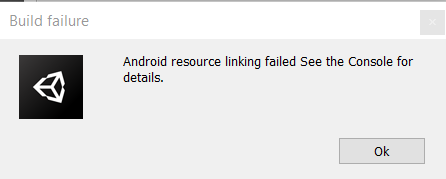
Android resource linking failed
UnityEngine.GUIUtility:ProcessEvent(Int32, IntPtr)
C:\Users\HP\Desktop\PhotoshopPortable\proje hypercasual\Temp\gradleOut\launcher\build\intermediates\merged_manıfests\release\AndroidManifest.xml:40: error: unexpected element found in .
UnityEngine.GUIUtility:ProcessEvent(Int32, IntPtr)
Run with --stacktrace option to get the stack trace. Run with --info or --debug option to get more log output. Run with --scan to get full insights.
UnityEngine.GUIUtility:ProcessEvent(Int32, IntPtr)
Exception while marshalling C:\Program Files\Unity\Hub\Editor\2019.3.11f1\Editor\Data\PlaybackEngines\AndroidPlayer\SDK\build-tools\28.0.3\package.xml. Probably the SDK is read-only
UnityEngine.GUIUtility:ProcessEvent(Int32, IntPtr)
Exception while marshalling C:\Program Files\Unity\Hub\Editor\2019.3.11f1\Editor\Data\PlaybackEngines\AndroidPlayer\SDK\platform-tools\package.xml. Probably the SDK is read-only
UnityEngine.GUIUtility:ProcessEvent(Int32, IntPtr)
these are some of the errors. Please help me I am about the end this project but I can’t build it.
i tried to export to the android studio and rebuild as apk but it didn’t work. android studio gave me error too.
If I remove admob will it be fine as it was?
queries was introduced with API level 30 and you need to do the following to make it work.
- Check if you have set >= 30 as Target API in Player Settings
- If step 1 is already done right, it means your gradle version is not supporting.
Make sure your Unity version supports any of the minimum gradle versions starting from 3.3.3, 3.4.3, 3.5.4, 3.6.4, 4.0.1.
So enable custom gradle option from Player settings and set the version to the nearest one mentioned above.
1 Like
Hi thank you for your reply. I am not able to use API level 30 or 31 because I don’t have them. When I choose in unity, it won’t build. So when I tried to download them from Android Studio. It gave me this error.
Try running Android Studio as an Administrator.
1 Like
Yes, that worked. Thank you so much again, I managed to download API 31 and 30. I saw that Android Studio’s SDK path and Unity’s default SDK paths are the same. But still, in Unity editor > player settings, I can’t see Api 31 and 30 as an android version, when I tried to select target API level 31 (as you can see in the image unity doesn’t see it as an android version unlike lower ones) I keep getting the same error message when I tried to build it. Here are some screenshots and errors.
Is this means my Unity version not supporting Gradle? I googled it but I couldn’t find if it is supporting it. My unity version is “2019.3.11f1 Personal” I don’t know what to do next. If I update my Unity to 2020 version will it cause bugs in my current project, which I developed in the 2019 version? Or is there anything else to do about it without updating Unity?
I am a newbie in Unity. Sorry if I am asking too many questions, thanks in advance. I really appreciate your help.
Some of Errors:
C:\Users\HP\Desktop\PhotoshopPortable\proje hypercasual\Temp\gradleOut\launcher\build\intermediates\merged_manıfests\release\AndroidManifest.xml:40: error: unexpected element found in .
Android resource linking failed
UnityEngine.GUIUtility:processEvent(Int32, IntPtr)
Execution failed for task ‘:launcher:processReleaseResources’.
UnityEngine.GUIUtility:processEvent(Int32, IntPtr)

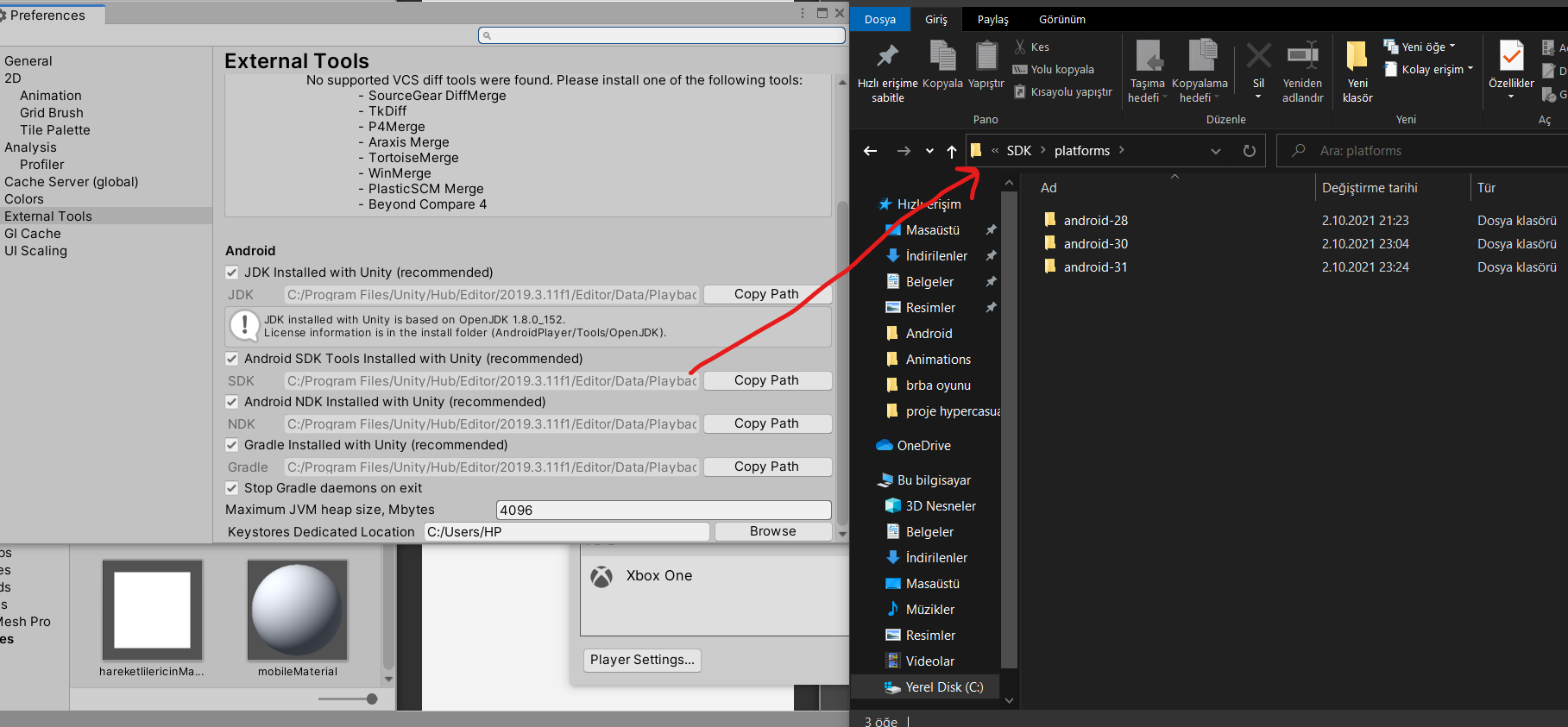
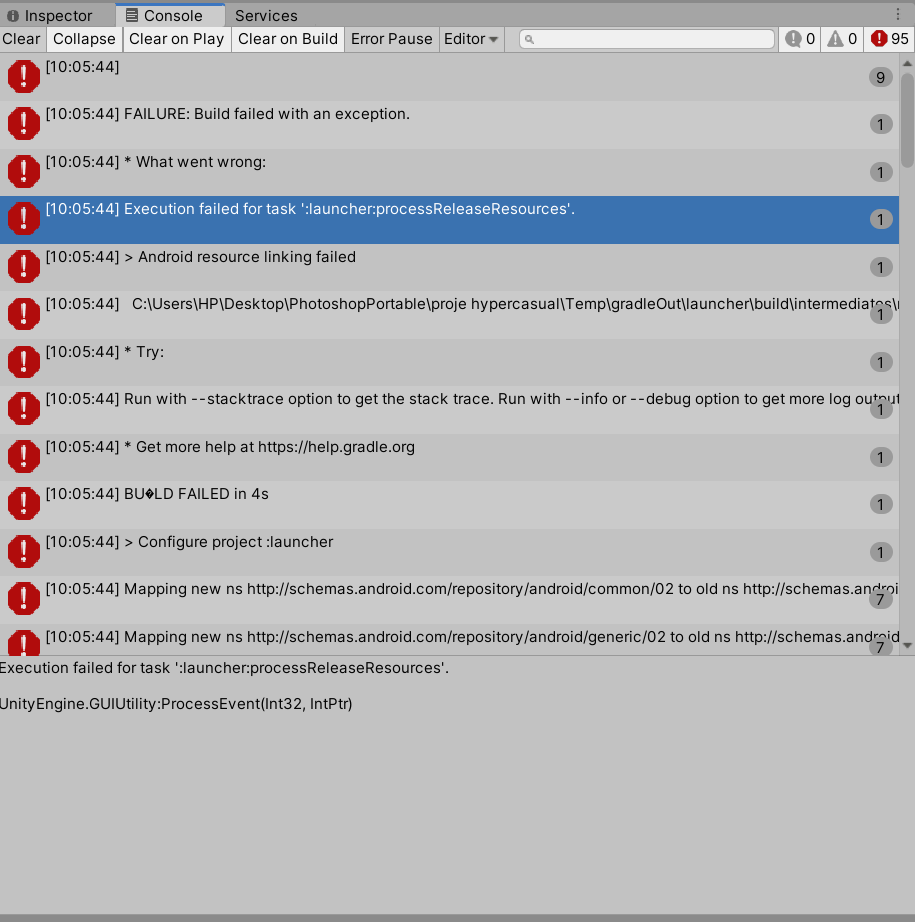
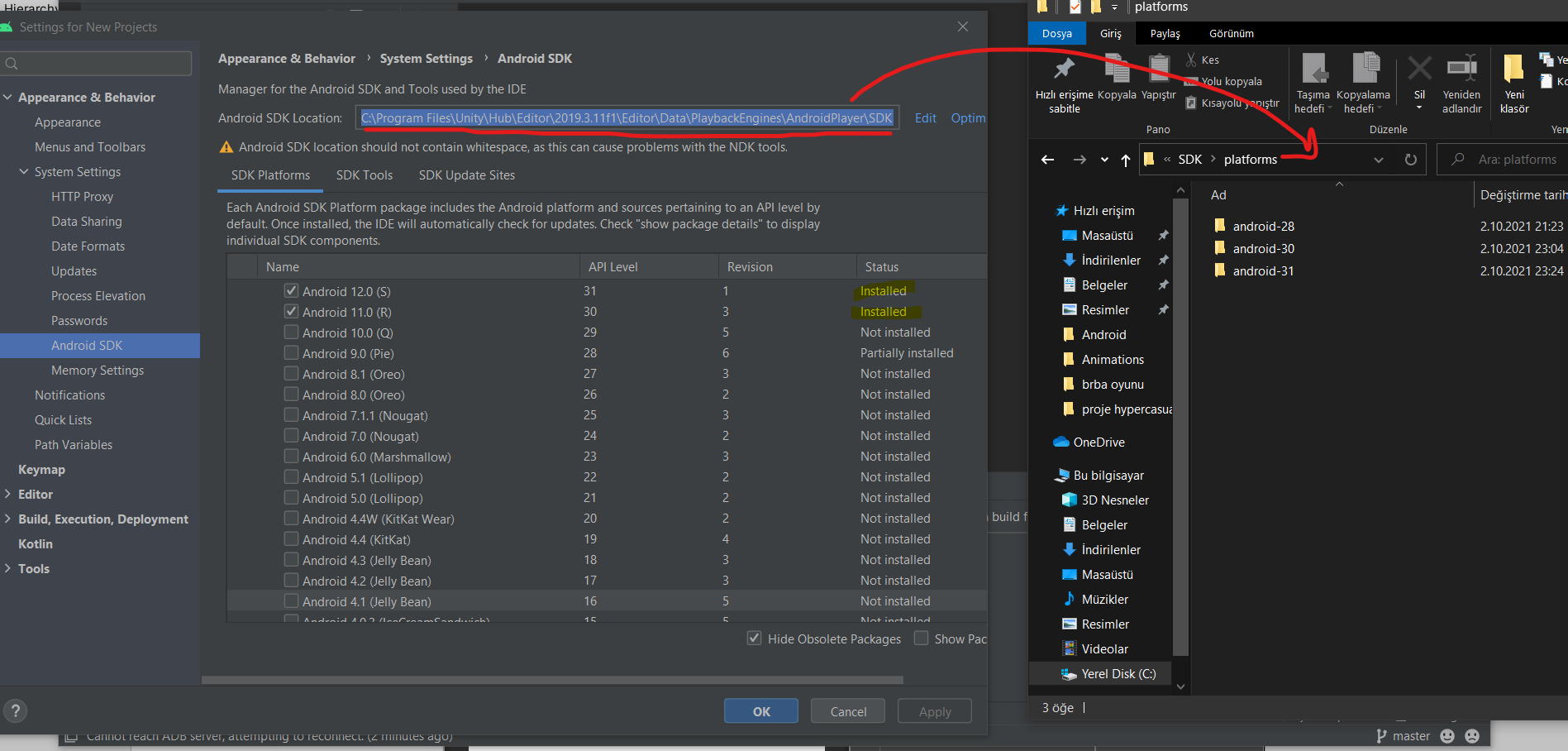
Update:
I checked the box in Build> Player Settings > custom main Gradle template. So I found the file. I saw that
defaultConfig {
minSdkVersion 19
targetSdkVersion 26
ndk {
abiFilters ABIFILTERS
}
target SDK version was 26. so I changed it to 31 so it is:
defaultConfig {
minSdkVersion 19
targetSdkVersion 31
ndk {
abiFilters ABIFILTERS
}
right now.
I did not touch anything else in that file. Saved it. When I tried to build the project in unity now, this time the error was.
“GRADLE BUILD FAILED. see console for more details.”
some of errors are:
Build file ‘C:\Users\HP\Desktop\PhotoshopPortable\proje hypercasual\Temp\gradleOut\unityLibrary\build.gradle’ line: 53
UnityEngine.GUIUtility:ProcessEvent(Int32, IntPtr)
A problem occurred evaluating project ‘:unityLibrary’.
UnityEngine.GUIUtility:ProcessEvent(Int32, IntPtr)
Cannot invoke method power() on null object
UnityEngine.GUIUtility:ProcessEvent(Int32, IntPtr)
I think my Gradle code is messed up. I don’t even know if it should be " minSdkVersion 19" or “minSdkVersion 19 "
When I did the first one, still same android resource linking failed error occurs. I tried to export the project to a folder and tried to open the folder from Android Studio. It fails to sync Gradle. Error is:” Gradle sync failed: Cannot invoke method power() on null object"
I don’t know what to do next please help. I think last chance I may delete Admob plugins and everything about it. Maybe try UnityAds. Or update unity?