Hi, I’m hoping someone can recommend me some ways to increase efficiency of some of my string handling. I have a short tutorial section in my game where a character speaks to you. I use a “typewriter” style text box that fills in one letter at a time. The code is pretty straightforward:
    IEnumerator Typewriter(string text, dfLabel label)
    {
        foreach (char c in text)
        {
            label.Text = label.Text + c;
            yield return new WaitForSeconds(.03f);
        }
        yield return null;
    }
The Text property is just a string property on the label object. I’m seeing a lot of small hitches, and a couple big ones, all that seem linked to garbage collection when strings are loaded. I’ve seen references to StringBuilder as a better way of handling strings, but I haven’t yet figured it out. Is there a better way to handle this kind of string manipulation?
I have used something like this before, the hiccups might be because of the fps, don’t think so though cause it would have to be running at less than 30 fps. In my case I never had an issue, still i would also like to know if there is a better way.
StringBuilder probably isn’t going to be much better here. As you would essentially be converting it each time to a string per letter.
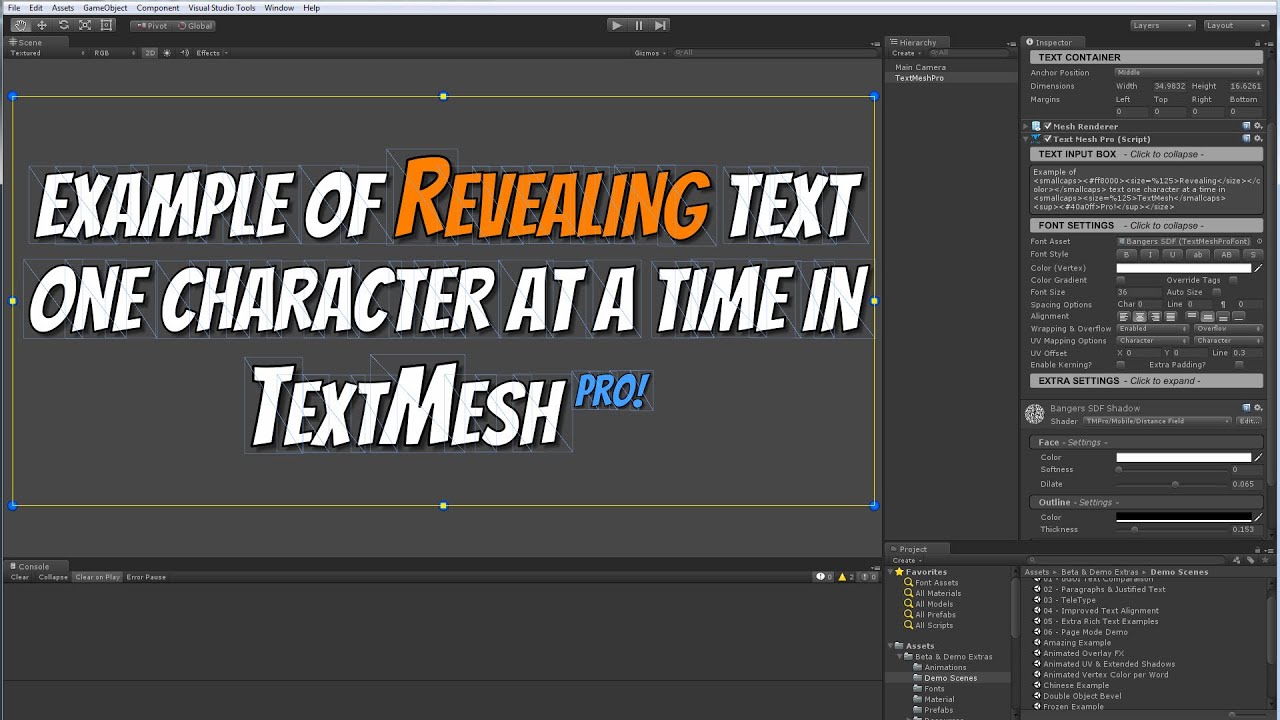
I’d suggest looking into textmeshpro, which is free now that Unity owns it. And here is a typerwriter example using it
I haven’t tested it, but I would think it’s faster and less garbage as it’s not creating a string each time from a glance at the video (I just skimmed it)
TMP has a UGUI part that works with Unity’s canvas. Should work the same. TMP itself is a replacement for Unity’s Text UI and doesn’t inherit from Text. TMP also includes a few other things like it’s own inputfield.
We use it in one of our apps that is very heavy on text since it provides a ton of formatting options and has much sharper text. You should be able to use it anywhere you would use Unity’s Text if you wanted. (we are in the one app)
As for the example above, should be fine, though they may be using a different TMP component, it should work with the TMP UGUI component also if you target that instead. Again I haven’t tested this script from the video.
The garbage you’re generating from the strings is tiny compared to the garbage you’re generating from not caching the yield instruction. Try this:
IEnumerator Typewriter(string text, dfLabel label)
{
    var waitTimer = new WaitForSeconds(.3f);
    foreach (char c in text)
    {
        label.Text = label.Text + c;
        yield return waitTimer;
    }
}
I can’t imagine any solution that’s more efficient than this, unless you want to put the “waitTimer” definition in the class scope instead, and just recreate it when anyone changes a public “typerate” property or something.
If your Text component is center-aligned, then as you add characters it will grow from the center. Instead of this:
label.Text = label.Text + c;
you may want to set label.Text to the full string, but make part of it invisible using the rich text code. It’s been a while since I used DFGUI, but I think it supports rich text. So your strings would progressively look like this:
H<color=#00000000>ello world
He<color=#00000000>llo world
Hel<color=#00000000>lo world
Hell<color=#00000000>o world
Hello<color=#00000000> world
etc.
At least that’s how the Dialogue System’s typewriter effect for Unity UI does it. For TextMesh Pro, it just uses TMP’s built-in reveal functionality.
If you want to avoid some of the garbage generated by creating new strings, use a StringBuilder. Create a new StringBuilder containing the maximum characters you’ll need (e.g., 16 in the example above). Call StringBuilder.Clear() to start a new string and StringBuilder.Append/AppendFormat() to add fragments to the string.
Thanks, great information. Between this and caching WaitForSeconds, I think I can get garbage down quite a bit. And yeah, good old DFGUI. Should have dumped it long ago…
Sorry to necro-thread this, but I have one other tip. It is possible for the code to be running perfectly but still feel like it is lagging because it still pauses when placing spaces.
On my phone, so no practical examples, but don’t delay if the last character was a space, and it will “feel” smoother.