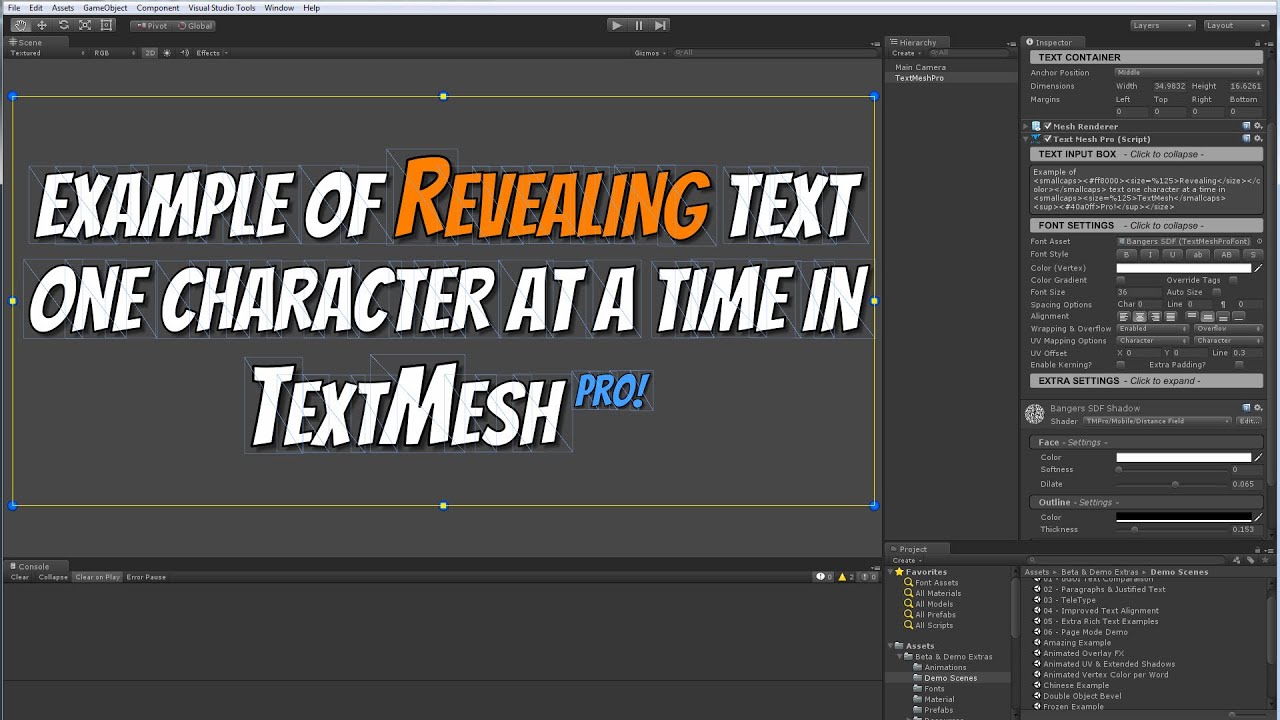
So i’m trying out this typewriter effect For my splash screen and you know how ugly and crappy Unity’s default ext is so i tried using textmeshpro to counter that but uh…
It doesn’t work…
This is my original script…
using System.Collections;
using System.Collections.Generic;
using UnityEngine;
using UnityEngine.UI;

public class TypewriterEffectIntro : MonoBehaviour
{
        Text txt;
    string story;

    void Awake ()
    {
        txt = GetComponent<Text> ();
        story = txt.text;
        txt.text = "";

        // TODO: add optional delay when to start
        StartCoroutine ("PlayText");
    }

    IEnumerator PlayText()
    {
        foreach (char c in story)
        {
            txt.text += c;
            yield return new WaitForSeconds (0.125f);
        }
    }
And this what i tried to make it compatible with TMPro
using System.Collections;
using System.Collections.Generic;
using UnityEngine;
using UnityEngine.UI;
using UnityEngine.TMPro;

public class TypewriterEffectIntro : MonoBehaviour
{
        TextMeshProText txt;
    string story;

    void Awake ()
    {
        txt = GetComponent<Text> ();
        story = txt.text;
        txt.text = "";

        // TODO: add optional delay when to start
        StartCoroutine ("PlayText");
    }

    IEnumerator PlayText()
    {
        foreach (char c in story)
        {
            txt.text += c;
            yield return new WaitForSeconds (0.125f);
        }
    }
I created the TMPro one by searching on google
But the typewriter effect didn’t work when i did that…