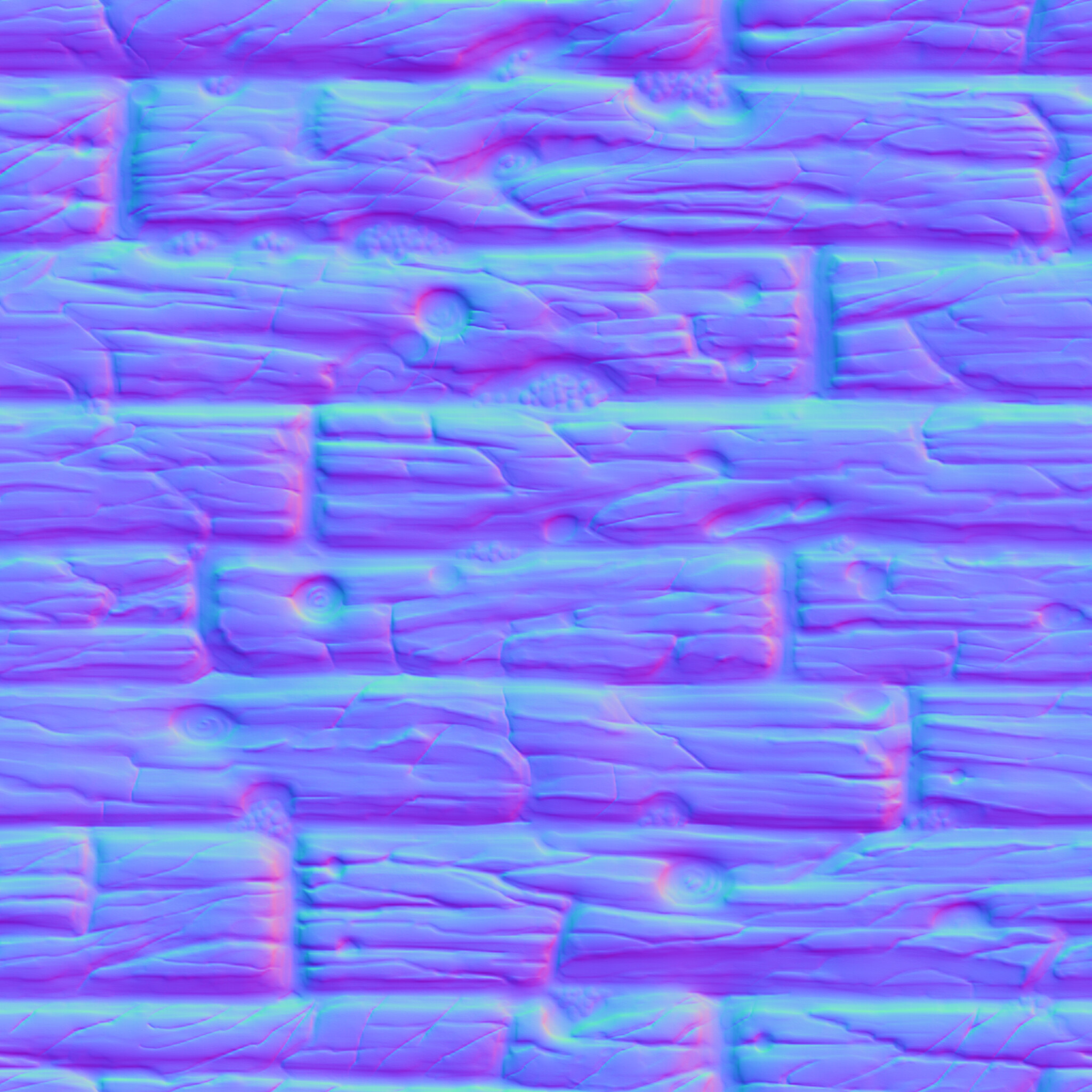
Hi Everyone, happy new year, and thank you for reading.
I am trying to combine several Normal Maps into a Normal-Map-Atlas for use in a procedurally generated terrain.
I apply the same logic to combining the textures of the tile, working fine. However, combining normal maps in code (C#) and writing the result to a file seems to lose every color but the red one. (Attached are screen-shots of Normal-Map origin (one tile) - and the combined tiled Normal Map.)
My code used is essentially:
//Create texture to write to file
atlas = new Texture2D(atlasSize, atlasSize,TextureFormat.RGBA32, true);

//Rendering all the tiles to the right coordinates on the atlas
RenderTexture rt = new RenderTexture(blockSize, blockSize, 24);
RenderTexture.active = rt;

for (int i = 0; i < sortedTextures.Count; i++)
{
    Graphics.Blit(sortedTextures[i], rt);

    atlas.ReadPixels(new Rect(0, 0, blockSize, blockSize), i % atlasSizeInBlocks * blockSize, atlasSize-blockSize-(Mathf.FloorToInt(i/atlasSizeInBlocks))*blockSize);
}
atlas.Apply();

//Save to file:
byte[] bytes = atlas.EncodeToPNG();
File.WriteAllBytes(Application.dataPath + "/Textures/Packed_atlas_" + atlasType +".png", bytes);
Any help is appreciated, thank you very much. (Also: This is my first post, please tell me how I can do better formating and explaining )
The reason for this is that in Unity, normal maps are not stored in RGB format on certain platforms. You can refer to bglous’s explanation for more details. Perhaps you can write a shader that will unpack the normals, or import the texture as a regular texture without selecting the sRGB option.
As I was reading all the normal map textures from Resources as Objects, the simple solution was to declare the normal maps in the Resource folder as “Default” Textures instead of “Normal Map”. Huraaa!
 )
)