So It happens in the editor/scene view. We don’t have that many higly metallic surfaces, it’s a kind of handpainted style. We use HDRP Lit shaders. Our objects are already manually unwrapped for the lightmaps. No UV Lightmap generation.
We used always used Enlighten and we were looking to switch to bakery.
For example, this is how our scenes looks after a bake in shadowmask mode with Enlighten.
Mostly area lights. I tried also to change all the area lights to mesh light component.
The bake is present and correctly executed, but doesn’t get applied to the surfaces.
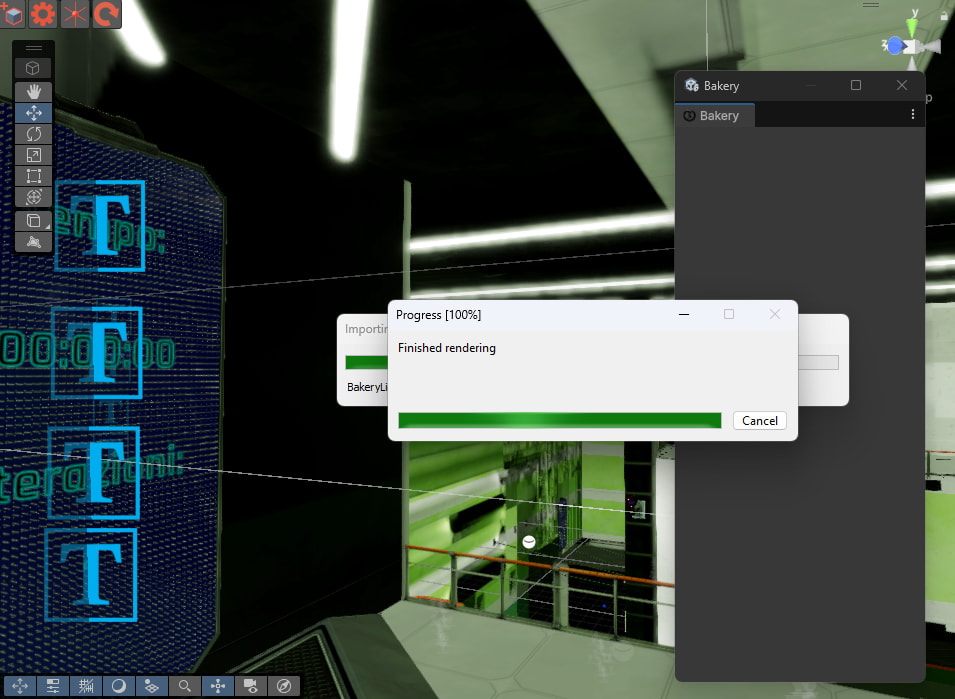
This is right away after the bake. Then everything turns black.
This in particular looks like messed up UV2…
I’m not sure how it worked before. Can you reproduce it on a single object from your scene (in a separate scene)?
when you drop it on a copy of the material ball materials (shader field) in the sample scene you get the exact same result and all values and textures from the uprp lit material are taken over to the urp lit shadergraph…
Is there already a bakery version available who adds the bakery functions to this lit urp shadergraph?
That would be great and the use of bakery so much easier.
When you extend the lit shadergraph you have to remove the cutom editor gui like shown here in the video.. at 4:09 YouTube
Just a heads up, looks like the new Nvidia drivers (591.44) break Bakery so you’ll need to roll back if you upgraded. They broke encoding for Virtual Desktop too so god knows what’s going on with them.
I have “BakeryURPLit” which is sort of close to URP Lit. It’s included in v1.97. Did you try it?
…ah, I just read the article. They actually made it possible to change lighting calculations without silly hacks. This is nice! It would be easier to write my shaders with this system. But since it’s a package, I’m not sure if it’s safe to force a dependency on it.
Do you mean in the specific components? Or materials?
Hi. The probem is that we would need an full HDRP Lit/ URP Lit Shadergraph with all the Bakery functions but mainly VertexBake, SH and Mono SH.
We tried to use BetterLit but updating all the projects was not always possible last 2 years. So we had to remove it.
For all our casual users and lot of projects/scenes it would be perfect to have. an almost 100% URP/HDRP Lit Shadergraph with the Bakery functions like BetterLit.
So we could drag g an drop replace all our materials with the shadergraph version and also back to the URP/HDRP Standard Lit when needed without changing any material settings.
Sorry for the HDR Color Picker question.
I posted it in the wrong thread.
Bakery has been updated to support the new drivers! The new version is now using OptiX9 library instead of 6. The amount of code for this change was fairly massive, as the API is completely different…
Please try updating via github/patcher. If no issues are reported within the next week, I’ll update the Asset Store version.
The new version should also bake faster (!).
There should be no visual difference (if there is any, please report me).
The new version is chosen automatically if you’re on drivers >= 590. On older drivers it will use the OptiX6 one (just because it’s more tested for now).
If you want to force the new version while on the pre-590 driver (e.g. to compare performance), you need to:
have at least driver >= 570;
select ftGlobalStorage.asset and
turn OFF “runsRTX6” and “runsNonRTX”;
turn ON “runsRTX9”.
reload domain/scripts (e.g. enter and exit playmode or reimport any script).
This will force Bakery to always use the new version.
… I also pushed a little fix for DX12/Vulkan editors yesterday for the bug that could offset opacity maps a few texels to the side (ouch). Worked fine on the DX11 editor…
Probably worth noting that NVIDIA dropped driver support for some older cards (GTX 900 and GTX 10 series). These won’t receive 590 drivers, so you might want to update the Asset Store description to clarify that.
I guess all 9xx-1xxx systems will just keep running under pre-590 drivers? In which case it’s great and there are no corrections to the description to be made - they’ll be able to use all existing versions* of Bakery (pre-RTX OptiX5, initial RTX OptiX6, new RTX OptiX9). I tested it on a 1080Ti yesterday (thanks to Vard) and it worked with them all (“RTX” is emulated on 1xxx though).
(*by versions I mean all lightmapper executables included in the Bakery package - I’m not removing the old ones).
I managed to make the project cross-compliable to all 3, so whenever I need to add another core feature/fix, I’ll be able to keep them all in sync.
Maybe I misunderstood then The way I took it was that you would need the 590 driver in order to take advantage of OptiX 9 - which would rule out 9xx and 10xx systems.
These are good news either way. Faster baking is always welcome.
Im having issues with the latest version of Bakery patched via the github with my RTX 5080 on driver version 591.59, around 10% into the bake i get “CUDA error (9) (73, 1458): an illegal instruction was encountered”
That’s not good… can you try once more? Changed the code a bit.
Alternatively, can you check if disabling “legacy sampling” on your point lights (you can select them all by typing t:BakeryPointLight) affects it?
Also can you please
Bakery → Utilities → Clear Cache.
Bake and screenshot last Unity console messages when it breaks.
Did some testing, I patched with the new changes, and tried clearing cache and disabling legacy sampling but unfortunately none of that made it work, I did try in another scene though and it was fine there
Here are the last console messages that appear when the error happens



 The way I took it was that you would need the 590 driver in order to take advantage of OptiX 9 - which would rule out 9xx and 10xx systems.
