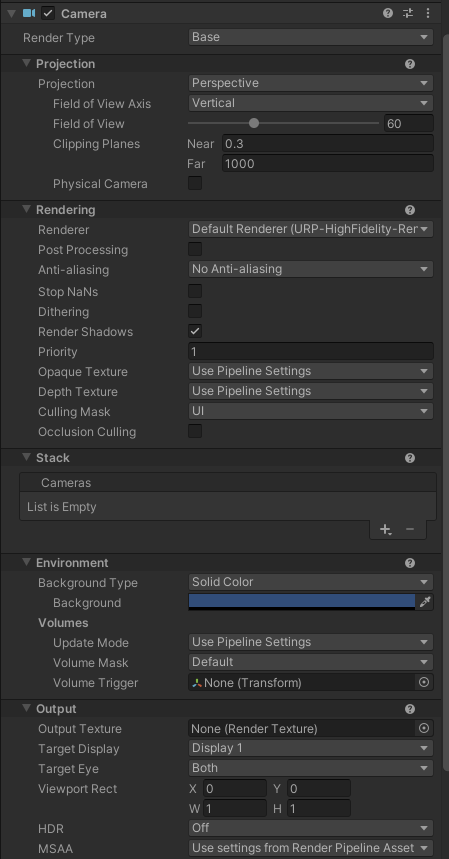
I’ve converted built-in asset into URP, and now when I am in the playmode, part of the screen filled with blue color, any idea how to fix it? Few helpful points
- It look fine in “scene view”
- I used to convert this asset into HDRP, and had no problems
- I found this
Everything is blue after converting to URP ?fbclid=IwAR129vYSQVJa6RMdI3fY3wwhgQ_H9KPoCoMvn_xZfx8oGaUkB0iZGP4xZVU
And as we understand it some problem with cameras, but I can’t figure out myself what exactly problem is… - I tried to change cameras from “Base” to “Overlay” and etc. it doesn’t solve the issue
THANKS!