Ever since I first discovered Unity, I have been hunting for more ways to optimize graphics and performance. I know that when rendering a 3D object with a Material, Unity must store the texture in the GPU, and this is more difficult if it has to store a large texture.
Indexed color is where instead of storing a color for each pixel (24 or 32 bits per pixel), you have a limited list of colors, and each pixel contains a number corresponding to a color in the list (for 16 colors, only 4 bits per pixel). I think that by storing an indexed image in the GPU, you could massively reduce the amount of data being stored in there. Does Unity support this?
I don’t think modern GPUs support indexed texel formats. You can check for yourself by looking at the available D3D texel formats, for example.
You could implement it manually in a shader but then you’d also have to do texture filtering manually which would be a big performance hit since there are dedicated units for texture filtering (TMUs).
PS: Actually, there are some palettized formats like DXGI_FORMAT_P8, so maybe I’m wrong?
PPS: This thread agrees with me that palettes are a thing of the past.
@c0d3_m0nk3y is right. The hardware of yesteryear needed to use palette-indexed formats because that’s all they could fit and process anywhere near fast enough. They didn’t anti-alias, they didn’t blur, they didn’t alpha blend. But two advancements got in the way: 32bit wide (or 64bit wide) data buses make it really hard to do things one byte at a time, and texture filtering can’t do anything useful with those formats.
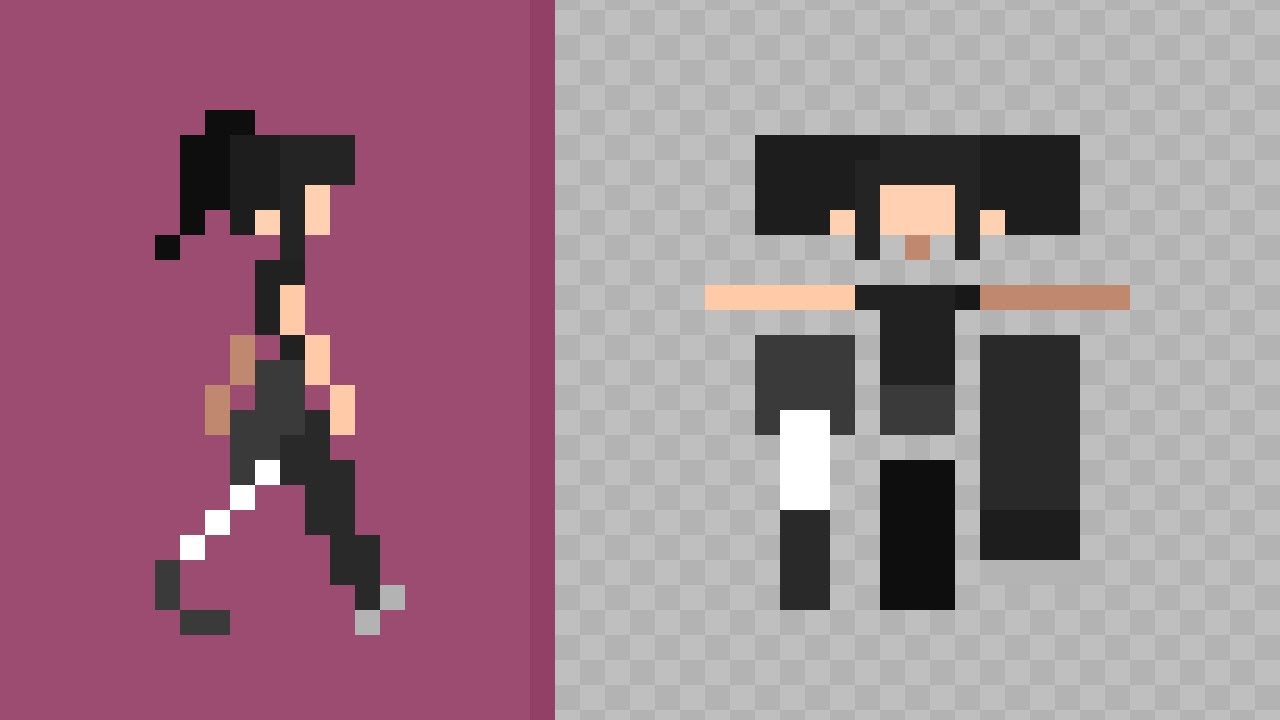
While indexed color textures are not really useful as a performance optimization these days, they can still save you work in some cases. For instance, changing the palette of 2D sprites. Here’s a cool video on the subject, the idea is using pixel colors as uv coordinates on the palette/lookup texture.
Short answer. Indexed color assets, no Unity just converts those into other RGB formats. Longer answer, write an asset importer that converts your index color images into the appropriate 8 bit or 4 bit color image according to your lookup table, then decode with a custom shader.
But there is no prebuilt support for decoding this into video output.
Unlike historically where you might have an array of nybbles, and then put the graphics unit in a pallet mode, there is no predefined pallet in the hardware or the graphics API.
This is not to say you cannot produce a pallet of your own, and then reference it in a shader.
Use a small you can use a small lookup table with a 16x16 Texture2D, or a function that produces the desired hue and saturation for the “pallet mode” integer passed to the shader.
Or if you are feeling exotic, just convert your images to 256 colors, and have the shader have a whole 256 color pallet instead of needing to pick a 16 color one.
So very theoretically possible with hijinx, but almost certainly not the bottle neck performance wise in the first place anyway, unless you already have some stupidly large hi-color textures in the VRAM.
It’s very easy to calculate the minimum amount of memory needed to store an uncompressed image. So that is simply begging the question. Why is it that you think you need to reduce the amount of memory consumed? If you are really up against the limits of modern hardware then some kind of codec and/or file streaming is going to do a lot more for you than to try to save a few bits using an archaic technique that I honestly don’t think has been natively supported by video cards since the late 90s? If this is more about optimizing for the sake of it then you are probably having the opposite effect from what you desire. On the other hand if you really do think that modern video cards are not capable of storing everything you need perhaps you could explain the use case a little and someone might have some suggestions to help work around those limits.