Hi there,
I am assigning scriptable objects to Monobehaviour objects using serialized fields. However I have quite a few of them (and will likely have a lot more) and would like to print out some details of the object somewhere in the selector as shown below:
I understand I might be able to use a custom editor for this - but I am struggling to find the exact implementation as it is not modifying the class’ editor itself, but things using that class.
I thought it would be in realtion to OnPreviewGUI, however this changes the smaller box to the left - and I’d have to grow it to see the text (Reducing the space of selection I can see).
Any help would be great thanks.
You can actually open two Inspector windows and then lock one of them (little lock in the upper corner).
To open a second one, right click on any tab.
This lets you browse all the things to contemplate dragging into something else.
The Unity object picker isn’t customisable unfortunately.
You’d have to make your own pop-up window.
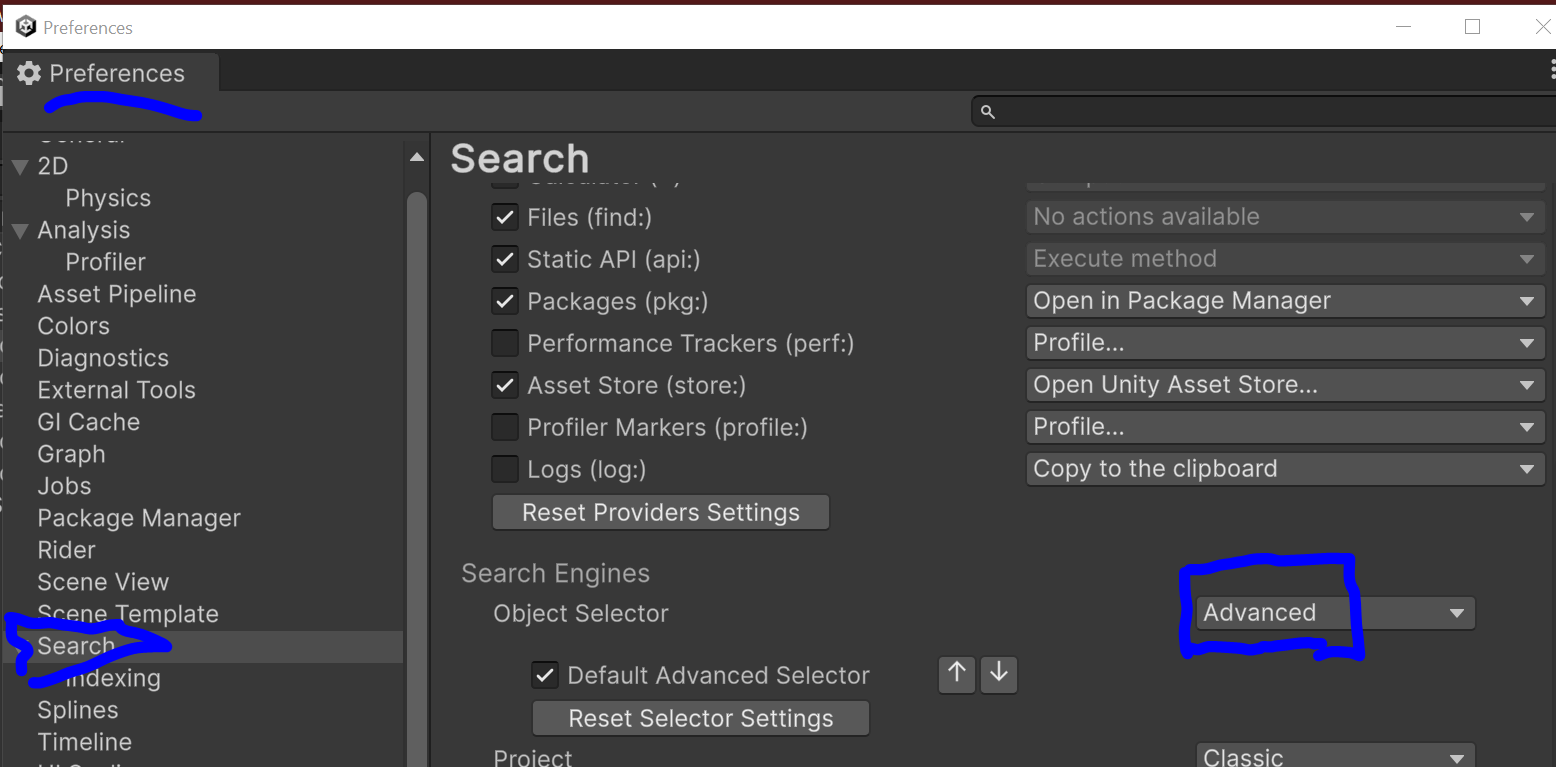
Have you tried the Advanced Search for the Object Picker?
You can set it in the Preferences/Search. This would allow you to use an advanced picking window with far more info than the generic, old one. Here is an example for Material. The plus side is numerous, you can write your own indexer, customize the search window or just use as is, since it can show a fricking inspector in place.
Shame I can’t customise it directly, but it looks like the Advanced Search does the job for the most part.
Thanks all.