“I’m gonna go build my own game engine, with dark theme and networking!”
4 Likes
Which ones specifically? To my knowledge, no other change related to styling has been released.
1 Like
The real breaking changes (for the experiments in this thread) were introduced in 2019.3.8: https://github.com/Unity-Technologies/UnityCsReference/commit/f7bceac3eadaa2d624fad86f69bb6b4a37f0f624#diff-f615dd1e170c1772ec849a397afd2caa
1 Like
I believe what this change does is caching the dark theme entitlement to improve performance instead of querying licensing, unless I’m missing something.
Edit this post completely:
In 2019.3.7 and before I could do:
https://github.com/kamyker/UnityDarkenThemer/blob/3dd83fa0ba74cf0130629c6dfea823c96ca82425/StyleSheetController.cs#L35
            var serialized = new SerializedObject(Sheet);
            serialized.Update();
            var colors = serialized.FindProperty("colors");
            if ( colors != null )
            {
                for ( int i = 0; i < colors.arraySize; i++ )
                {
                    var property = colors.GetArrayElementAtIndex(i);
                    //Debug.Log( $"name: {property.name} color: {property.colorValue}" );
                    property.colorValue = Utils.InvertColor( property.colorValue );
                }

                serialized.ApplyModifiedProperties();
            }
It doesn’t work in 2019.3.8.
you can always start here and save yourself some grunt work: https://stride3d.net/

Youre so cool yo, thanks for suggesting it!!!1
Any chance themes work with 2019.4 LTS? I don’t even care about the dark theme as much but being able to skin Unity like Blender with multiple theme options would be awesome.
1 Like
Nope, we aren’t there yet.
You are missing the part of the diff where you are caching the style catalog preventing us from applying any changes to the light stylesheet. It seems like the change was motivated by this bug ( https://forum.unity.com/threads/editorresources-stylecatalog-has-very-high-assembly-reload-cost.766952/#post-5279616 ) but honestly I am not sure. It would be nice if you could confirm this so everybody here know there was a good reason for the change.
Thanks for the tip, that was easy to fix:
var refresh = typeof( UnityEditor.Experimental.EditorResources )
    .GetField( "s_RefreshGlobalStyleCatalog", BindingFlags.NonPublic | BindingFlags.Static );
refresh.SetValue( null, true );
My way works again  , 2019.4:
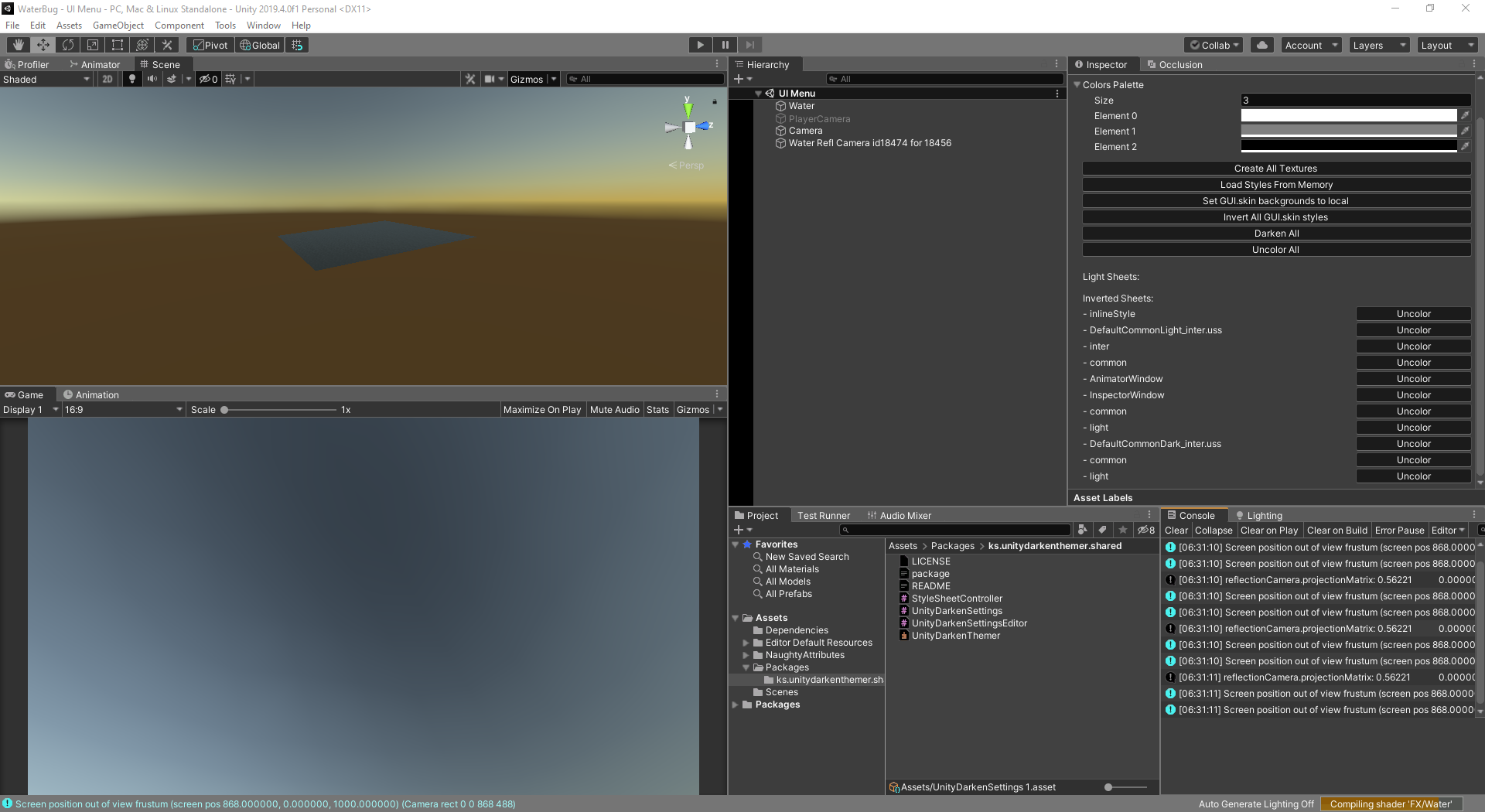
4 Likes
Nice job my friend
@xeleh1 will you be updating your github with these changes to enable the theme again? I really liked your implementation.
2 Likes


@Kamyker are you able to customize the line colors in between the panels, or is that the background unchanged from the light theme? Also wondering if you have plans to standardize your own api to make it more “agnostic”
@Kamyker nice work!
Lots of potential here. It’s inspiring to look at some of the creativity that people have with Blender themes. It would be cool for Unity users to be able to do the same.


We could set up a Unity theme repository. 
1 Like
This ugliest skin possible in Unity ever presents how much you can customize it:

Gradient:

A lot more possible but this one simply adds (or removes) color based on brightness of default skin.
Updated: GitHub - kamyker/UnityDarkenThemer
Probably, going to see how long this keeps working. Don’t want to waste too much time in case Unity update will break it. For now I make it work just enough to be able to work on my game.
1 Like
@Kamyker That’s a good reference point to see what’s possible. If this will be confirmed to stay and keep working I would be happy to design some themes to contribute in my free time.
Yeah thats the point of making the api “agnostic”, so that this exact kind of thing is a non-issue.