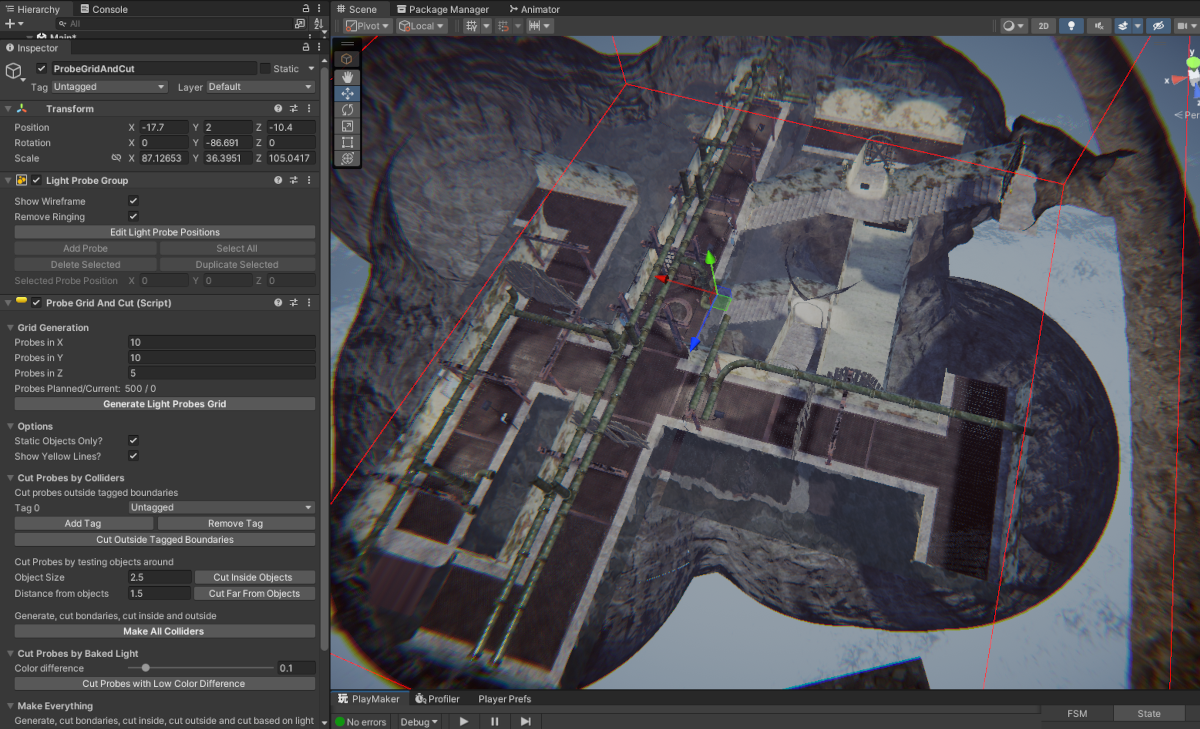
ProbeGridAndCut is a free editor extension that helps on the demanding task of place Light Probes into the scene. It lets you generate a grid of light probes, and then you can delete unwanted ones based on objects around the probes.
The goal was to give the creator more control of light probe placement with a semi-automated tool. Hope you guys like it 
Making a grid of Light Probes: You can set the number of Light Probes on each axis, with the minimum of 2.
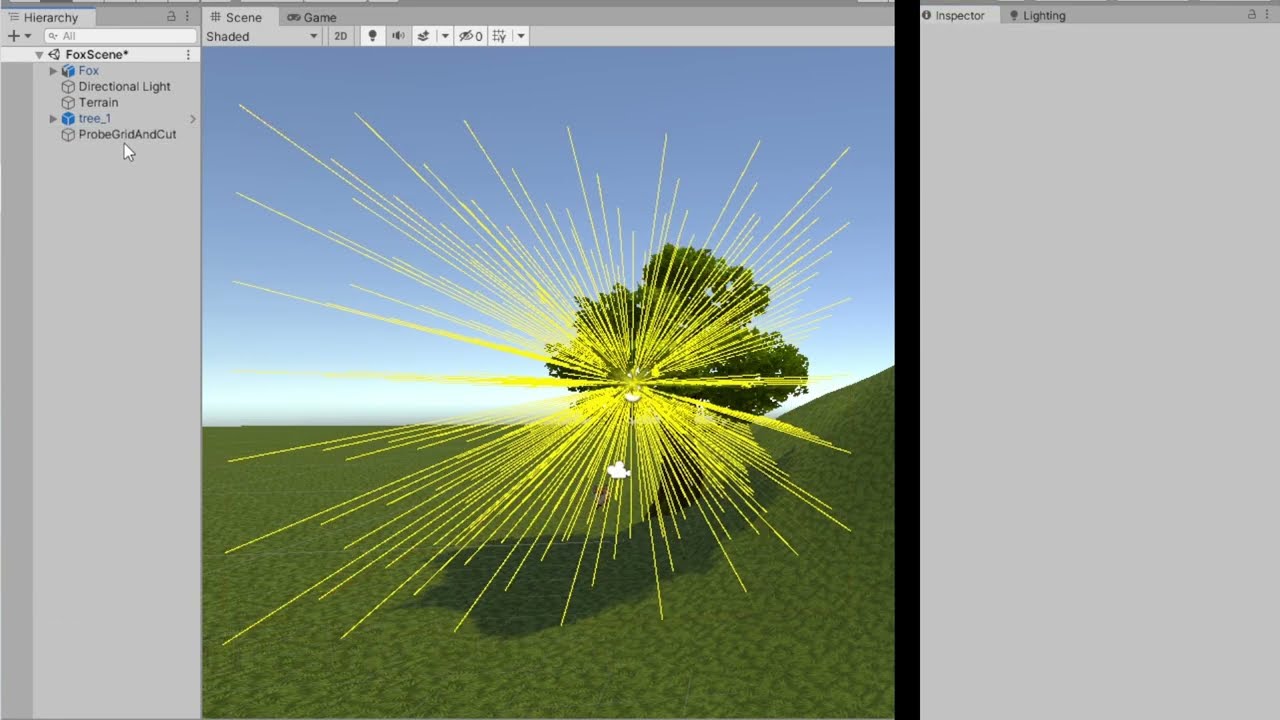
Cutting probes based on tags: Cut probes that are placed beyond the limits of the tagged objects, such as the ground or the walls of a cave. It tests each Light Probe from the center to the probe and see if the line intercepts the tagged object.
Cut probes inside objects: It will test 5 axis of each Light Probes: Up, Left, Right, Forward and Backward. If all rays intercept the same object, it means that the probe is inside it and will be removed.
Cut probes far from objects: All 6 axis will be tested on each Light Probe: Up, Down, Left, Right, Forward and Backward. If no ray intercepts any object, the probe will be cut off.
Make Everything: Make all operations above at once.
The Dangerous Button: Read the Asset Store page for more details!
This Project is Open Source, take a look at the GitHub Page: GitHub - SpockBauru/ProbeGridAndCut: Make a grid of light probes in Unity, and them Cut unwanted ones