Hi,
So basically I have this cube that is completely appearing black on one side, which I don’t want. I know I should probably work with the ambient lighting here. But I looked into my lighting settings and I can’t see any option as such:
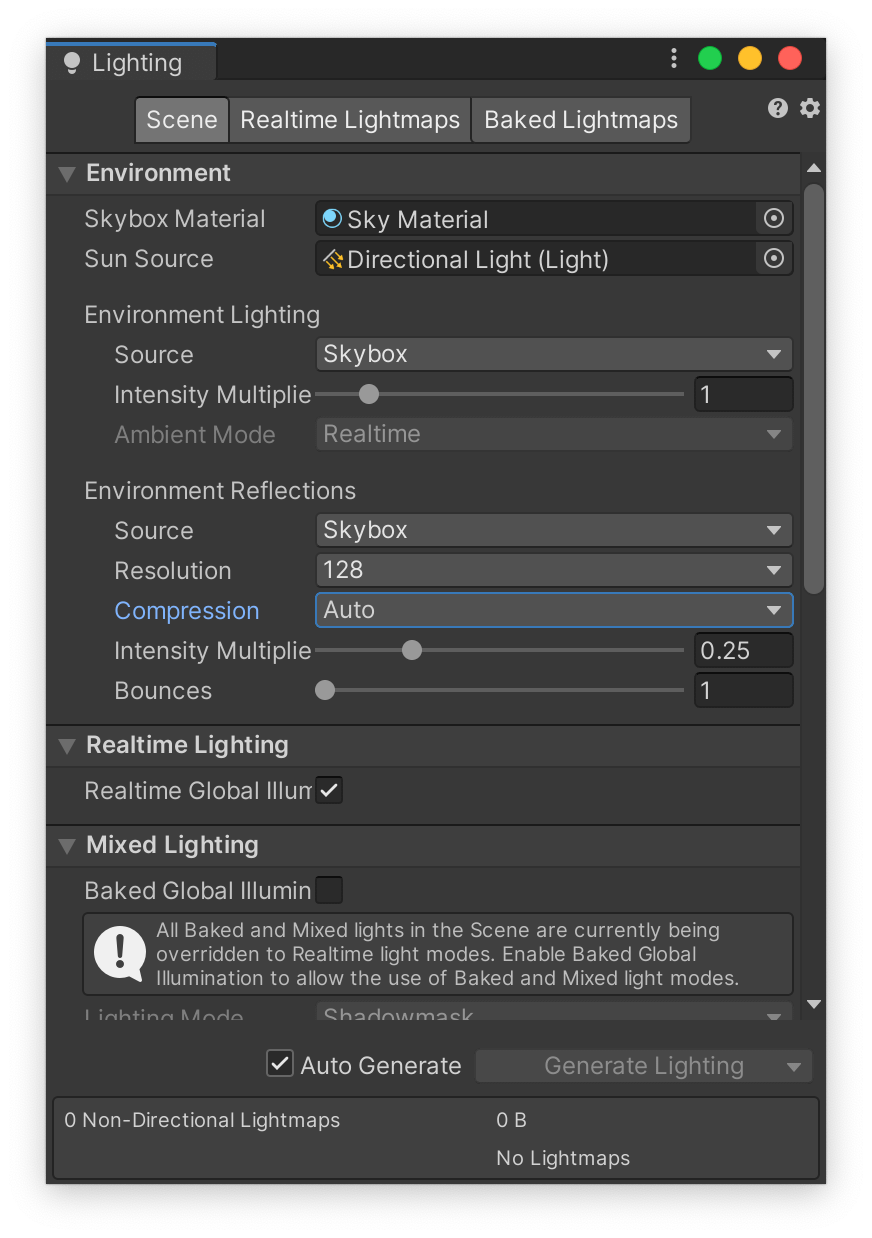
Idk but is it the ambient mode thing? And where’s the Environment tab on top? I don’t have URP installed in my project, so will I be able to modify the ambient lighting after installing it? And is this even an ambient lighting issue? Thx.