I’m using UI Toolkit and I’ve created a ListView which is getting populated programmatically with Labels. I’ve written USS which is applied to these labels, but some of the styles are being ignored because these styles are coming from inline styles… how do I override these with USS? I presume these inline styles are coming directly from Unity?
I’ve tried increasing my specificity, and also tried !important which USS doesn’t support.
In this screen shot you’ll see the styles I’m applying:
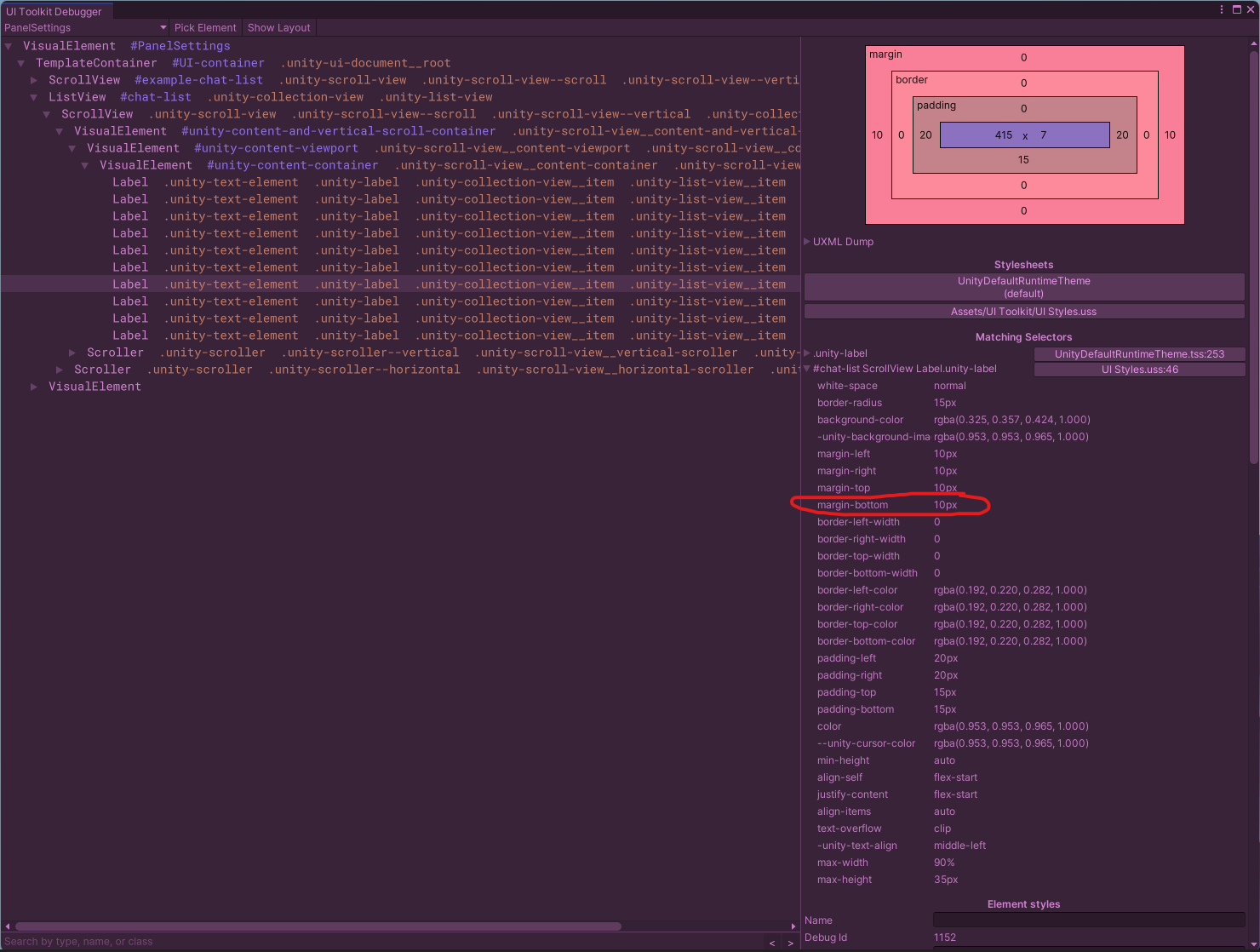
In this screen shot you’ll see the results where the style isn’t overriding the inline style.
