Hi!
I’m trying to do some particle effects in my UI. And I’ve found a couple of ways to do it but none that doesn’t ruin the rest of my UI.
I am using Unity 2019.4.10 and the default URP.
For reference, I tried following this tutorial:
but I don’t have the clear flags option on my cameras my options were just very different in general. I’m guessing that has to to with Unity version.
So I couldn’t accomplish it quite like that. But I tried adding a UI camera with Base Render Type, these settings basically:

Then I set the canvas render mode to Screen space - Camera and selected the UI camera.
Now this basically worked, as long as I had a full screen UI. But for most of the game, when you’re actually playing it, there’s just a UI overlay with things happening in the actual world space, you know. But the UI camera get some sort of precedence here it seems, and since it’s just rendering UI objects, you can’t see anything from the actual game.
And I can’t just deactivate that camera whenever the UI is not in full screen, because I still want the hud/overlay to be visible.
So I would like to have some sort of combination of the cameras simultaneously. This is when I came across camera stacking, and also when I came across this other tutorial, where the guy managed to do this with an overlay camera:
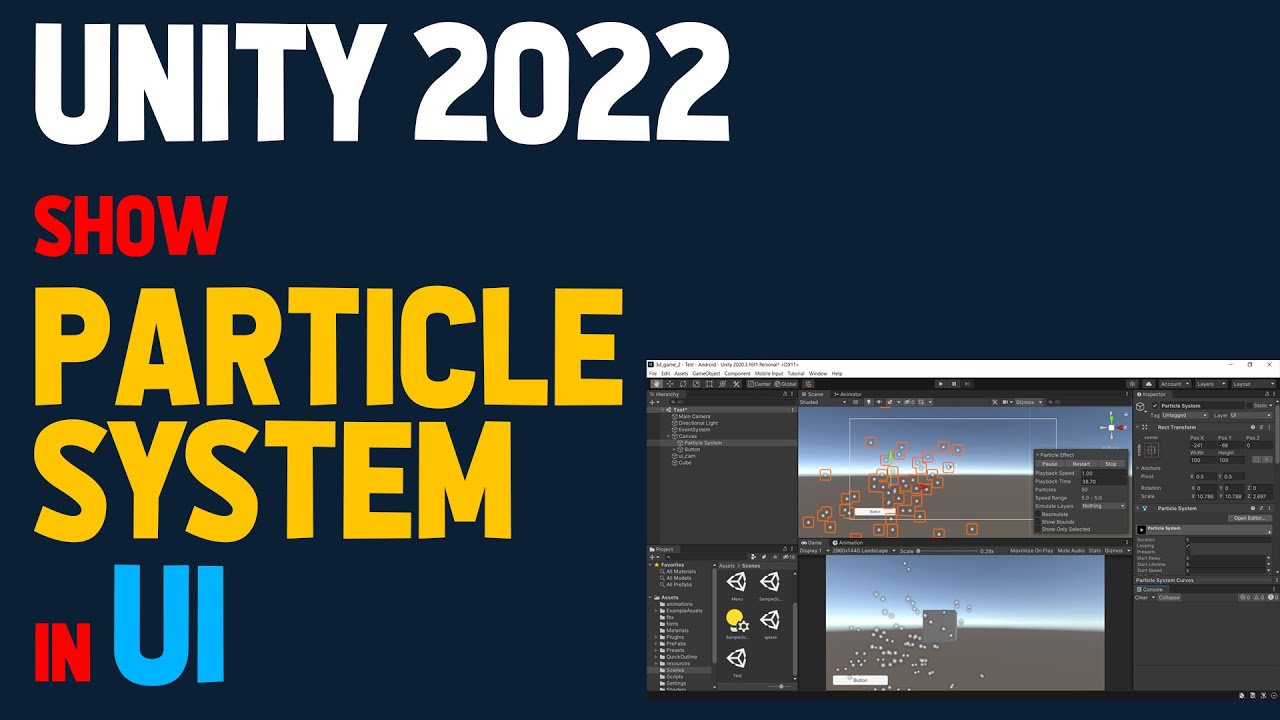
He was using this camera stacking feature, and as you can see in my print screen, this option wasn’t available to me. I tried upgrading Post-processing to version 3.0.3 through the package manager but this made no difference.
I thought about adding one canvas for overlays and one canvas for full screen UI, that way I probably could get it to work. But my UI is built on one canvas and adding more would mean quite a bit of refactoring and I feel like the whole setup in this case just makes less sense when adding more canvases.
I would also like to stay on the same Unity version if possible.
So my questions would be, why isn’t camera stacking working? Does anybody know how to get that to work? Is there another way to get some particle effects in my UI while sticking to the same Unity version and just one Canvas? Do I have to switch Unity version? Do I have to add another Canvas? Any type of guidance would be appreciated!
Thanks.
Hi @bockpe . Have you considered the idea of using a camera (which has the particle system in its view) that outputs its view into a render texture, then using that render texture as a UI image element? This would allow you to position the particles into your UI however you like. I'm not sure exactly the details of doing this, but I pretty sure its possible.
– AnOrdinarySandwich