I’m currently testing how baked lightmaps work with models which I made in blender. After building lightmaps I noticed that they are really pixelated in some areas. Then I was trying to figure out which part of lightmap i causing this effect. It seems that it’s Indirect Resolution, because when i turned it down as low as possible, pixelated parts completely disappear.
The problem is that form what I saw in other projects Indirect Resolution is much lower than Baked Resolution so I don’t know why in my project it looks like this. I also tried to crank up Indirect Resolution but results weren’t satisfying.
These lightmaps might seem fine to you but you can clearly see darker areas that look like “splash” and don’t match resolution of the rest. One thing worth noticing is that although I set atlas size to 4096 unity stores lightmaps at 3 2048px lightmaps.
There are screenshots of how lighting works with two different setups:
This is setup that i used for lightmap in first screenshot:

First screenshot:
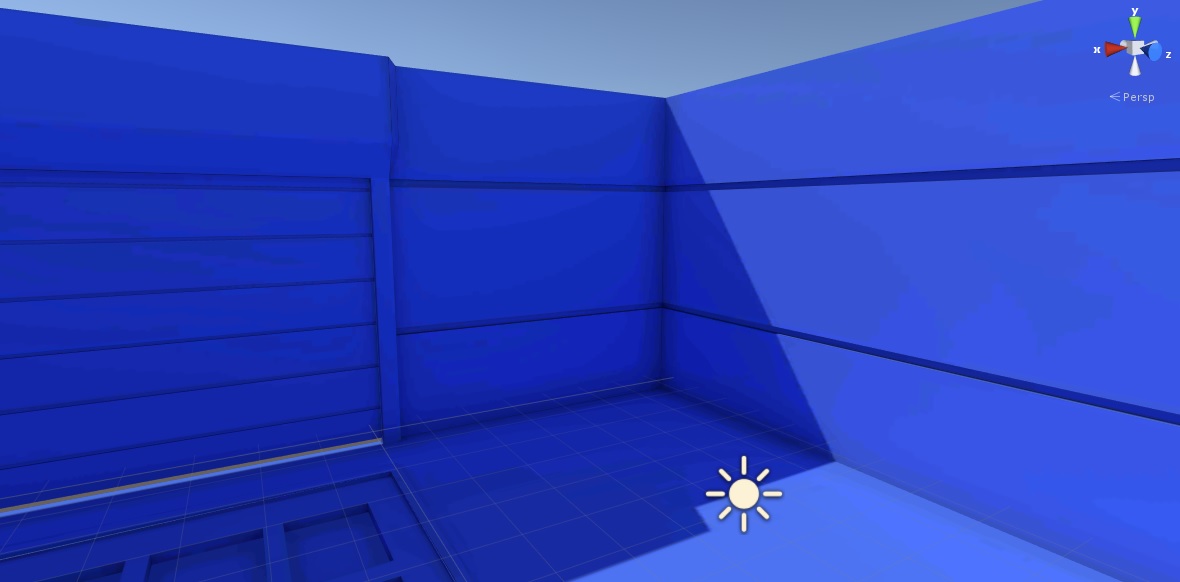
This is example of low res part in screen above:

Second screenshot (the only change is Indirect Resolution changed to 20):
