I have a Bounds data to define the trigger area of Jack (Jack is a character in the game). I use Bounds so that I can use the method Bounds.Intersects to check enter trigger area.
When I initialize Jack, I define the Bounds data:
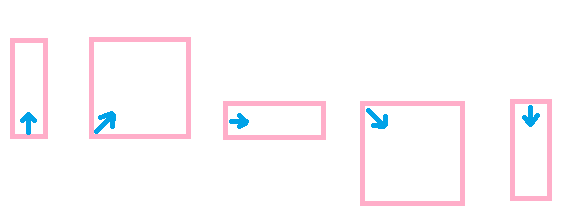
As you can see, Jack isn’t in the center of the bound, he is in the back of the bound.
The problem is when jack is moving in the the game, he changes position & rotation, I can’t find a way to match my Bounds with Jack’s rotation.
            //Init local bounds at Start
            Bounds m_localBounds;

            //Calculate current bounds when Jack moves
            Bounds currentBounds;
            currentBounds.center = m_localBounds.center + transform.position;//Update Jack's bounds position
            currentBounds.size = //How to update Jack's bounds rotation?
Bounds represent an axis-aligned bounding box, which doesn’t rotate by definition.
You can use Transform.TransformPoint across every point of the extents to receive a rotated version, but you couldn’t assign those values back to the bounds.
Why not just use a box collider set to trigger? That will follow the player.
I got it, I think here is one way the Bounds can rotate:
But I think I can use 2 points (Vector3): Min, Max to define my bound:
Because I can use Transform.localToWorldMatrix (or Transform.TransformPoint) to transform the local position to world position. This is not a perfect solution, there are some cases work, some cases don’t work, but it’s okay for me.
Or I can consider using Colliders as Triggers like GroZZleR suggests, thank GroZZleR.
Note that Colliders as Triggers is accurate but it will effect performance which is why I choose Bounds solution in the first place.